Product page: https://www.repairloader.com/manual.php/626794e
Browse more bike manuals: https://www.repairloader.com/c.php/bike
When a bike has closely related trims and mid-series updates, the best purchase decision comes from matching the listing’s identifiers—not from guessing by photos or a short model name. This post helps you read the coverage cues that usually appear on a Buell Firebolt manual listing and understand what kind of reference PDF you’re buying. Everything below stays preview-only, so you can confirm fit before checkout.
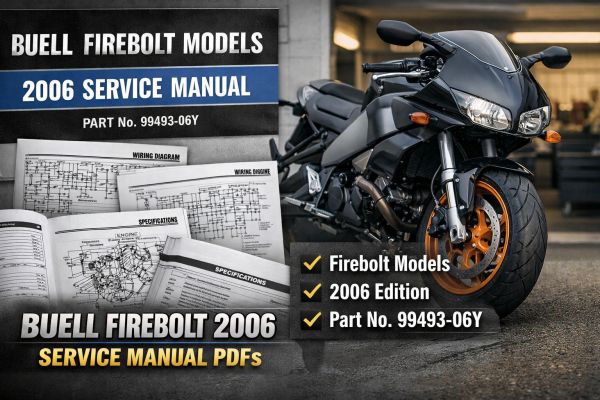
Read the listing like a nameplate: year + model line + document number
For this bundle, the strongest match signals are the top-of-page identifiers that tend to stay consistent across listings:
- Model family: Buell Firebolt (listed as “Firebolt models”)
- Model year: 2006
- Manual class: Service Manual
- Document / part number cue: 99493-06Y
If your listing shows these same anchor markers (especially the part number), you’re usually looking at the correct edition for the model year called out.
What “service manual” means as a buyer (and what it doesn’t replace)
A service manual listing is typically the deep technical reference set organized by major motorcycle systems. It’s different from:
- an owner/operator booklet (riding and general ownership reference)
- a parts catalog (exploded plates and part numbers focus)
If you want system-level reference content grouped by chassis, engine, fuel system, electrical, and similar categories, a service manual listing is the right document type to look for.
Coverage edges to double-check before you click “buy”
Even within the same year and nameplate, listings can vary in scope. When you compare similar pages, look for cues that narrow coverage cleanly, such as:
- explicit model family wording (Firebolt vs other Buell families)
- the exact year callout on the contents/cover
- a document ID/part number matching the listing headline or preview images
- whether the listing is a single PDF or a sectioned set (multi-file bundle)
If any of those cues are missing on a listing, it’s worth choosing the page that shows more identifiers up front.
File/package clues that help you recognize a complete set
This manual appears as a multi-section PDF set (a bundle of PDFs grouped by section, plus a master contents file). On listings, that often shows up as a ZIP/RAR package or as multiple downloadable PDFs. For shoppers, the practical takeaway is simple: a sectioned set can make it easier to locate the system you care about, while a single-file PDF is more “all-in-one.”
What you may see inside (coverage preview)
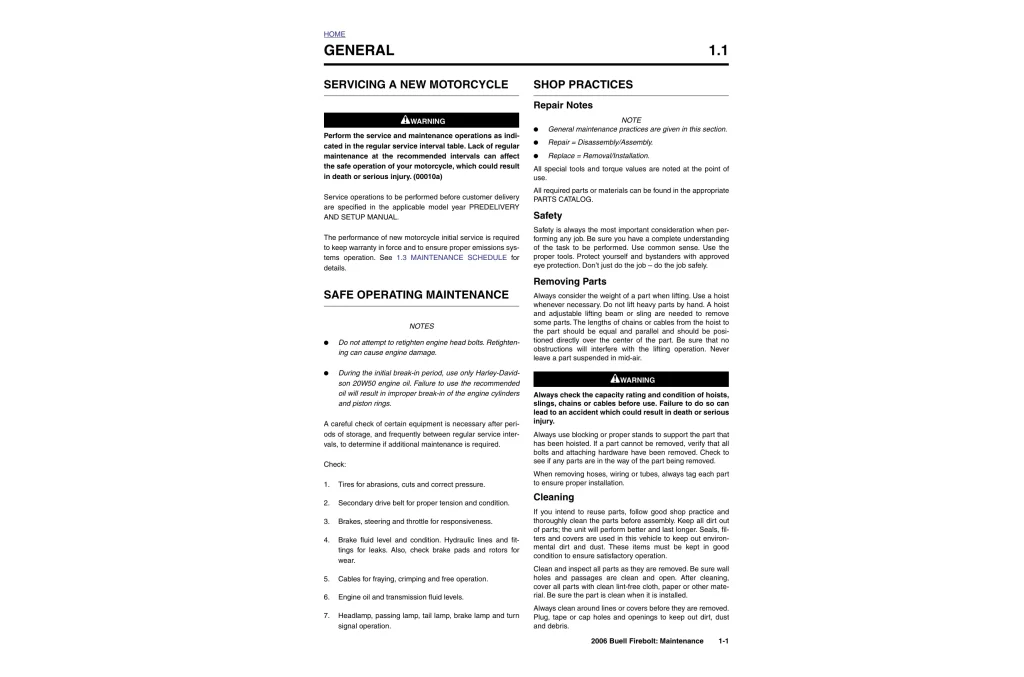
- Master table of contents for the full manual set
- Sectioned contents pages by major system group
- Specifications tables and limits/values pages
- Wiring schematics and circuit reference pages
- Chassis reference diagrams and views
- Engine section overview pages
- Appendices and reference add-ons
| Spec-style identifier | Value shown in this bundle | Matching value you want to see on the listing |
|---|---|---|
| Series tag | Firebolt models | “Firebolt” clearly named (not a different Buell family) |
| Year span | 2006 | Same year stated on the page/preview |
| Document ID | Part Number 99493-06Y | Same part number (best confirmation cue) |
| Manual bundle | Section 1–7 + Appendices | Clear system grouping or a complete “full set” note |
| File format | PDF set (packaged) | PDF and bundle format (ZIP/RAR or multi-PDF) |
If you’re deciding between two similar pages, favor the one that shows Firebolt + 2006 + 99493-06Y together in the preview or description. That small cluster of identifiers is usually the cleanest way to ensure you’re purchasing the right PDF set for your exact listing match.