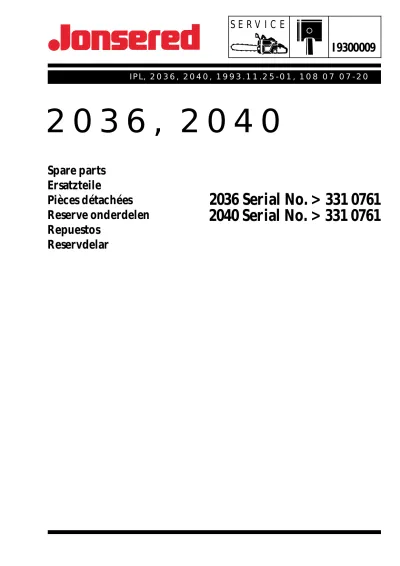
Jonsered Chainsaw Parts Lists and Workshop Manual
Select View Details and look up the model number from your saw’s ID plate to see which documents cover it. Once payment is confirmed, you can download all 28 printable PDFs in one ZIP file from the confirmation page. You’ll also receive the download link by email.
Does my saw have a parts list, repair instructions, or both?
In the publication table, an entry marked “IPL” is an illustrated parts list with exploded diagrams and part numbers to help you identify replacements. For troubleshooting and repair instructions, look for your model in the “Chain Saws Workshop Manual” row. The 2054, for example, has both types of coverage. The 2055 appears only in the workshop manual.
When do I need my serial number to choose a parts diagram?
Check the serial number on your saw whenever the listing gives a cutoff for your model or for a specific assembly. On the 2149, for example, the hand guard and starter have different cutoffs. Under “Component-specific Serial Breaks,” find the assembly you need and compare its cutoff with your saw’s serial number.
Jonsered Manuals (1 total results)