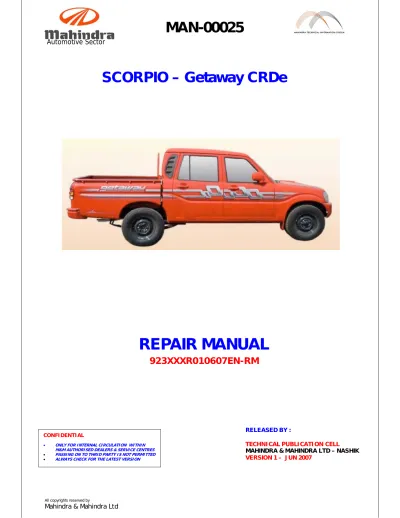
OEM Mahindra Service Manuals & Factory Technical Data
Get instant access to professional-grade technical resources for the entire Mahindra lineup. Whether you are maintaining a Scorpio, Thar, or XUV series vehicle, or servicing Mahindra agricultural tractors, our digital archive provides the exact factory service PDFs used by certified technicians worldwide.
These manuals are sourced directly as original factory prints, ensuring you have the precise specifications, wiring schematics, and mechanical tolerances required for safe operation. For heavy agricultural machinery and high-utility vehicles, using genuine OEM data is the only way to guarantee mechanical safety and long-term drivetrain reliability.
Professional-Level Technical Coverage
Mahindra’s mHawk diesel engines and specialized hydraulic systems require pinpoint accuracy. Because parameters like injection timing and hydraulic lift capacities vary between export variants and specific production series, using the correct manual for your specific model identifier is vital to prevent component failure.
Our digital service manuals provide the deep technical data needed for diagnostics and complex mechanical work:
- Engine & Fuel Systems: Full assembly torque specs, cylinder head sequences, and calibration data for mHawk and CRDe units.
- Tractor Hydraulics & PTO: Complete schematics for three-point hitches, PTO specifications, and hydraulic pump flow rates.
- Electrical Systems: High-resolution wiring diagrams, ECU pinouts, and sensor resistance values.
- Drivetrain & Chassis: Factory baseline data for 4WD transfer cases, differential clearances, and steering geometry.
Mandatory Safety & Usage Protocol The official manufacturer documentation provided by RepairLoader is intended for professional technicians and experienced mechanics. Servicing heavy-duty farming equipment and high-utility vehicles involves significant mechanical and hydraulic risks. By purchasing, you acknowledge that RepairLoader provides original source data for reference purposes. Always prioritize safety: use the correct specialized tools, wear protective gear, and consult a certified Mahindra professional if you are unsure of a procedure.
Find your Mahindra model, series, and year below to instantly download your PDF workshop manual.
Mahindra Manuals (1 total results)