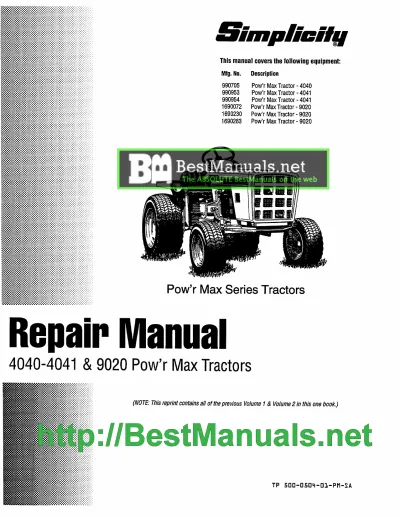
Simplicity Lawn Tractor & Snow Blower Service Manuals – Genuine Factory Documentation
Maintain the premium performance and legendary cut quality of your equipment with our professional library of Simplicity service manuals and technical workshop documentation. This collection is specifically curated for landscape professionals and mechanical technicians who require exact manufacturer specifications for Simplicity lawn tractors, zero-turn mowers, and high-performance snow blowers.
Simplicity Technical Safety Protocol
The official shop documentation provided in this category is intended for professional mechanics and experienced owners. Servicing high-torque mechanical equipment and cutting systems involves inherent risks to life and limb. By purchasing, you acknowledge that RepairLoader provides authentic factory data for informational and repair assistance purposes. Always put safety first: utilize the correct specialized tools, wear appropriate PPE, and consult a certified Simplicity dealer if you are uncertain of any specialized maintenance or overhaul procedure.
Guaranteed Reliability: Genuine Factory-Sourced Documentation
When performing precision adjustments on high-end machinery, the integrity of your technical source is the most critical factor for a successful outcome. To ensure absolute accuracy, our Simplicity technical library consists of high-resolution, genuine factory-sourced documentation. Unlike generic aftermarket guides, these official workshop resources provide the exact technical tolerances, belt routing diagrams, and electrical schematics defined by Simplicity’s engineering teams. Utilizing verified manufacturer data is the only way to ensure that specialized systems, such as the Free Floating™ mower decks found on Broadmoor and Conquest models, are calibrated to factory standards.
Deep Technical Insights for Simplicity Equipment
Our workshop manuals provide exhaustive technical depth, covering the sophisticated mechanical and hydraulic systems that distinguish Simplicity machinery from standard consumer-grade units:
- Engine & Powertrain Diagnostics: Comprehensive specifications for professional-grade engines (including Vanguard and Briggs & Stratton units), covering valve adjustments, ignition timing, and governor settings.
- Hydrostatic Drive & Suspension Systems: Detailed technical data for transaxle maintenance and the calibration of Suspension Comfort Systems™ (SCS).
- Mower Deck Geometry: Precise instructions for leveling and timing Free Floating™ decks, including high-clearance exploded views for spindle and arbor assemblies.
- Electrical System Schematics: Full-circuit wiring diagrams for safety interlock systems, electronic fuel management, and charging circuits.
- Snow Blower Mechanicals: Technical data for auger drive systems, gearbox overhauls, and chute control mechanisms for heavy-duty winter equipment.
Instant Digital Access for Workshop Efficiency
Minimize equipment downtime with immediate access to technical data. All Simplicity manuals are available for instant download in high-quality, searchable PDF format. This allows for rapid keyword navigation and the ability to zoom into complex technical blueprints directly on your tablet or smartphone at the workbench. Secure your technical advantage today and ensure your Simplicity equipment delivers a professional result every season.
Simplicity Manuals (2 total results)
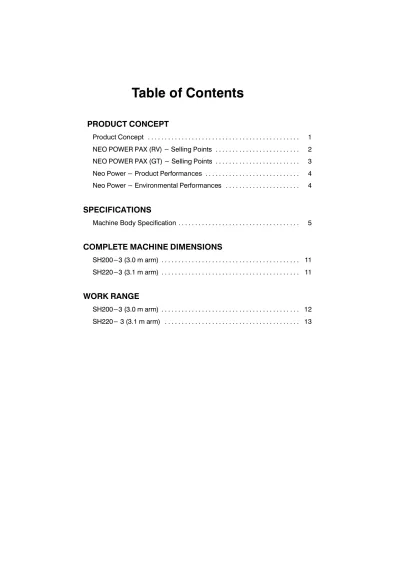
2001 Sumitomo SH200-3, SH220-3 Excavator Service Manual