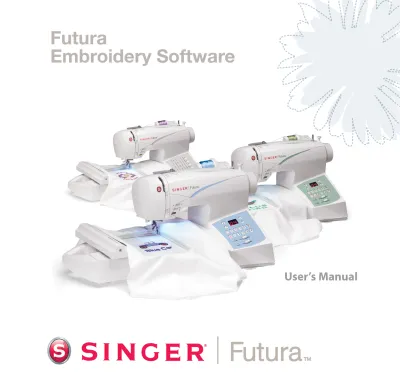
Singer Sewing Machine Service Manuals – Original Factory Shop Documentation
Keep your equipment operating at peak performance with our professional library of Singer service manuals and official factory workshop guides. This collection provides technicians, restoration specialists, and experienced owners with the exact manufacturer specifications required for the entire Singer lineup—from vintage mechanical legends to modern computerized machines and professional sergers.
Complete Technical Coverage for Singer Equipment
Our workshop manuals offer an in-depth look at the mechanical and electronic architecture of your machine. These technical guides cover all essential subsystems, including:
- Timing & Synchronization: Factory-spec diagrams for hook-to-needle timing, feed dog synchronization, and bobbin case positioning.
- Calibration & Tension: Exact specifications for upper and lower thread tension, presser foot pressure, and thread take-up lever stroke.
- Electronic Logic Boards: Full wiring diagrams for computerized models, including Motor Control Units (MCU), sensor calibration, and PCB layouts.
- Mechanical Drive Systems: High-definition exploded views for drive belts, oscillating hooks, rotary systems, and zigzag mechanisms.
- Lubrication & Maintenance: Official factory lubrication charts and wear limits for high-friction components to extend machine longevity.
Instant Access for Professional Restoration
Avoid delays and get your machine back in service with instant access to high-fidelity technical data. All Singer manuals are available for immediate download in searchable, high-resolution PDF format. Navigate quickly via keywords or zoom into intricate mechanical blueprints on any device. Secure the exact factory blueprint for your model today and ensure your Singer continues to deliver professional results.
Verified Factory Documentation: The OEM Standard
In the world of precision machinery, the accuracy of your technical source is the difference between a successful restoration and a mechanical failure. To ensure professional-grade reliability, our Singer technical library consists exclusively of high-resolution, genuine factory-authorized digital prints. Unlike generic third-party guides that often miss critical tolerances, these official files preserve the exact timing diagrams, clearance values, and electrical schematics defined by Singer’s original engineering teams. Utilizing verified OEM blueprints is the only definitive way to calibrate needle bar height, hook-to-needle clearance, and feed dog stroke to factory standards.
Safety & Technical Disclaimer
The official Singer factory manuals provided here are intended for use by trained technicians and individuals with advanced mechanical knowledge. Servicing precision sewing machinery involves inherent risks, including high-voltage electrical hazards and complex mechanical timing. By purchasing these documents, you acknowledge that RepairLoader provides official manufacturer reference data for informational purposes only. To prevent injury or equipment damage, always disconnect the power supply before performing internal service. If you are uncertain about timing adjustments or electrical circuit integrity, please consult a certified specialist.
Singer Manuals (6 total results)
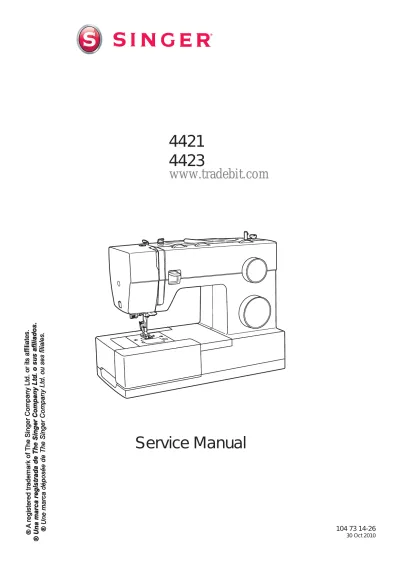
2010 Singer 4421 / 4423 Sewing Machine Service Manual (P/N 104 73 14–26)
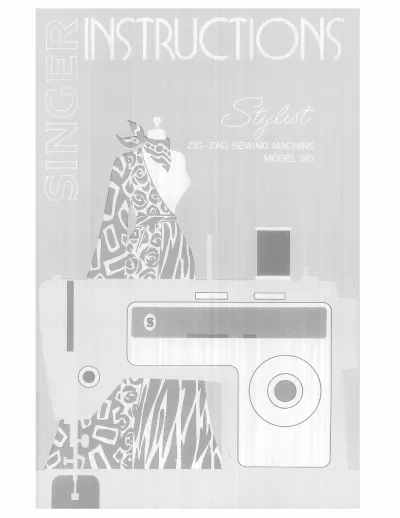
1972 Singer Stylist 513 Zig-Zag Sewing Machine Instruction Manual (P/N 116286-001)
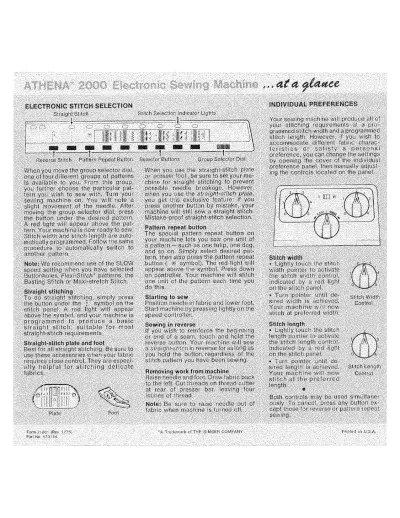
1975 Singer ATHENA 2000 Sewing Machine Operator's Guide (P/N 173122)
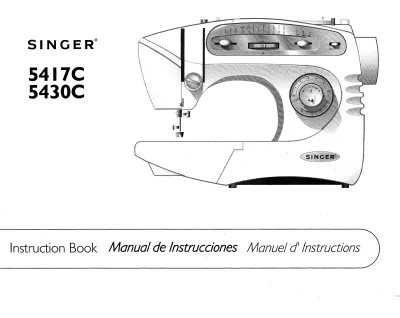
2000 Singer 5417C / 5430C Sewing Machine Instruction Manual (P/N 357791-001)
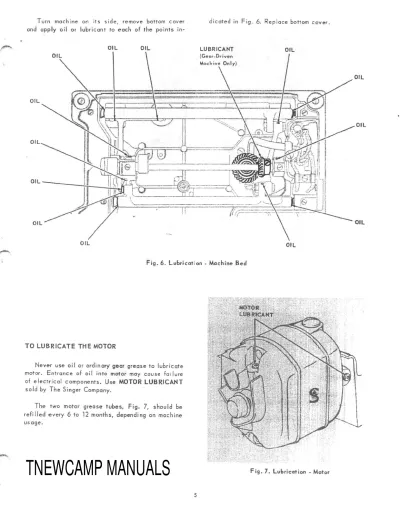
Singer 221 Sewing Machine Service Manual