Ricoh Copier and Printer Service Manuals
Find your Ricoh model name or machine code in the listings below, then select View Details to check coverage. As soon as your payment is confirmed, you can download the PDF from the confirmation page or use the link sent by email.
Why does one Ricoh manual list several machine codes?
One manual can cover several configurations in the same series. Match your machine code to the Models list, then check Sub-models / Variants for your version. For example, a manual may cover both a flatbed-only copier and versions with an automatic document feeder and fax. The feeder and fax sections apply only to the versions with those features.
Will the manual explain the code on my Ricoh’s display?
Check the listing’s content preview for the type of code you see. If the display shows a service call (SC) code, look for an SC code table that connects the code to likely causes. For a recurring paper jam, look for jam-code tables that identify the affected part of the paper path.
Ricoh Manuals (6 total results)
2007 Ricoh MP C6000/MP C7500 Color Copier Service Manual (P/N D014/D015)
Ricoh S-C3 Copier Service Manual 2006–2010 (B262, B280, B292, B293)
Ricoh B230/B237 (AT-C1) Copier Service Manual – 2006
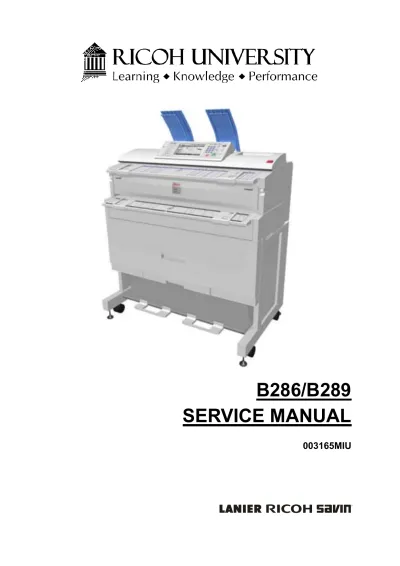
Ricoh B286/B289 Printer Service Manual, 2007 (P/N 003165MIU)
Ricoh K-C3 Copier Service Manual (2006) — B245, B276, B277, B268, B269