Xerox Able 3401/3250/1406/1250 Service Manual
This service manual covers the Xerox Able 3401, 3250, 1406, and 1250 electrostatic copiers, providing detailed troubleshooting and repair procedures for optimal performance. Publication APsm-030.
Manual Preview
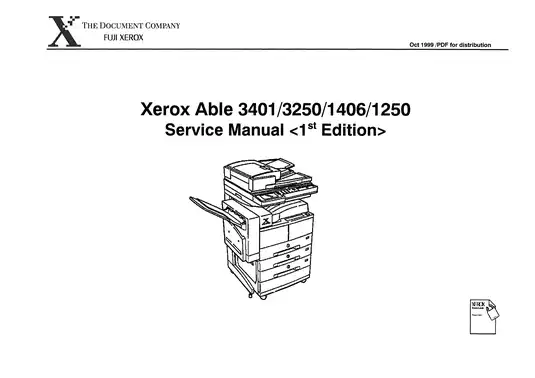
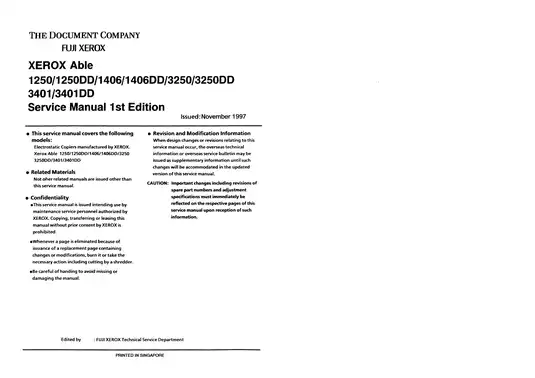
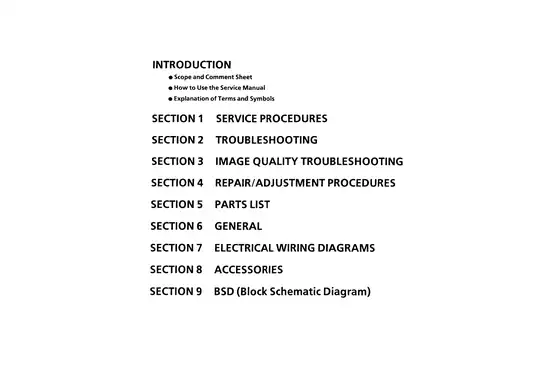
Sample pages from the Xerox Able 3401/3250/1406/1250 Service Manual manual
Purchase & Download
Xerox Models Covered & Key Technical Specifications
Models: Xerox Able 3401, Xerox Able 3250, Xerox Able 1406, Xerox Able 1250, Xerox Able 3401DD, Xerox Able 3250DD, Xerox Able 1406DD, Xerox Able 1250DD
Sub-models / Variants: 1250, 1250DD, 1406, 1406DD, 3250, 3250DD, 3401, 3401DD
Trade Names: Fuji Xerox Able
Build Years: 1997–1999
Technical Data:
- Optical resolution: 1200 dpi
- Max system volume: 128 MB
- Fuser unit heat dissipation: 75 W
- Power supply consumption: 250 W
- Fuser thermistor resistance (hot): 1.4 kOhm
- Fuser thermistor resistance (cool): 239 kOhm
- Consumable replacement interval (Drum Unit): 25.2K copies
- Consumable replacement interval (Fuser Assy): 300K–350K copies
Xerox Manual Features & Content Preview
Technical Scope and Documentation for the 1997–1999 Fuji Xerox Able 3401/3250/1406/1250
- Covers 1997–1999 Fuji Xerox Able 3401, 3250, 1406, and 1250 electrostatic copiers, including DD-series variants
- Official Fuji Xerox publication P/N APSM-030, first edition dated November 1997
- Documents over 100 diagnostic status codes and 19 block schematic diagram (BSD) chains
- Laid out for standard letter and A4 printing
- Full-text search finds any part number in seconds
- This 659-page technical reference provides the essential wiring, diagnostic, and maintenance data for the 1997-series build
Copier Diagnostics and System Troubleshooting
The 1997–1999 Fuji Xerox Able 3401/3250/1406/1250 service manual details advanced diagnostics for electrostatic copiers. It explores the structure of factory workshop documentation to facilitate efficient system evaluation. Topics include service procedures, image quality optimization, and systematic electrical troubleshooting through detailed status codes. This content allows for the isolation of faults within the fuser, motor, and sensor systems by utilizing established diagnostic and maintenance modes.
Specification Highlights
The technical documentation includes comprehensive reference values for system calibration and component maintenance. Fuser thermistor resistance is documented at 1.4 kOhm for a hot unit and 239 kOhm for a cool unit. Power supply requirements are listed at 250 W for normal operations, and the fuser dissipation is maintained at 75 W. Drum unit replacement intervals are specified at 25.2K copies in the maintenance schedule. Reference values for NVM adjustments and sensor thresholds are presented to assist in machine calibration and diagnostic analysis. All service data shown here is for reference only — qualified technicians and the original OEM documentation remain the authoritative source for any hands-on work. This 659-page Fuji Xerox Able 3401/3250/1406/1250 service manual provides authorized technicians with the necessary schematics, diagnostic codes, and maintenance data for the full 1997-series electrostatic copier lineup.
Manual FAQ, Purchase & Download Details
Customer Reviews
Read what our customers say about this Xerox Copier manual and share your own experience.