Xerox Service Manuals: Genuine Factory Repair & Maintenance Data
Maximize the uptime and performance of your Xerox imaging systems with professional-grade technical documentation. This library provides direct access to official factory specifications for Xerox office printers, WorkCentre multifunction systems, and high-volume production presses. We provide technicians and service engineers with the precise data needed for advanced diagnostics, NVM (Non-Volatile Memory) adjustments, and complete hardware overhauls.
Technical Safety & Handling Advisory
Servicing industrial-grade imaging equipment involves specific hazards. These internal documents are intended strictly for trained technicians and experienced mechanical operators. Maintenance on high-precision optics and fuser assemblies carries inherent risks, including exposure to high-voltage components and Class 1 laser units. By accessing these files, you acknowledge that RepairLoader provides genuine manufacturer-sourced data for technical reference.
Always prioritize electrical safety: use calibrated specialized tools, wear appropriate PPE, and ensure the system is fully discharged before handling Power Wiring Boards (PWB). If a diagnostic routine exceeds your technical expertise, consult a certified Xerox specialist immediately.
100% Authentic: Genuine Factory Technical Literature
When maintaining complex optical systems, the source of your data determines the success of the repair. Our Xerox collection consists exclusively of Genuine Factory Technical Literature—exact digital duplicates of the official service documentation used by authorized field engineers.
By using factory-direct material instead of third-party reconstructions or low-quality scans, you ensure that every circuit diagram, part number, and mechanical alignment protocol is 100% accurate. This eliminates the risk of transcription errors and provides the manufacturer-level intelligence required to keep Phaser or VersaLink units running at peak factory standards.
Advanced Technical Coverage
Our documentation supports the intricate internal architecture of the entire Xerox product line:
- Imaging Systems: Detailed specs for IBT (Image Transfer) belts, drum assemblies, laser units, and fuser temperature tolerances.
- Electrical Schematics: High-definition wiring layouts and PWB pinout diagrams for accurate electronic troubleshooting and sensor diagnostics.
- Mechanical Alignment: Factory-certified data for feeder assemblies, registration timing, and finishing module synchronization.
- Diagnostic Protocols: Full tables for Diagnostic Trouble Codes (DTC), fault code analysis, and system calibration (including dC131 and dC612 procedures).
Professional Digital Delivery
Engineered for real-world service environments, our manuals are delivered in high-fidelity, searchable PDF format.
- Instant Access: Download your files immediately to minimize equipment downtime.
- Device Ready: Optimized for clear viewing on laptops, tablets, or smartphones directly at the machine.
- Full Searchability: Use keyword indexing to quickly jump to specific error codes, parts, or maintenance intervals.
- High-Resolution Printing: Clear, sharp scans ensure that complex schematics and small-print specs remain readable if you prefer a hard copy.
Select your Xerox model below to download the official factory manual and maintain your equipment with manufacturer-level precision.
Xerox Manuals (32 total results)
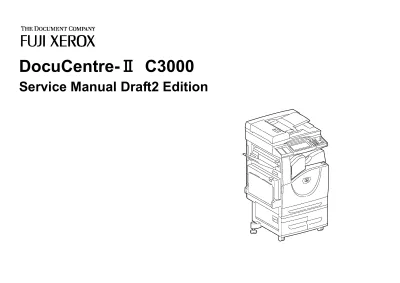
2006 Fuji Xerox DocuCentre-II C3000 Service Manual (P/N SM-TC100179-0-01-0)
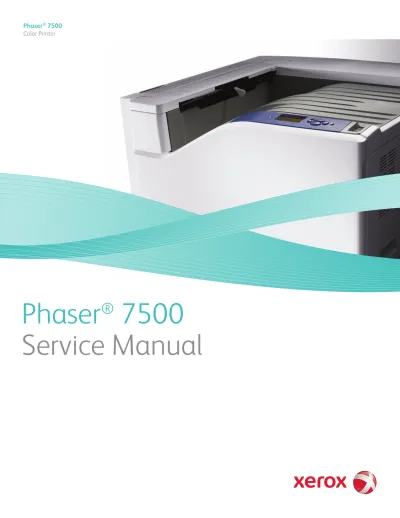
Xerox Phaser 7500 Printer N, DN, DT, and DX Models Service Manual (P/N 701P49561)
2002 Xerox Document Centre 535/545/555 Service Manual (P/N 708P87010)
2007 Xerox WorkCentre 5632/5638/5645/5655/5665/5675/5687 Service Manual (P/N 708P88787)
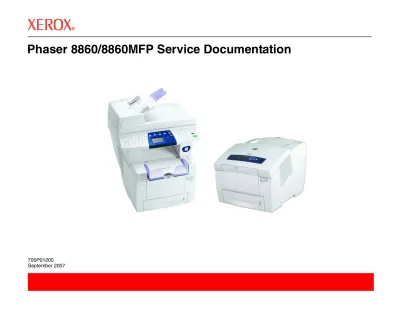
Xerox Phaser 8860/8860MFP Service Manual (P/N 705P01205)
Xerox 3001 Engineering Copier 1998 Service Manual (P/N 701P14950)
1996 Xerox 2510 / 2515 Copier Service Manual (P/N 700P87480)
Xerox Phaser 7760 Series Color Laser Printer Factory Service Manual (P/N 705P01119)
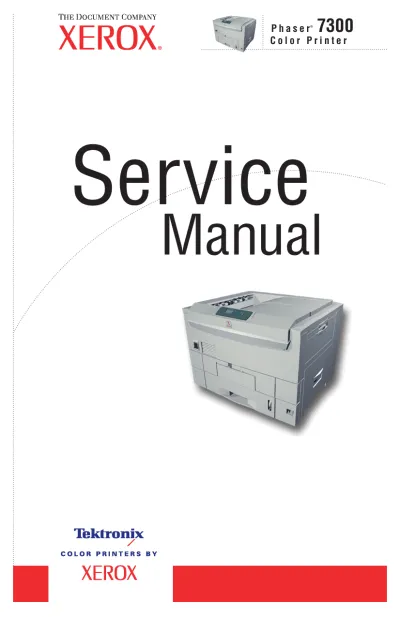
2002 Xerox Phaser 7300B, 7300N, 7300DN, 7300DT, and 7300DX Color Printer Service Manual (P/N 071-0862–00)
Xerox Phaser 6280 Color Laser Printer Service Manual (P/N 701P48435)
Xerox WorkCentre 4150/4250/4260 Family Service & Repair Manual (P/N 708P89388)
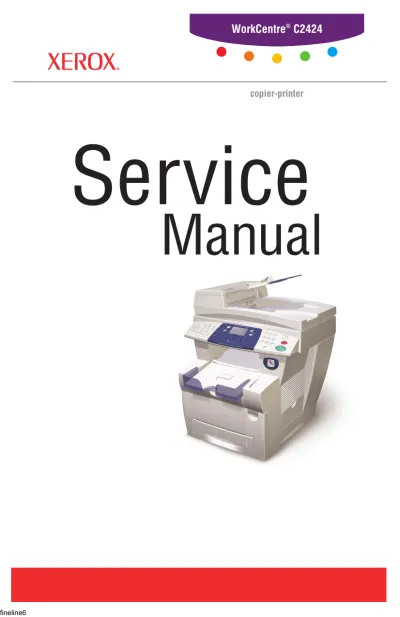
Xerox WorkCentre C2424 Copier-Printer 2005 Service Manual (P/N 604E13990)
1992–1997 Xerox 3050 Copier Service & Repair Manual (P/N 700P86580)
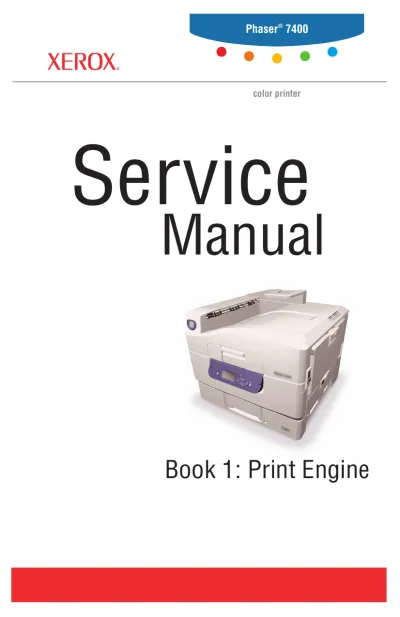
2005 Xerox Phaser 7400 Color Printer Service & Repair Manual (P/N 071-0876–00)
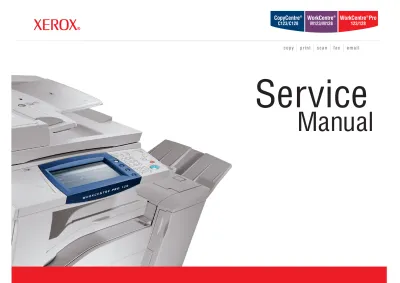
2005 Xerox Service Manual for CC C123/128, WC M123/128, Pro123/128, CC 133, WC 133, Pro133 Copier/Printer (P/N 705P 00902)
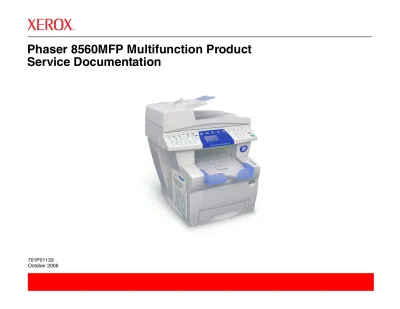
2006 Xerox Phaser 8560MFP Service Manual (P/N 705P01133)
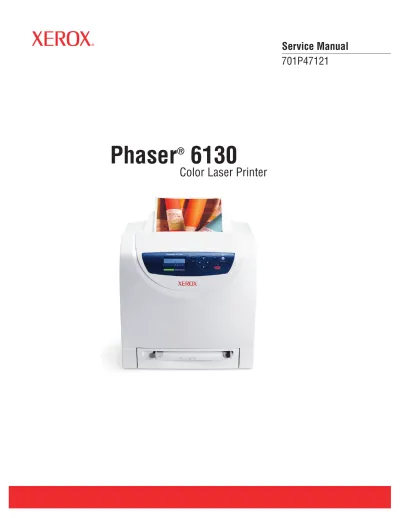
2007 Xerox Phaser 6130 Color Laser Printer Service Manual (P/N 701P47121)
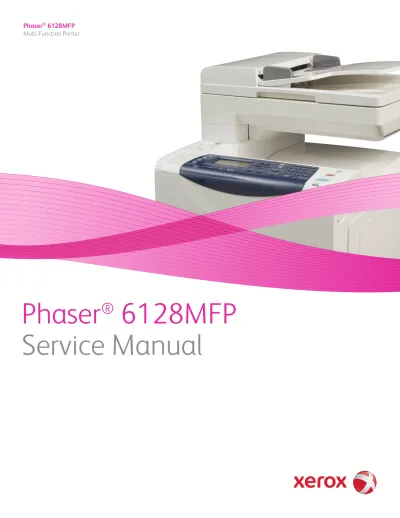
2009 Xerox Phaser 6128MFP Service Manual (P/N 701P49279)
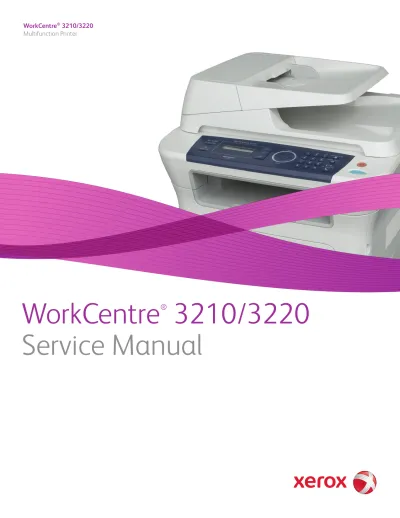
2009 Xerox WorkCentre 3210/3220 Multifunction Printer Service Manual (P/N 701P49487)
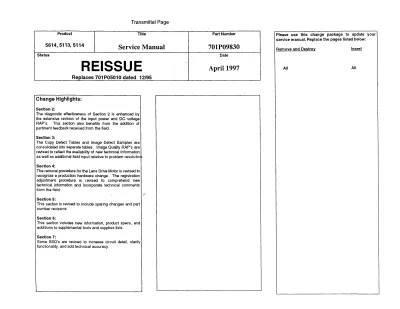
Xerox 5614 / 5113 / 5114 Copier Service Manual (P/N 701P09830)
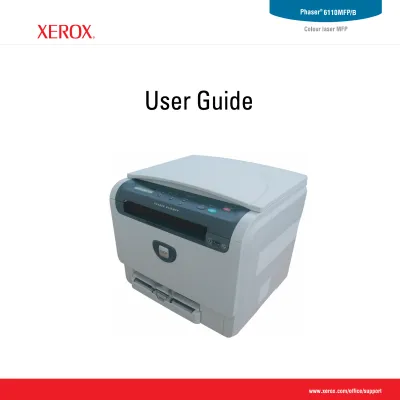
Xerox Phaser 6110 MFP Service Manual (P/N 701P28460)
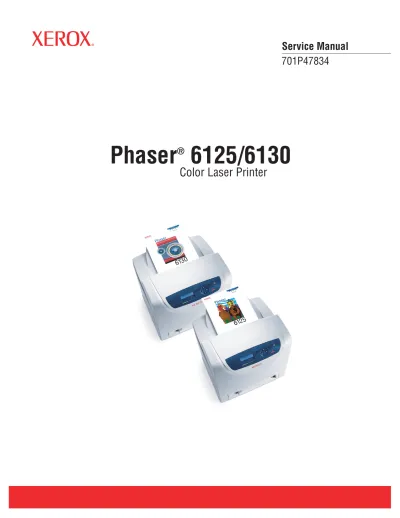
Xerox Phaser 6125/6130 Color Laser Printer Service Manual (P/N 701P47834)
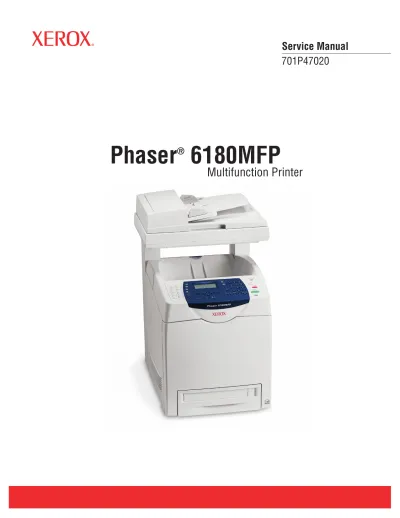
Xerox Phaser 6180MFP Multifunction Printer Service Manual (P/N 701P47020)
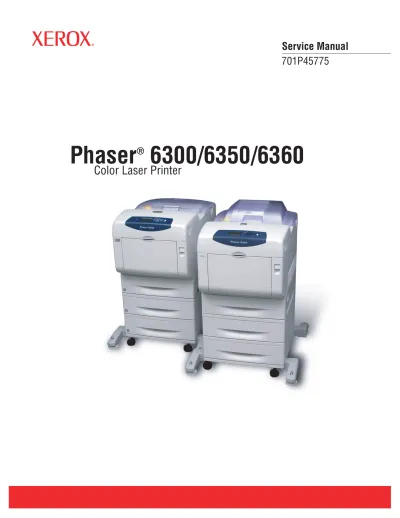
Xerox Phaser 6300/6350/6360 Color Laser Printer Factory Service Manual (P/N 701P45775, 2007)
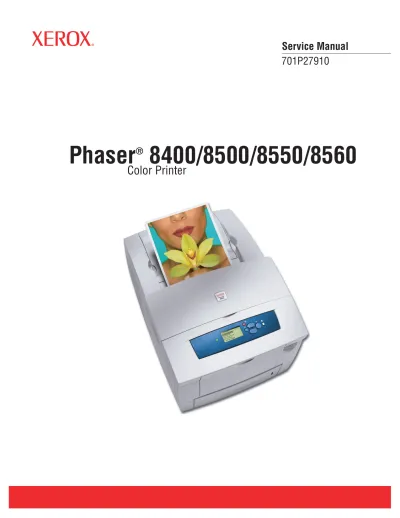
Xerox Phaser 8400/8500/8550/8560 Color Printer Service Manual (P/N 701P27910, 2007)
2001 Xerox Phaser 7700 Color Laser Printer Service Manual (P/N 071-0860-01)
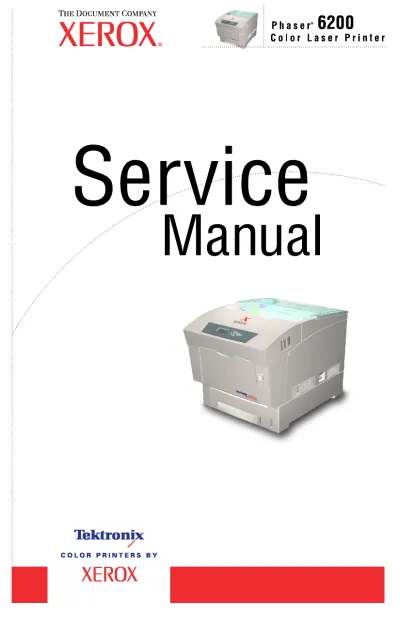
2002 Xerox Phaser 6200/6200B/6200N/6200DP/6200DX Service Manual (P/N 071-0784-00)
2002 Xerox Phaser 840/850/860/8200 Color Printer (P/N 071-0723-00)
2003 Xerox K-C2 Service Manual (P/N 001874MIU)
2003 Xerox Phaser 7750 Color Laser Printer Service Manual (P/N 071-0864-00)
2008 Xerox WorkCentre 5225/5230 Service Manual (P/N 705P01212)