Elna Sewing Machine Service Manuals & Technical Repair Data
Access high-resolution, professional-grade service manuals for Elna sewing machines, sergers, and embroidery systems. Our digital technical library provides sewing machine technicians, restoration enthusiasts, and textile professionals with the genuine factory data required for precise needle-to-hook timing, motherboard diagnostics, and cam-stack synchronization.
Swiss Precision: Factory Manuals for Elna Machines
Elna has a storied history of introducing innovative designs, from the first portable free-arm machine to today's advanced computerized embroidery units. Because these machines rely on tight tolerances for perfect stitch formation, generic repair advice is not enough. We provide direct digital reproductions of official OEM workshop manuals, ensuring your maintenance aligns strictly with original manufacturer standards. Get the exact specifications for:
- Classic Mechanical Models: Comprehensive service protocols for the Elna Lotus, Stella, Star, and the iconic "Grasshopper" (Elna 1). Find precise specs for motor carbon brush replacement, internal lubrication points, and friction-drive adjustments.
- Computerized & Electronic Series: Targeted diagnostic steps for the eXperience, eXpressive, and modern Lotus series. These manuals feature factory fault codes for LCD screens, stepper motor calibrations, and sensor array troubleshooting.
- Overlockers & Sergers (eXtend): Technical insights into the looper timing and knife-clearance settings required for professional-grade edge finishes.
Accurate Calibration & Technical Specs
The secret to an Elna’s longevity is the proper alignment of its moving parts. These manufacturer-sourced manuals provide the technical depth necessary to properly service high-end sewing equipment without guesswork:
- Needle Bar & Hook Timing: Master the critical point where the hook meets the needle's scarf. Access the exact factory measurements for needle bar height and clearance to eliminate skipped stitches.
- Tension Mechanism Overhaul: Professional schematics for upper tension discs and bobbin case springs. Ensure consistent thread delivery for both delicate silks and heavy denim.
- Embroidery Unit Synchronization: Step-by-step calibration for X-Y carriage movement and hoop-sensing electronics so embroidery designs remain perfectly centered.
Instant PDF Downloads for Your Worktable
A stalled sewing project due to machine failure can disrupt a professional repair shop or a personal studio. Waiting for physical manuals to arrive by mail is frustrating. Every Elna service manual we offer is delivered instantly as a fully searchable PDF. Technicians can pull up exploded parts views, wiring diagrams, or lubrication charts directly on a tablet or laptop right at the sewing table. By securing authentic factory service literature, you ensure that every repair preserves the precision and quiet operation Elna is famous for.
Safety Warning & Service Disclaimer These factory-authorized service materials are intended strictly for professional technicians, seasoned restorers, and mechanics with a solid background in electromechanical repair. Servicing high-speed sewing equipment involves exposure to live electrical circuits and moving mechanical assemblies. By accessing these documents, you acknowledge that RepairLoader supplies this authentic manufacturer data for educational and reference purposes only. Always verify the machine is completely unplugged from its power source before removing the case. Use insulated precision tools, wear appropriate eye protection when testing mechanisms under power, and consult a certified textile mechanic if you lack experience with specialized calibration procedures.
Elna Manuals (10 total results)
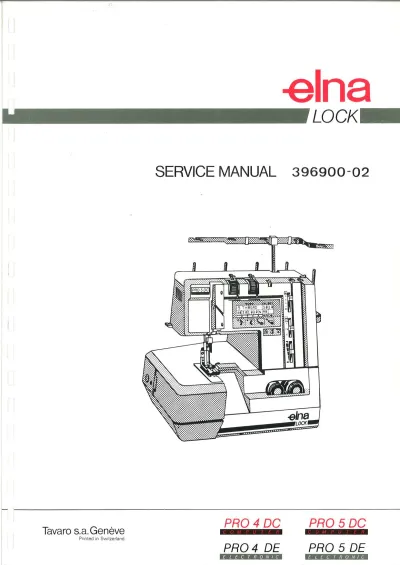
1991–1993 Elna Lock PRO 4 DC/DE & PRO 5 DC/DE Overlock Sewing Machine Service Manual (P/N 396900-02)
2000s Elna PRO 704 DEX Overlock Sewing Machine Instruction Manual (P/N 396160-94)
1990 Elna PRO-5 DC & DE Overlock Sewing Machines Instruction Manual (P/N 4650)
1996 Elna 1010 Sewing Machine Instruction Manual (P/N 395720-62)
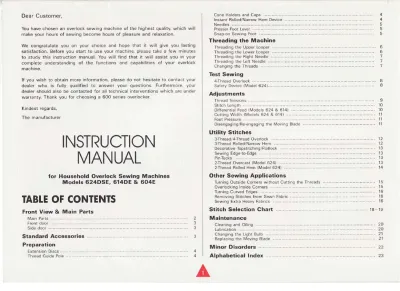
1998 Elna 624DSE, 614DE, 604E, 644, and 634 Overlock Sewing Machine Instruction Manual & Supplement (P/N 396162-02)
Elna 6004 Sewing Machine Instruction Manual (P/N 395720-42)
1998 Elna FunStyler Sewing Machine Instruction Manual (P/N 395705-22)
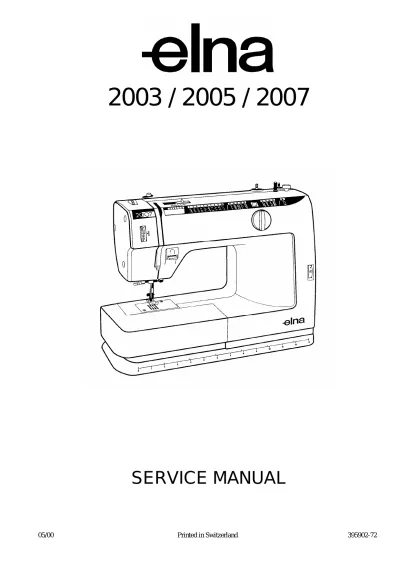
2000–2007 Elna 2003, 2005, 2007 Sewing Machine Service Manual (P/N 395902-72)
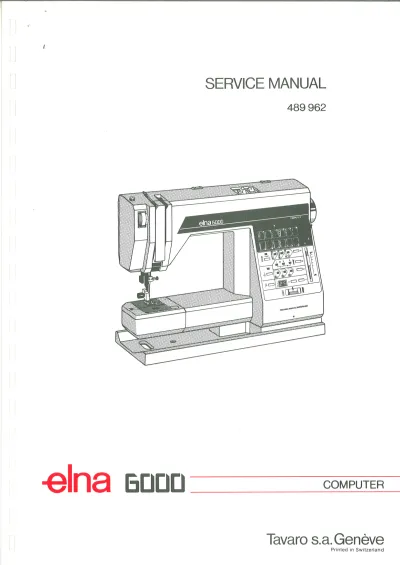
Elna 6000 Computer Sewing Machine Service Manual