Ricoh Manuals for Printers, Copiers, and Document Systems
Ricoh office equipment often comes in closely related model families where small suffix differences can change firmware options, paper-handling modules, or internal assemblies. This category collects Ricoh-focused manuals and technical reference files from independent sellers so you can compare listings by the identifiers that determine real-world coverage—model code, series, and (when provided) revision context.
If you’re managing a fleet or supporting a service bench, the value is usually in having the right reference set for the exact device variant: diagrams, specifications, and parts mapping that align with the unit in front of you.
What a Ricoh manual listing may contain
Because Ricoh documentation is frequently modular, a listing might include one document type or a bundle. Common items include:
- service documentation with diagrams and technical reference sections
- parts catalogs (exploded views and itemized identifiers)
- engine/unit references (imaging unit, fuser, ADF, finisher) where applicable
- wiring and connector mapping pages (when included in the source set)
- adjustment/specification tables and reference charts
- supplemental pages tied to specific revisions or options
Not every listing covers every module—finishers, feeders, and duplex units may be documented separately or only within certain series sets.
Selection signals that usually matter for Ricoh equipment
To reduce “close model” mismatches, focus on the exact identifiers used in Ricoh labeling and documentation:
- full model name + suffix (letters/numbers after the base name can matter)
- series family (some documents are series-wide, others are model-specific)
- region or configuration hints (where stated)
- installed options/modules (ADF type, trays, finisher, fax unit, etc.)
- document revision context (dates or revision notes, when provided)
If a listing calls out supported options or explicitly names accessory modules, it’s often a sign the document set is intended to map to real configurations rather than generic series overviews.
When Ricoh documentation is typically used
Ricoh manuals are commonly referenced when teams need to:
- identify assemblies and parts using exploded views before ordering components
- compare device variants within the same series for compatibility planning
- interpret wiring/connector references and component location diagrams
- confirm specification values, adjustment ranges, and service reference data
- keep standardized documentation for multiple offices or client sites
This category is designed for lookup and comparison—helping you pick the most relevant technical package for the device and its installed modules.
File formats and readability considerations
Many Ricoh documents are distributed as PDF, while some sets may be packaged in archives depending on how the material is compiled. Diagram-heavy files can vary in scan clarity and text searchability, so it’s worth checking each listing’s description (and any preview) if you need high-resolution schematics or searchable pages.
Fast ways to search within the Ricoh category
If browsing by series is slow, searches often work best using combinations like:
- exact model code, plus “service manual” or “parts catalog”
- module names (e.g., finisher / ADF / duplex) together with the model
- “wiring”, “schematic”, “specifications”, or “adjustment” keywords
That approach usually mirrors how Ricoh service documentation is titled and grouped across product lines.
Quick identifiers to gather before you choose a listing
- device model name as printed on the label
- any suffix/variant code
- installed paper-handling or finishing modules
- series family (if known)
Ricoh Manuals (9 total results)
2007 Ricoh D014/D015 (MPC 6000 and MPC 7500) Copiers - Comprehensive Service & Repair Guide
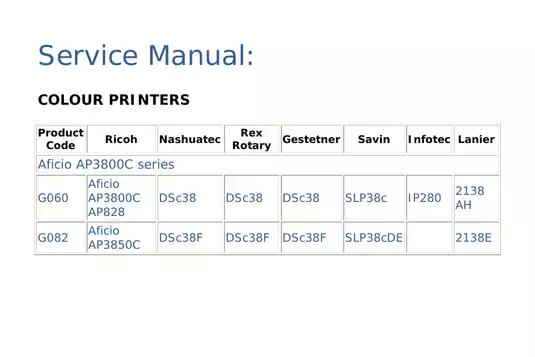
Ricoh Aficio SP C3800 Service Manual (293 P.)
Ricoh B262/B292/B280, B293/B880/B893 Copier (2006-2010) - Comprehensive Service & Repair Manual
Complete Care Guide: Ricoh Toscana-C1a, Toscana-C1b, Toscana-C1bN (2007)
Official Ricoh Aficio MP C2800, C3300 Digital Copier Service Manual - Maintenance & Troubleshooting Guide
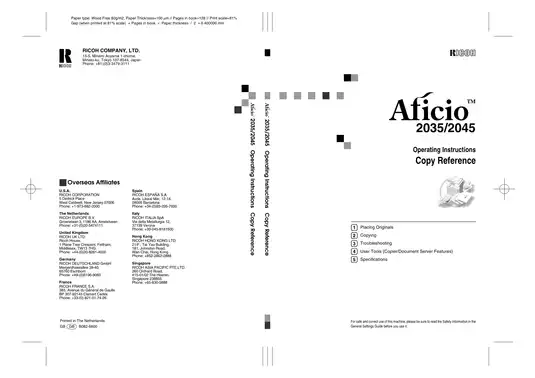
Ricoh Aficio 2035, 2045, 2035e, 2045e service repair manual
Ricoh B245/B276/B277/B268/B269 Printer Service Manual - Comprehensive Technician Reference