Konica Minolta Service Manuals & MFP Repair Documentation
Konica Minolta multifunction printers (MFPs) and digital presses are heavy-duty machines built for commercial productivity. Keeping their high-volume output and image quality consistent takes more than basic IT troubleshooting; it requires accurate, factory-issued technical data. This digital archive gives you instant access to genuine OEM service manuals and documentation for the entire Konica Minolta lineup, including the bizhub, AccurioPress, and magicolor series.
Why Exact Model Identification Matters
Konica Minolta frequently updates internal components—like formatter boards, laser drive units, and fuser assemblies—between production runs. For example, a service manual for a bizhub C258 contains completely different firmware flashing protocols and NVRAM reset procedures than a newer C250i model. Verifying your exact model suffix ensures you get the right Service Mode commands, which helps prevent costly logic board failures and keeps the machine running safely.
Factory-Level Calibration and Consumables
Replacing high-wear parts in a commercial printer is not just about the physical installation. Our documentation includes the exact software sequences needed to initialize new developer units, reset image transfer belt life counters, and run maximum density (gradation) adjustments. Without these official parameters, your machine might continue to throw "Service Call" errors (like C-3451 for fuser temperature issues) even after you install brand-new hardware.
High-Definition PDFs for Field Work
When a commercial printer goes offline, downtime costs money. That is why all our technical documents are delivered instantly as high-definition PDFs. Field engineers, qualified mechanics, and skilled DIYers can easily zoom in on intricate wiring schematics, paper path sensor locations, and exploded parts diagrams on a laptop or tablet without losing image clarity. Plus, every purchase comes with a permanent download guarantee to protect your technical reference library against accidental data loss.
Important Safety Disclaimer for Konica Minolta Equipment
The genuine service documentation provided in this category is intended strictly for professional technicians, qualified mechanics, and experienced DIY repairers. Servicing commercial multifunction printers involves inherent risks, including exposure to high-voltage power supplies, intense lasers, and extreme heat from fusing units. By downloading these files, you acknowledge that RepairLoader supplies this verified manufacturer data for informational and reference purposes only. Always prioritize safety: use electrically insulated tools, completely disconnect main power sources, allow capacitors to discharge before removing covers, and consult a certified Konica Minolta technician if you are unsure how to proceed.
Enter your specific machine model or error code into the search bar above, or browse the verified manufacturer listings below to download your factory service manual instantly.
Konica Minolta Manuals (10 total results)
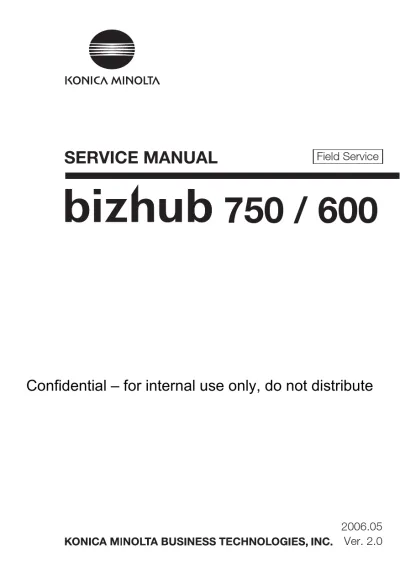
Konica Minolta bizhub 750/600 2006 Service & Repair Manual (P/N CC57AAPE2-0910)
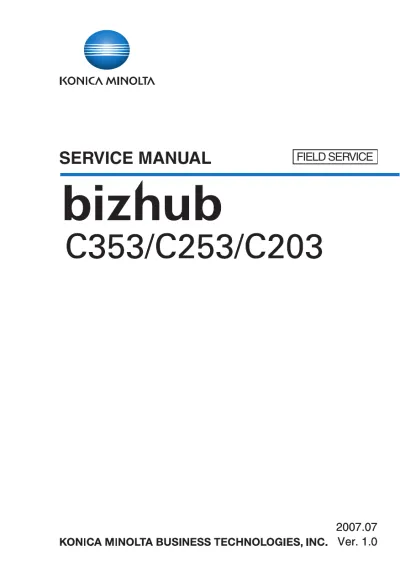
Konica Minolta bizhub C353/C253/C203 Service Manual 2007 (P/N DDA02E-M-FE3-0800)
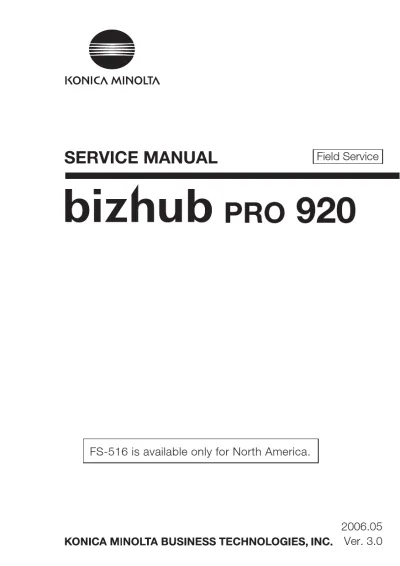
2006 Konica Minolta bizhub PRO 920 Service Manual OEM
2008 Konica Minolta magicolor 7450/7450 II Service Manual (P/N 40343012)
2002 Konica 8020 / 8031 Service Manual (P/N 4025-7993-11)
2008 Konica Minolta Bizhub 362/282/222 Factory Service Manual (P/N C4077-90960)
2008 Konica Minolta Magicolor 4690MF Service Manual (P/N DDA0FD-A-FE1)
KONICA MINOLTA 8050/CF5001/C500/8150 Field Service Manual (P/N OAcB001)
Konica Minolta Bizhub 501/421/361 Service Manual (P/N CCA0R5-M-FE2-0650)