Brother Technical Service Manuals & Factory Repair Guides
Brother is a global leader in precision technology, manufacturing everything from high-speed laser printers to advanced computerized sewing and embroidery machines. Because Brother equipment—such as the Innov-ís sewing series or MFC-series office printers—relies on strict mechanical timing, sensitive optical sensors, and proprietary firmware, generalized repair advice is insufficient. To ensure your equipment maintains its precision and longevity, accessing exact, model-specific factory documentation is a technical necessity.
Technical Safety Notice: These service manuals are intended for professional technicians and experienced repair personnel. Repairing high-voltage fuser units, precision optical systems, and high-speed mechanical drives involves inherent risks. By utilizing these resources, you acknowledge that RepairLoader provides original factory data for informational and diagnostic purposes. Always prioritize safety: use proper ESD-safe tools, wear protective gear, and consult a factory-trained specialist if you are uncertain of any electronic or mechanical procedure.
Original OEM Documentation for Professional Repairs
In the world of high-precision imaging and textile machinery, the accuracy of your technical data determines the success of your repair. To ensure your maintenance meets factory standards, our library consists of high-resolution, original OEM service documentation. Unlike generic third-party guides that lack firmware-specific nuances, these digital archives are 1:1 mirrors of the manufacturer’s technical data. They preserve the exact circuit schematics, sensor calibration parameters, and structural timing sequences required for a professional-grade fix.
Verified Technical Specifications & Mechanical Integrity
Whether you are recalibrating needle timing on an embroidery machine or troubleshooting a fuser error on a laser printer, guesswork is not an option. Using unverified data or misidentifying electrical pinouts on a logic board can lead to permanent component failure. To guarantee accuracy, our repository is built exclusively on direct-source technical publications:
- Service & Workshop Documentation: We provide unedited digital archives of the original factory workshop manuals and official Technical Service Bulletins (TSB).
- Factory-Grade Specifications: Every critical metric—from exact looper-to-needle clearances in sewing machines to precise laser-unit calibration values in printers—is pulled directly from the manufacturer's reference files.
- Guaranteed Diagnostic Clarity: Every PDF is inspected to ensure that complex PCB schematics, mechanical exploded views, and sensor routing maps are perfectly clear and usable at your workbench.
Finding the Right Brother Technical Literature
Brother equipment is categorized by specific series and technical model codes. To ensure you download the correct documentation, verify the following details on your device's identification label:
- Identify the Equipment Category: Start by separating sewing and embroidery machines from printing and imaging devices. A manual for a PE-series embroidery machine covers entirely different mechanical architecture than a guide for an HL-series monochrome laser printer.
- Match the Exact Model and Suffix: Brother often releases multiple versions of a single model (e.g., MFC-L2710DW vs. MFC-L2710DN). These suffixes indicate different wireless, networking, or duplexing capabilities, which significantly change the internal electrical schematics.
- Verify the Generation: Mechanical components and firmware protocols are frequently updated during production runs. Ensure the manual aligns with your specific production era to guarantee compatibility with internal parts.
Choosing the Right Document for Your Project
Ensure the guide you select matches the technical depth of your task:
- Service Manuals: The definitive references for deep repair, covering mechanical teardowns, electronic board diagnostics, sensor testing, and error code resolution.
- Parts Catalogs & Exploded Views: Vital for identifying exact OEM part numbers, making it easy to source the correct replacement rollers, gears, needle bars, or circuit boards.
- Maintenance & Troubleshooting Guides: Focused on routine service intervals, print head cleaning, and standard mechanical lubrication.
Brother Manuals (14 total results)
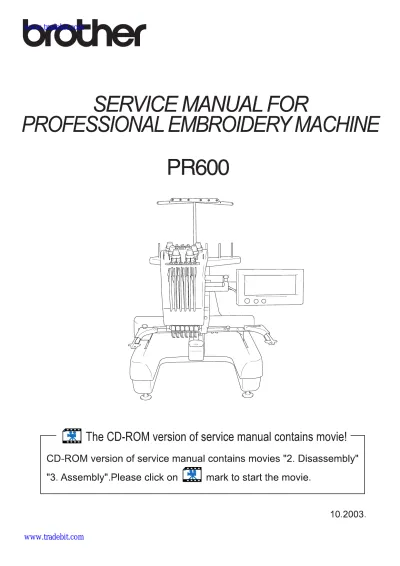
Brother PR600 Embroidery Machine Service Manual 2003 (P/N PR600SM)
Brother VX-1100 Operation Manual OEM (P/N 194410-011)
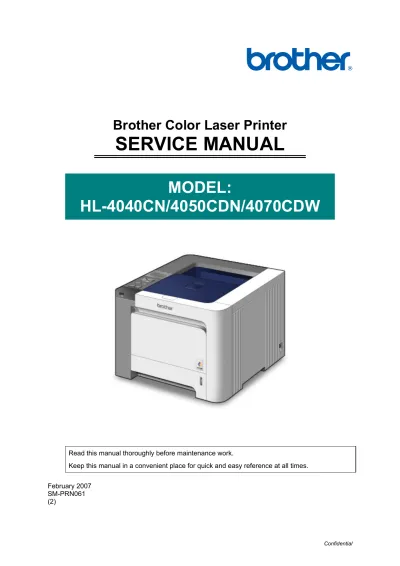
2007 Brother Color Laser PrinterHL-4040CN/HL-4050CDN/HL-4070CDW Service Manual (P/N SM-PRN061)
Brother MFC215C / CFR215C / MFC620CN Service Manual (P/N C4077-90960)
2004 Brother MFC5840CN & MFC5440CN Inkjet Printer Service & Repair Manual (SM-FAX030 / 8CA911)
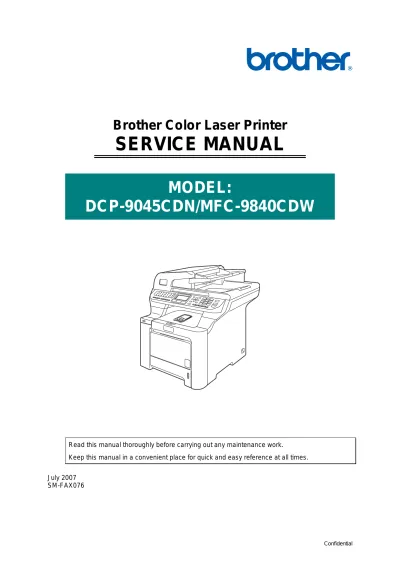
2007 Brother DCP-9045CDN/MFC-9840CDW Service Manual (P/N SM-FAX076)
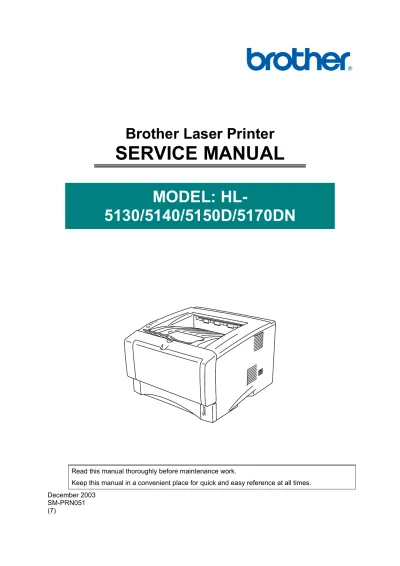
2003 Brother Laser Printer HL-5130/5140/5150D/5170DN Service Manual (SM-PRN051)
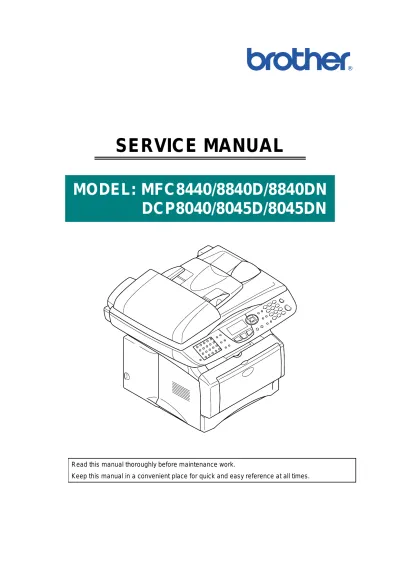
2004 Brother MFC-8440/8840D/8840DN / DCP-8040/8045D/8045DN Factory Service Manual (P/N SM-FAX027)
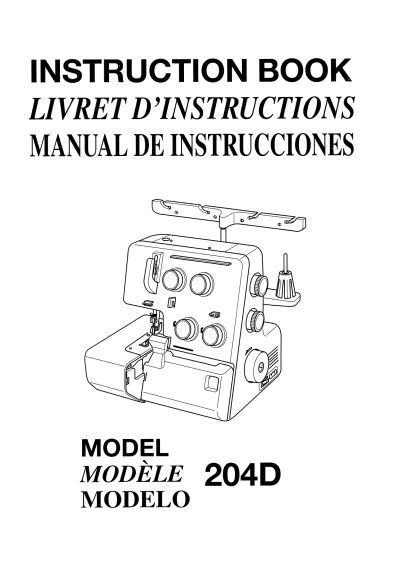
Brother MyLock 204D Sewing Machine Service & Repair Manual (P/N 789-800-037)
2001 Brother MFC6800/DCP1000/MFC9180/MFC9160 Service Manual (P/N SM-FAX003)
2006 Brother MFC-8460N/8860DN/8870DW Service Manual (P/N C4256-90954)
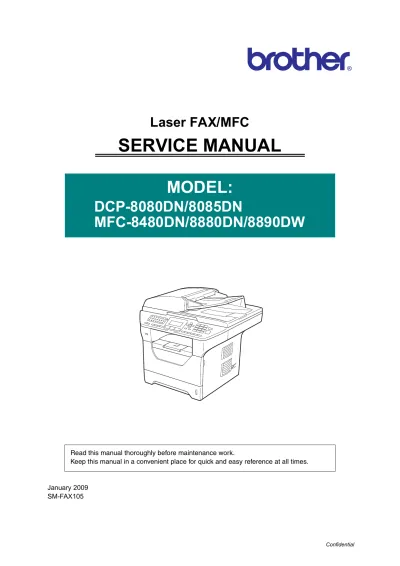
Brother DCP-8080DN, DCP-8085DN, MFC-8480DN, MFC-8880DN, MFC-8890DW Factory Service Manual (P/N SM-FAX105, C4256-90954)
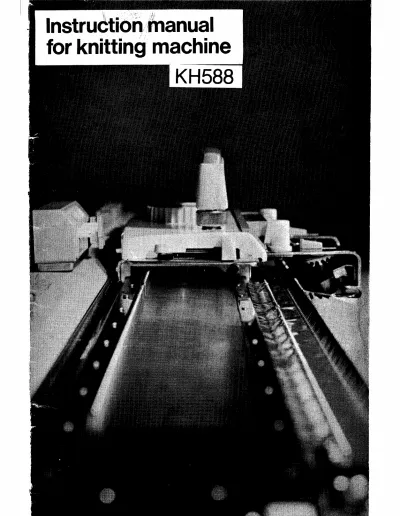
Brother KH-552 / KH-588 Knitting Machines Repair Manual OEM