Epson Service & Repair Manuals
Get access to professional-grade service documentation for Epson EcoTank printers, WorkForce multifunction units, and 3LCD projectors. Our digital library provides IT technicians, hardware engineers, and dedicated repair enthusiasts with the exact genuine factory documentation used by authorized service centers.
Supported Epson Technologies
Epson’s hardware relies on proprietary technology that requires highly specific teardown and reassembly procedures. Our service manuals cover the core components across their major product lines:
| Equipment Type | Core Technology | Common Service Areas |
|---|---|---|
| EcoTank / L-Series | PrecisionCore Heat-Free | Ink delivery priming, waste ink pad replacements |
| WorkForce / Enterprise | Micro Piezo Technology | Paper feed roller replacement, duplexer timing |
| 3LCD Projectors | Triple-Panel Optical Engine | Prism alignment, ballast board testing, fan cooling |
| Perfection Scanners | CCD / CIS Sensors | Carriage motor calibration, optical glass cleaning |
Printhead Maintenance & Calibration
Because Epson uses permanent Micro Piezo and PrecisionCore printheads instead of disposable thermal ones, proper maintenance is critical. The official manufacturer manuals provide the technical specifications for voltage ID (Head ID) inputs and mechanical alignments. They detail the software-driven adjustment procedures—including the proper use of the Epson Adjustment Program—needed to accurately resolve banding and color shifting.
Clearing "Service Required" Errors
A frequent issue with Epson printers is the internal waste ink pad counter reaching its limit. Our guides include the exact teardown steps needed to physically replace the absorbent pads, as well as the factory-level instructions required to safely reset the internal EEPROM protection counters.
3LCD Projector Service Guides
Servicing high-end home cinema and commercial projectors means handling delicate optical engines. The manufacturer manuals provide the specific physical adjustment points and service menu codes necessary for resolving convergence errors or replacing internal ballast boards safely.
Instant PDF Downloads for Your Workbench
Waiting for physical manuals means unnecessary downtime. Every Epson service manual we offer is delivered as a fully searchable PDF immediately after checkout. Pull up exploded views, mainboard schematics, and complete error code lookup tables directly on your laptop or tablet. By using authentic manufacturer specifications, you ensure every job meets official factory standards.
Important Safety Warning & Disclaimer This official factory documentation is intended for experienced IT technicians, professional hardware engineers, and capable repair specialists. Servicing mechanical imaging systems, sensitive optical engines, and high-voltage projector ballast boards carries inherent risks of physical injury or equipment damage. RepairLoader provides this unaltered manufacturer data strictly for informational purposes and does not offer direct repair advice or tutorials. Always prioritize safety: use proper ESD (electrostatic discharge) protection, safely discharge high-voltage capacitors before handling internal power boards, and wear protective gloves when dealing with waste ink. If you lack the required tools or experience, please consult a certified repair center.
Epson Manuals (22 total results)
2009 Epson Artisan 810 / Stylus Photo PX810FW / TX810FW / Artisan 710 / Stylus Photo PX710W / TX710W Service Manual (P/N C4256-90954, SEMF09-006)
2005 EPSON PictureMate 500/Deluxe Factory Service Manual (P/N SEJ04013)
Epson Stylus Pro 7700/7710/7700M/7710M/7900/7910/9700/9710/ 9900/9910/WT7900/WT7910/9890/9908/7890/7908 Service Manual (P/N SEIJ08005)
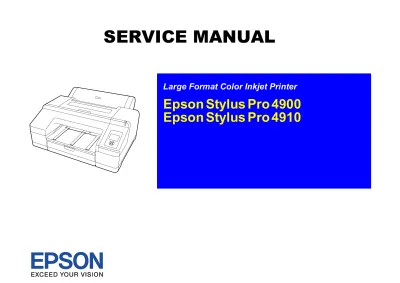
2010 Epson Stylus Pro 4900 / 4910 Service & Repair Manual (P/N SEIJ10007)
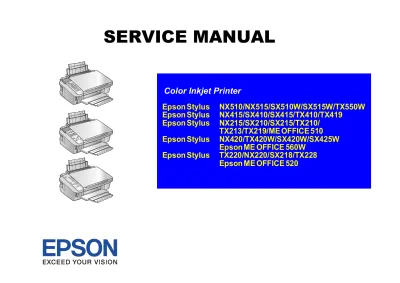
Epson Stylus NX510, NX410, NX210, NX420, NX220 Service Manual (P/N SEMF09-002)
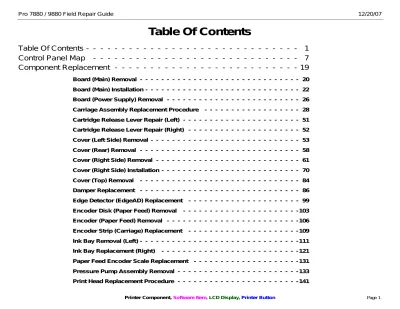
2007 Epson Pro 7880/9880 Field Repair Guide
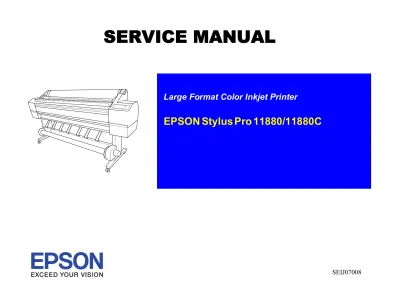
Epson Stylus Pro 11880/11880C 2007 Factory Service Manual (P/N SEIJ07008)
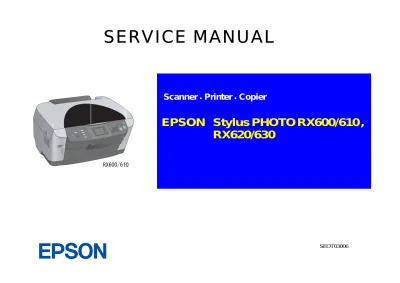
2003–2004 Epson Stylus PHOTO RX600/610/RX620/630 Service Manual (P/N SEOT03006)
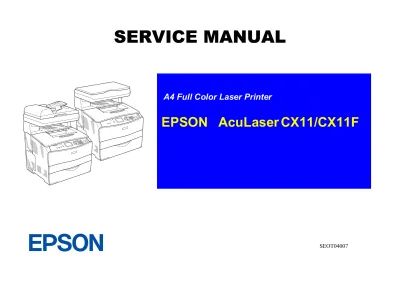
2005 Epson AcuLaser CX11 / CX11F Service Manual (P/N SEOT04007)
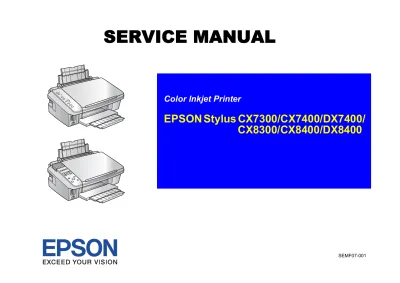
2007 Epson Stylus CX7300, CX7400, DX7400, CX8300, CX8400, and DX8400 Service Manual (P/N SEMF07-001)
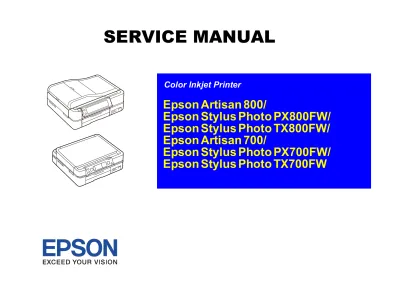
2008 Epson Artisan 800 / 700 Printer Service Manual (P/N SEMF08-004)
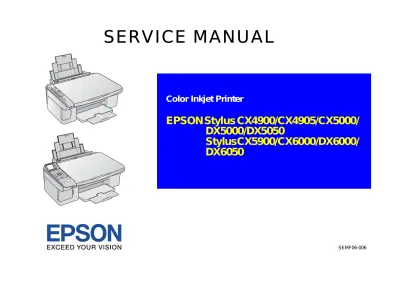
Epson Stylus CX4900/CX4905/CX5000/DX5000/DX5050/ CX5900/CX6000/DX6000/DX6050 Printer Service Manual (P/N SEMF06-006)
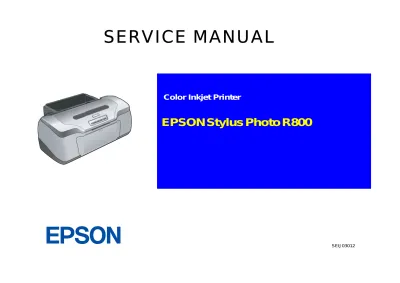
Epson Stylus Photo R800 Service Manual (P/N SEIJ03012)
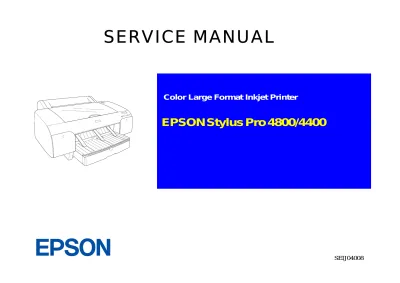
EPSON Stylus Pro 4800/4400 Service & Repair Manual (P/N SEIJ04008)
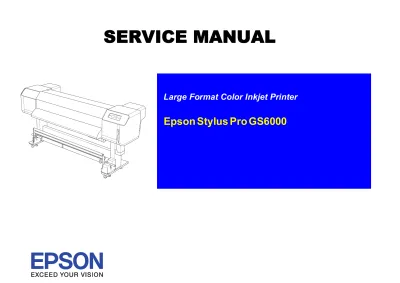
Epson Stylus Pro GS6000 Service Manual (P/N SEIJ08001)
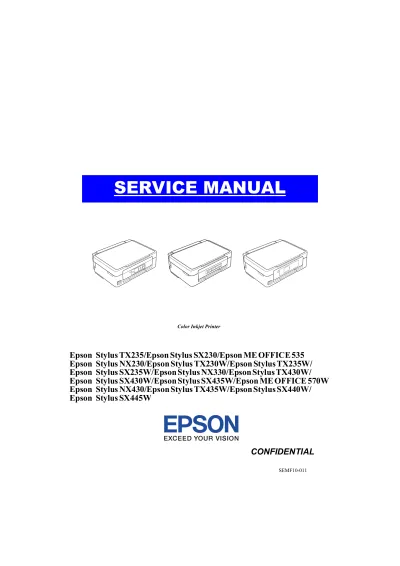
Epson Stylus SX230/SX235W/SX430W/SX440W Service Manual (P/N SEMF10-011)
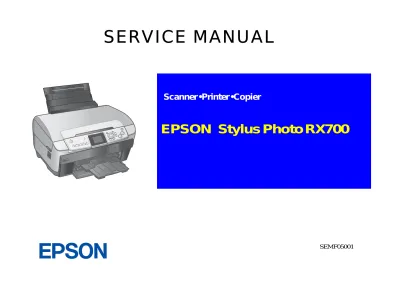
2004 Epson Stylus Photo RX700 Service Manual (P/N SEMF05001)
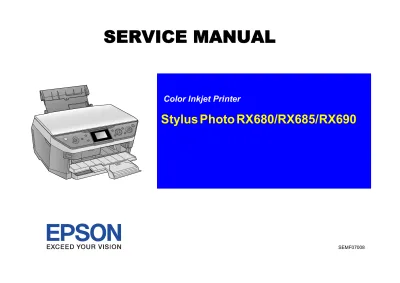
2007 EPSON Stylus Photo RX680/RX685/RX690 Printer Service Manual (P/N SEMF07008)
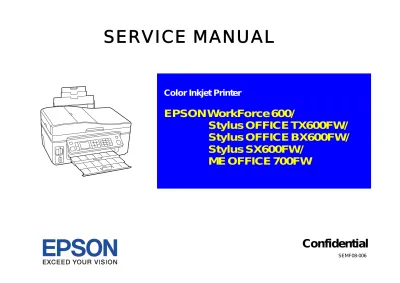
2008 Epson WorkForce 600 / Stylus OFFICE TX600FW / BX600FW / SX600FW / ME OFFICE 700FW Service Manual (P/N C4256-90954)
EPSON Stylus CX6300/CX6400/CX6500/CX6600 Service Manual (P/N SEOT03004)
Epson WorkForce 1100, Stylus Office T1110/B1100/T1100 and ME Office 1100 Printer Service Manual (P/N SEIJ09-003)