Sharp Service Manuals for Copiers and Multifunction Printers
Enter your machine’s full model number in the search box, or select “View Details” on a listing below. Once your payment is confirmed, you can download the PDF from the confirmation page or use the link sent by email.
Which digits and letters matter when several Sharp models share a manual?
Match every digit and any trailing letters on your machine’s model label to an entry under “Models.” Then check “Sub-models / Variants” for configuration differences. For example, two copiers in the same series can have different document feeders, and the listing may identify which feeder goes with each model.
Will the copier manual cover the accessory I need to service?
Check the listing’s content preview for both the accessory and the task. For example, a manual may include diagnostic tests for a document feeder but refer you to a separate manual for feeder adjustments. If the preview names a companion manual, check whether the download includes it before you buy.
Sharp Manuals (17 total results)
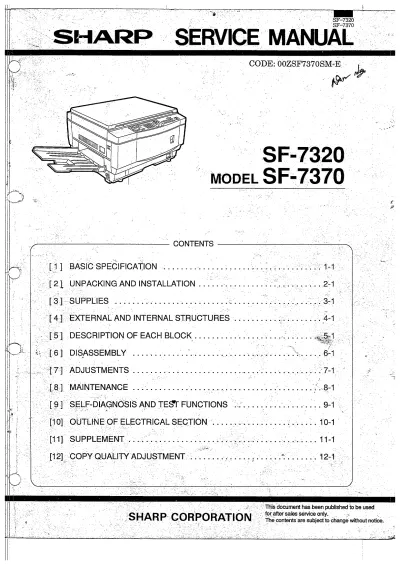
Sharp SF-7320 / SF-7370 Copier Service Manual – 1990s (P/N 00ZSF7370SM-E)
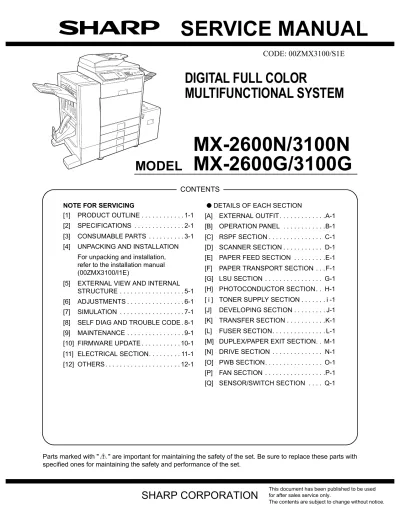
Sharp MX-2600N/G & MX-3100N/G Copier Service Manual, 2008 Edition (P/N 00ZMX3100/S1E)
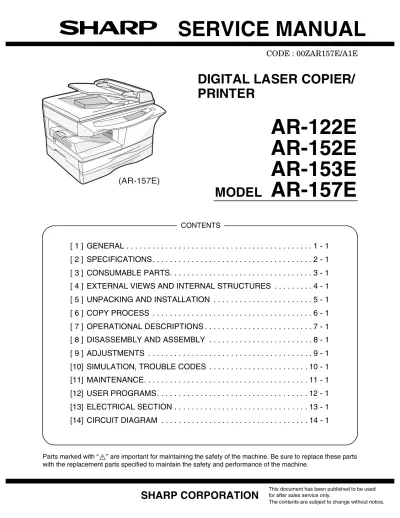
Sharp AR-122E/152E/153E/157E Copier Service Manual, 2002 (P/N 00ZAR157E/A1E)
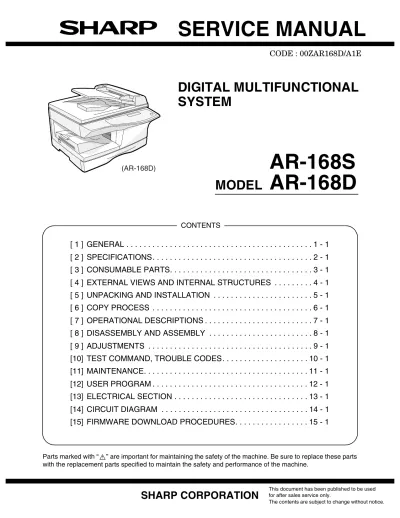
Sharp AR-168S / AR-168D Copier Service Manual – 2004 (P/N 00ZAR168D/A1E)
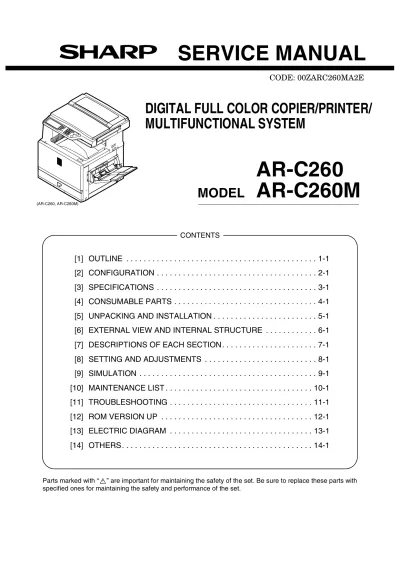
Sharp AR-C260/AR-C260M Copier Service Manual – 2000s (P/N 00ZARC260MA2E)
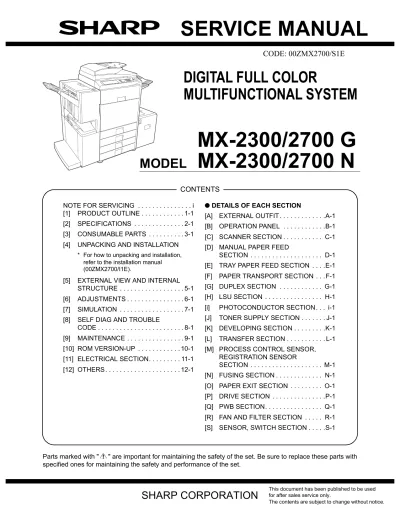
Sharp MX-2300/2700 Color Copier Service Manual, 2005 (P/N 00ZMX2700/S1E)
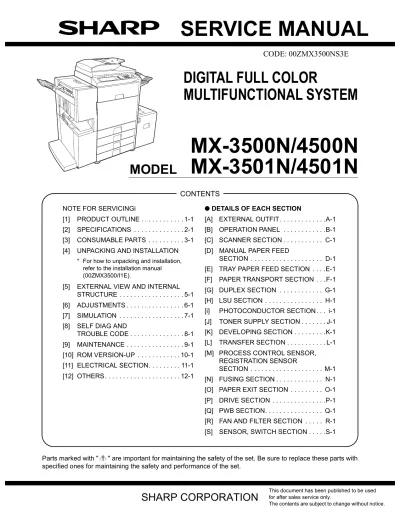
Sharp MX-3500N/4500N & MX-3501N/4501N Copier Service Manual, 2006 (P/N 00ZMX3500NS3E)
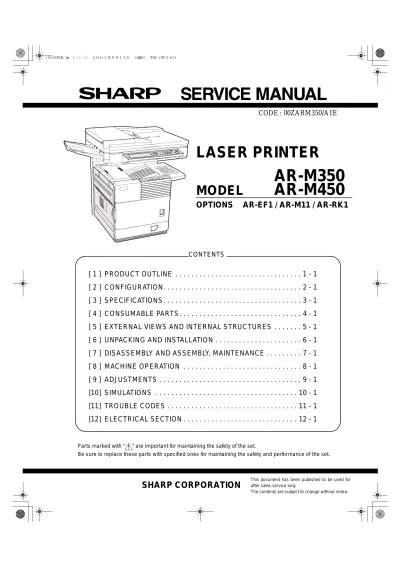
Sharp 2011 AR-M350 / AR-M450 Laser Printer Service Manual (P/N 00ZARM350/A1E)
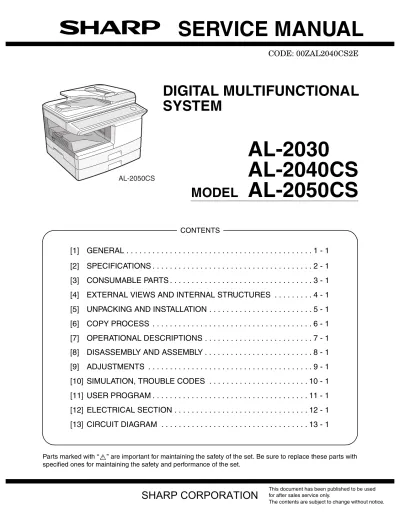
Sharp AL-2030/2040CS/2050CS Copier Service Manual, 2000–2004 (P/N 00ZAL2040CS2E)
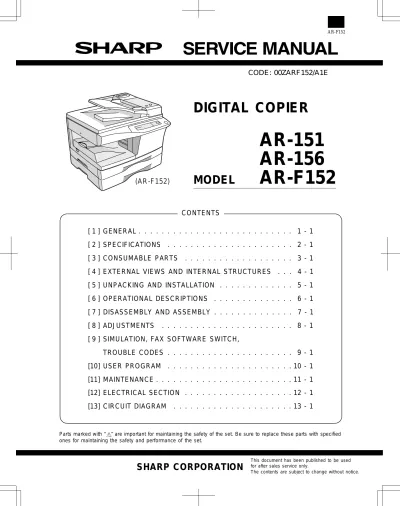
Sharp AR-151, AR-156 & AR-F152 Digital Copier Service Manual, 2000 (P/N 00ZARF152/A1E)
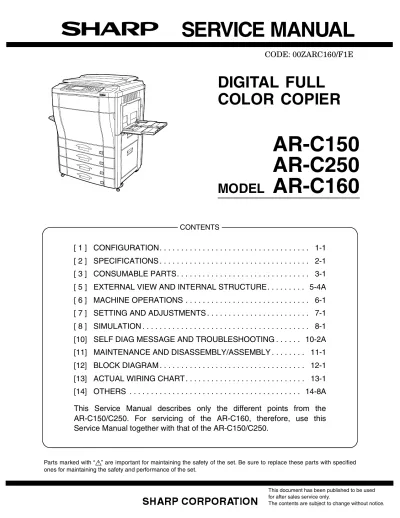
Sharp AR-C150 / AR-C160 / AR-C250 Copier Service Manual Supplement (2009) (P/N 00ZARC160/F1E)
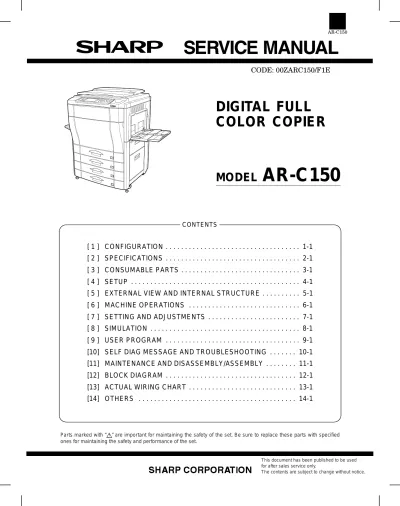
Sharp AR-C150 Color Copier Service Manual – 1999 (P/N 00ZARC150/F1E)
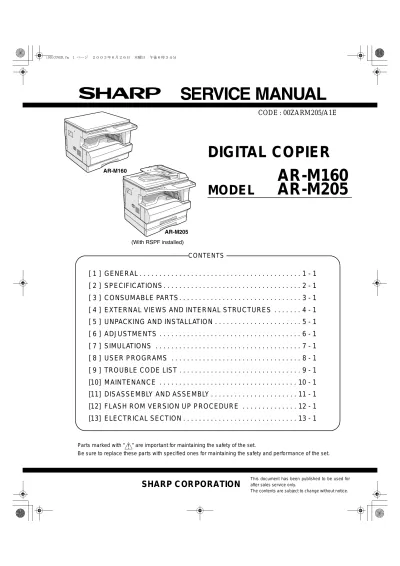
Sharp AR-M160 & AR-M205 Copier Service Manual Set (2003) (P/N 00ZARM205/A1E)
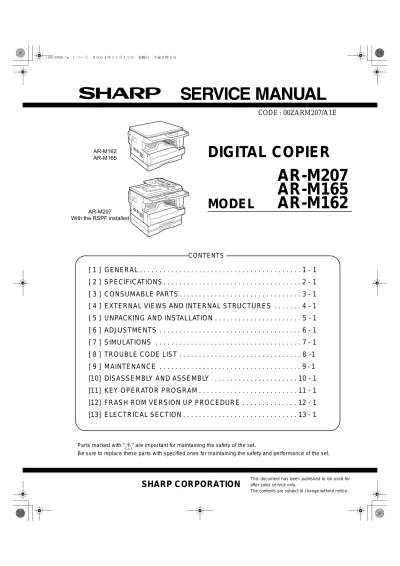
Sharp AR-M207, AR-M165 & AR-M162 Digital Copier Service Manual – 2004 (P/N 00ZARM207/A1E)
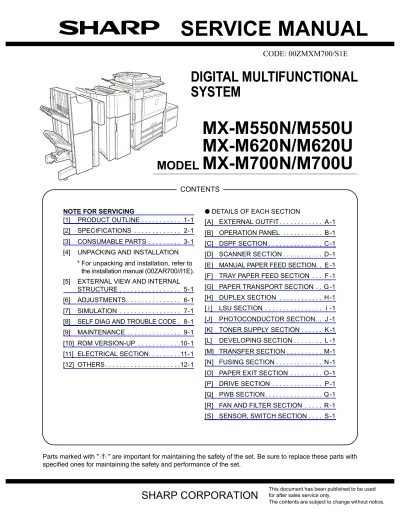
Sharp MX-M550N/U, MX-M620N/U & MX-M700N/U 2010 Copier Service Manual (P/N 00ZMXM700/S1E)
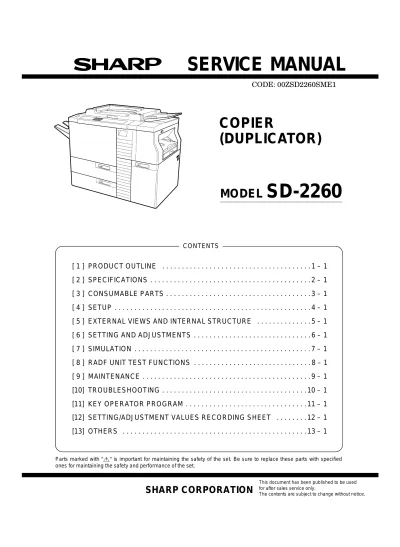
Sharp SD-2260 Copier Service Manual – 1990s (P/N 00ZSD2260SME1)