Verified Mazda Factory Service Manuals & Technical Docs
Get direct access to professional-grade technical resources for the entire Mazda vehicle lineup, from the MX-5 Miata and CX-series crossovers to the legendary rotary-powered RX models. This digital archive provides unaltered factory service literature, delivering the exact specifications, electrical wiring diagrams, and mechanical tolerances relied upon by master technicians at authorized Mazda dealerships. When dealing with high-compression engines and specialized chassis setups, using verified manufacturer specifications is the only way to ensure optimal performance, emissions compliance, and driving safety.
Mazda engineering stands out due to its unique Skyactiv Technology suite and its history with Wankel rotary engines. Because critical diagnostic parameters—such as Skyactiv-G compression limits, Renesis apex seal clearances, or i-Activ AWD torque vectoring calibrations—change drastically depending on your specific chassis code (like NA vs. ND MX-5 platforms), referencing the exact manual for your VIN is essential. This precision aligns with the parameters used in the Mazda Modular Diagnostic System (M-MDS), helping you avoid the pitfalls of generic aftermarket guides while maintaining strict factory standards.
These digital manuals provide the depth needed for professional diagnostics and major overhauls:
- Powertrain & Skyactiv Diagnostics: Complete teardown steps, precise valve timing, and high-pressure fuel system data for Skyactiv-G, Skyactiv-D, and classic MZR engine families.
- Rotary Engine Specifications: Exact clearance tolerances, rotor housing geometries, and apex seal metrics required to properly rebuild 13B and RX-8 Renesis powerplants without risking engine failure.
- Drivetrain & Chassis Architecture: Factory baseline data for Skyactiv-Drive transmission line pressures, i-Activ AWD fluid maintenance, and suspension alignment values crucial to the Jinba-Ittai driving dynamics.
- Data Integrity & Verification: Sourced exclusively from original OEM factory releases. This guarantees 100% accurate data for assembly torque limits, electrical pinouts, and CAN bus troubleshooting without any third-party modifications.
Critical Mazda Service & Safety Warning The factory manuals in this category are intended for professional automotive technicians and advanced DIY mechanics. Working on complex mechanical and electrical systems—especially Skyactiv high-pressure fuel lines, high-voltage hybrid drivetrains (PHEV), or SRS airbag modules—carries a serious risk of severe injury or vehicle damage. By accessing these documents, you acknowledge that RepairLoader supplies unedited OEM factory repair data strictly for informational purposes. Always follow standard shop safety protocols, use proper diagnostic tools, torque wrenches, and personal protective equipment (PPE). If you lack the training for a specific diagnostic or repair procedure, stop work immediately and consult a certified professional.
Select your specific Mazda model, engine configuration, and production year from the inventory below to instantly download your designated PDF workshop manual.
Mazda Manuals (28 total results)
2011–2014 Mazda BT-50 3.2L TURBO DIESEL, 2.2L TURBO DIESEL, and 2.5L PETROL Service Manual (P/N 8BW1-EO-11E)
Mazda B-Series B2200 or B2600i Workshop Manual 1987–1993 (P/N 29528 )
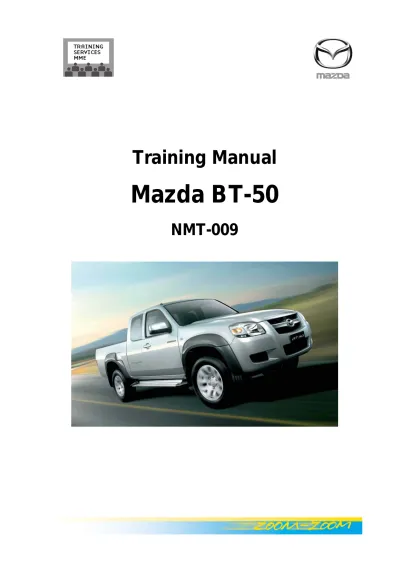
2006 Mazda BT-50 Training Manual (P/N NMT-009)
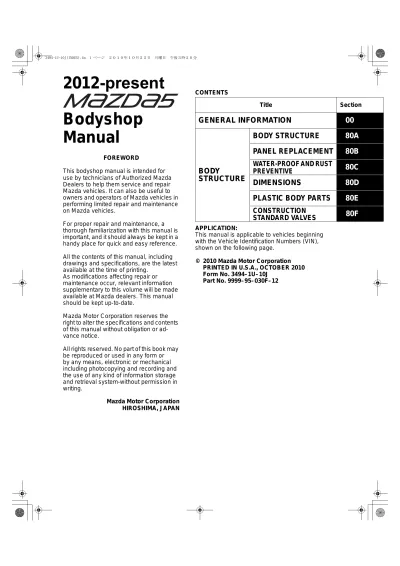
2012-2014 Mazda 5 Bodyshop Manual (P/N 9999-95-030F-12)
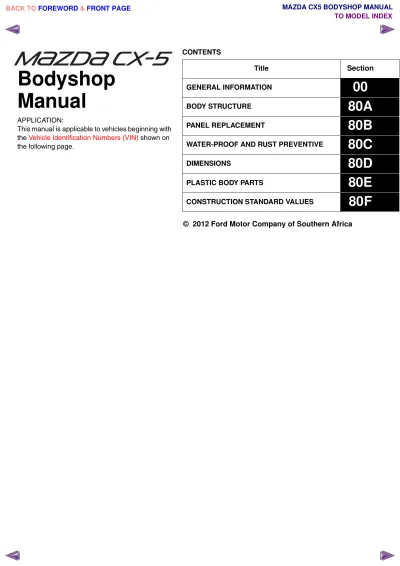
2012–2013 Mazda CX-5 Factory Service & Repair Manual (P/N 8CA6-EC-11L)
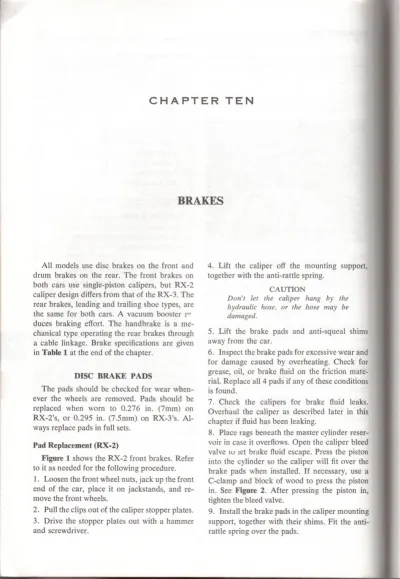
1971–1977 Mazda RX-2 & RX-3 Factory Service Manual (P/N 0-89287-236-5 / 978-0-89287-236-7)
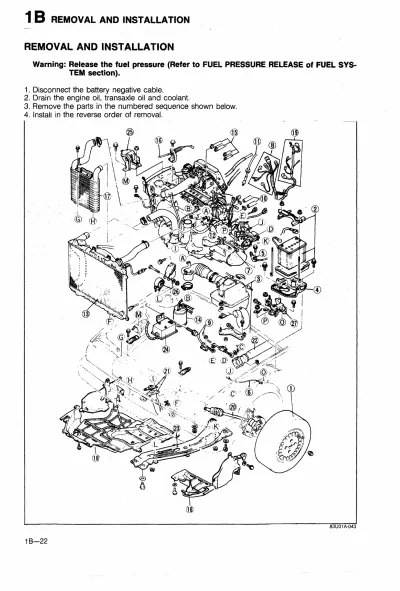
1988 Mazda 323 Workshop Manual (P/N 1165–10-87S)
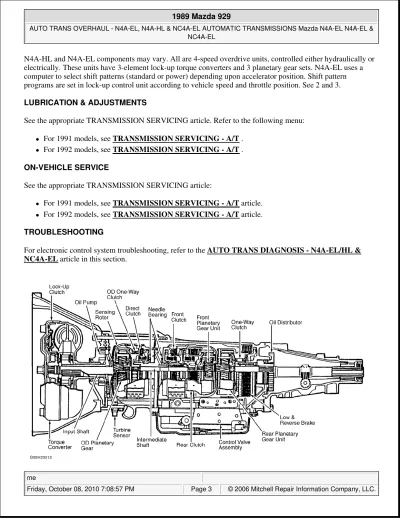
1988–1991 Mazda 929 Service Manual (P/N 97U0CX-001)
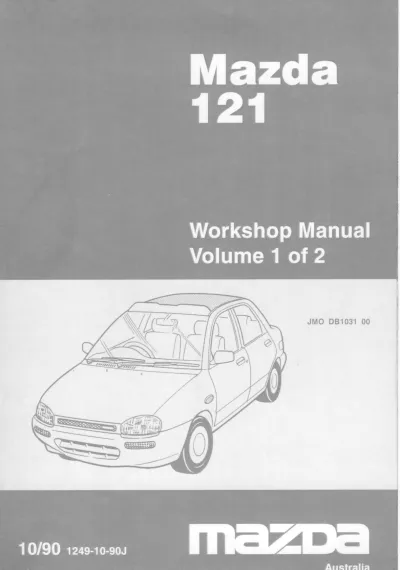
1990–1996 Mazda 121 Workshop Manual - Volume 1 of 2 (P/N 1249-10-90J)
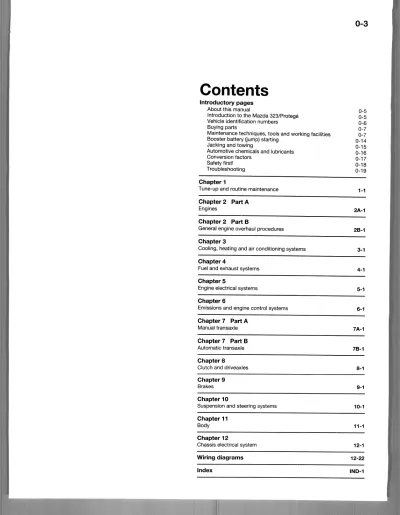
1990–2000 Mazda 323 Protege Shop Manual (P/N 9999-95-017B-92)
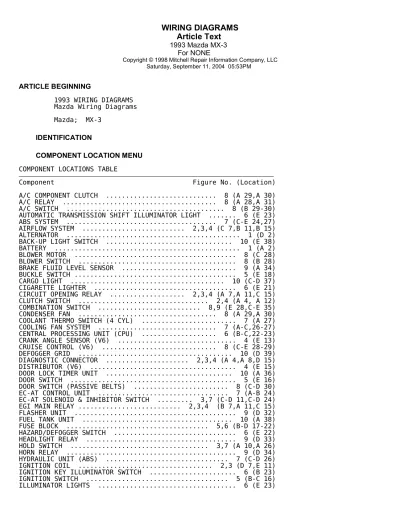
1992–1995 Mazda MX-3 Factory Service Manual FSM (P/N 9999-95-056B-95)
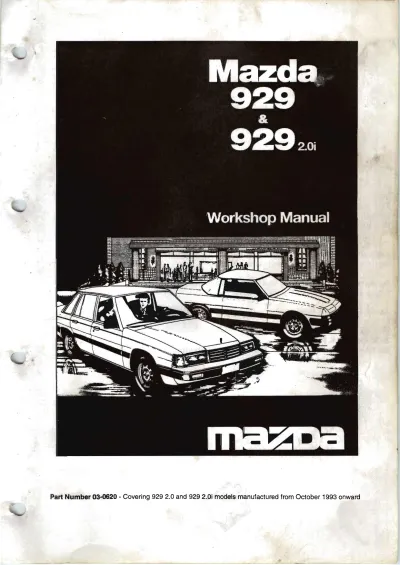
1993–2002 Mazda 929 & 929 2.0i Workshop Manual Set (P/N 03–0620)
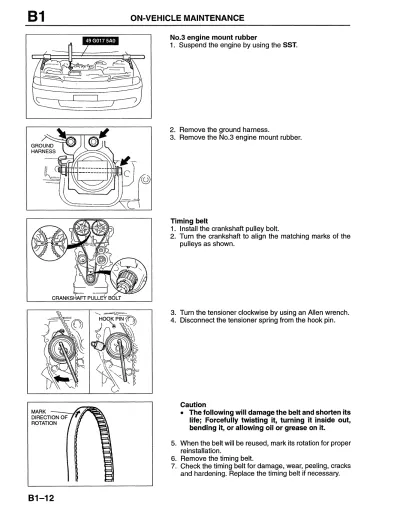
1996 Mazda 626/MX-6 Workshop Service & Repair Manual (P/N 9999–95–019B–96)
1996–2002 Mazda 626 GF Series Workshop Repair Manual (P/N 1577-10-97D)
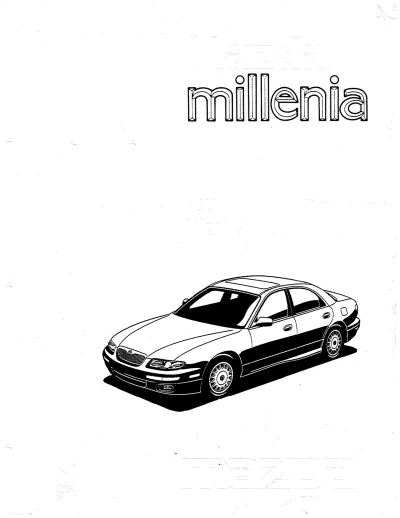
1996–2003 Mazda Millenia Workshop Manual (P/N 9999-95-058B-96)
1999 Mazda Miata MX-5 Workshop Manual (P/N 9999-95-042B-99)
1999–2003 Mazda Protege ZM/FS Service & Repair Manual
2000–2002 Mazda MPV Service Manual
2002–2004 Mazda 6 Workshop Manual (P/N 1730-1E-02C)
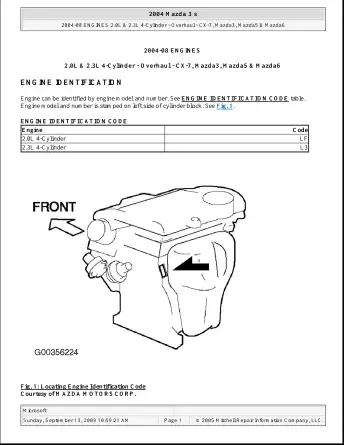
2006 Mazda 3 GS / GT Service & Repair Manual (P/N G4314848)
2007 Mazda 5 Service Manual (P/N 8V88-EA-06G)
2007 Mazda CX-7 Workshop Manual FSM (P/N 9999-95-034B-07)
2007–2009 Mazda CX-9 Service & Repair Manual (P/N 8V83-EA-06I)
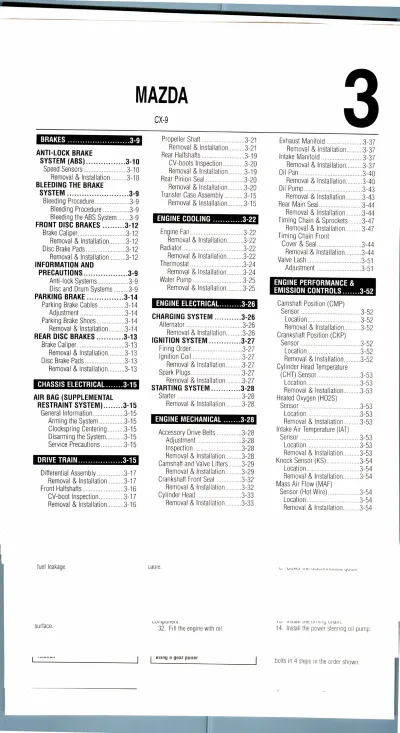
2007–2013 Mazda CX-9 Service & Repair Manual Set (P/N 8V83-EA-06I)
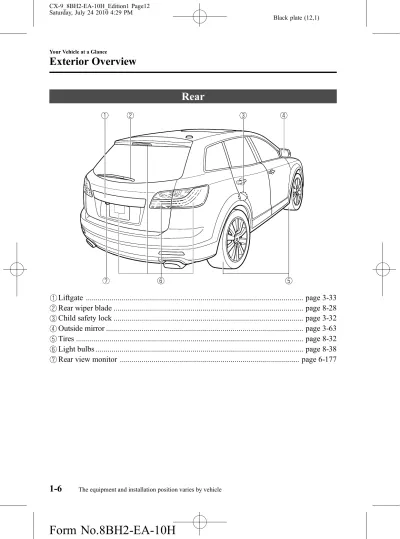
2010 Mazda CX-9 Owner's Manual (P/N 8BH2-EA-10H)
2012–2013 Mazda CX-5 Bodyshop Manual (9999-95-033B-13)
2014 Mazda3 Service & Repair Manual