Can-Am Factory Service Manuals: ATVs, Side-by-Sides & Spyder Roadsters
Can-Am machines are engineered for serious performance across diverse terrains, from open highways to deep mud trails and sand dunes. Whether you are maintaining a high-revving Spyder F3 roadster, a heavy-duty Defender UTV, or a racing-grade Maverick 1000R, generic repair guides simply don't cut it. Sophisticated BRP systems like Rotax engines, SST (Surrounding Spar Technology) frames, and the D.E.S.S. security network require exact, model-specific factory documentation to ensure operational safety and reliability.
Safety Warning & Disclaimer: These manuals contain professional-grade technical data intended for certified powersports technicians and experienced mechanics. Working on high-torque Rotax engines, Intelligent Throttle Control (iTC) systems, and complex CVT drivetrains involves inherent mechanical risks. RepairLoader provides these original manufacturer archives strictly for informational use. Always follow BRP safety protocols, use specialized tooling, and consult a factory-authorized dealer if a procedure exceeds your skill level or equipment capabilities.
Genuine BRP Factory Data You Can Trust
When maintaining high-performance powersports equipment, precision is critical. Guessing the valve clearances on a Rotax V-Twin or using unverified third-party wiring diagrams for the DPS (Dynamic Power Steering) can lead to catastrophic mechanical failure. We do not rely on rewritten aftermarket guides. To ensure absolute accuracy, our Can-Am library consists of high-resolution, unedited digital copies sourced directly from the original master engineering data established by the BRP R&D departments in Valcourt, Quebec.
- Official Workshop Documentation: We supply exact digital archives of the original Can-Am factory workshop manuals, official Technical Service Bulletins (TSBs), and dealership repair guides.
- Engineering-Grade Specifications: Every critical metric—from exact clutch calibration and drive belt deflection to precise torque values for SST frames—remains exactly as recorded by BRP engineers.
- Clear Diagnostics: Intricate electrical troubleshooting manuals (ETMs), sensor routing maps, and exploded component views are perfectly clear and usable right at your workbench.
Finding the Right Manual for Your Can-Am
Can-Am documentation is categorized by specific vehicle platforms and engine displacements. Verify the following details on your machine’s identification plate before downloading your manual:
- Identify Your Machine: A manual for a Spyder Roadster (RS, ST, RT, or F3) covers entirely different architecture than an Outlander ATV or a Maverick Side-by-Side.
- Check the Engine & Year: Can-Am uses Rotax engines in various configurations (e.g., 400, 500, 650, 800, or 1000 series). Ensure the manual covers your exact displacement and fuel system (EFI vs. Carbureted).
- Verify Trim Levels: Specialized models like the "X mr" (Mud Ready), "XT-P," or "Renegade X xc" often feature unique suspension tuning (like Fox Racing Shox), reinforced components, and specific cooling requirements. Make sure your chosen manual includes these specific trim supplements.
Selecting the Right Manual Format
Make sure the guide you choose matches the depth of your project:
- Shop & Service Manuals: The go-to references for complete teardowns, transmission rebuilding, complex drivetrain adjustments, and advanced electronic diagnostics.
- Operator’s Guides: Best for routine maintenance intervals, basic safety protocols, dash configurations, and fluid capacities.
- Service Manual Supplements: Dedicated updates covering specific electronic or mechanical changes for a particular model year.
Can-Am Manuals (23 total results)
2008–2009 Can-Am Spyder GS SM5 / SE5 Three-Wheeler Factory Shop Manual (P/N 219 100 327)
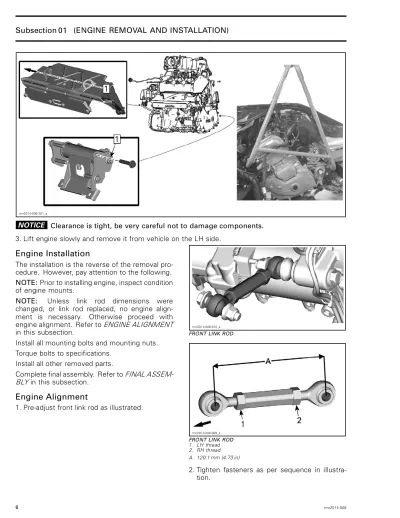
2014 Can-Am Spyder F3, RT, RS & ST Service & Repair Manual (P/N 219 001 219)
2008 Can-Am DS 450 EFI / DS 450 EFI X Shop Manual (P/N 219 100 264)
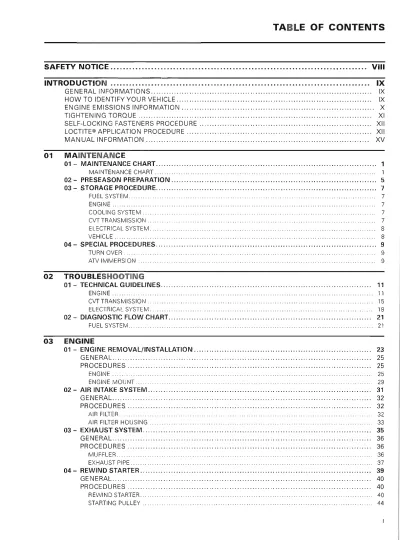
2008–2009 Can-Am Outlander 400 EFI ATV Service Manual (P/N 293110001)
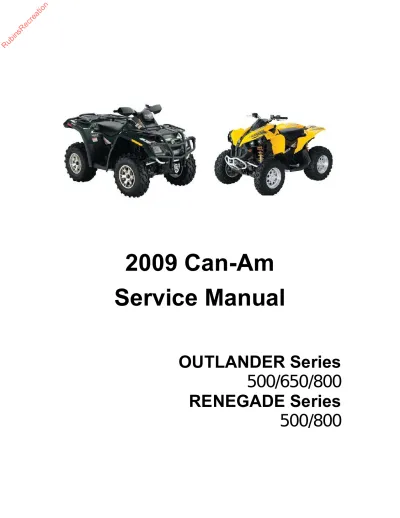
2009 Can-Am Outlander & Renegade 500/650/800 Service Manual (P/N 219 100 273)
2013 Can-Am Spyder RS / ST / RT Roadster Shop Manual (P/N 219 000 981, 219 000 982)
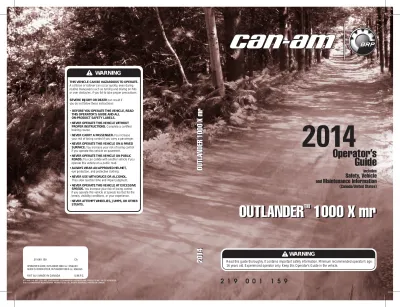
Can-Am Outlander 1000 X mr ATV 2014 Operator's Guide (P/N 219 001 159)
Can-Am Spyder RS, RSS, ST, and STS 2013 Factory Service Manual (P/N 219 001 222)
2009 Can-Am DS 450 / DS 450 X CE ATV Operator's Guide (P/N 219 000 590)
2013 Can-Am Outlander 500/650/800R/1000 & Renegade 500/800R/1000 Service Manual (P/N 219 100 651)
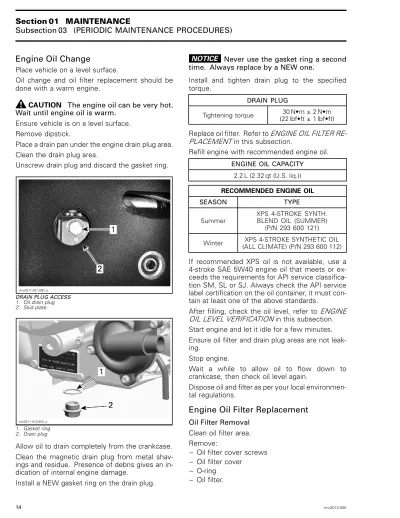
2014 Can-Am Commander 800R / 1000 Factory Service Manual Supplement (P/N 219 100 661)
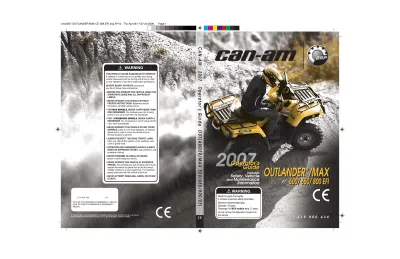
2007 Can-Am Outlander 500/650/800 EFI & MAX ATV Operator's Guide - CE Edition (P/N vmo2007-005 DR)
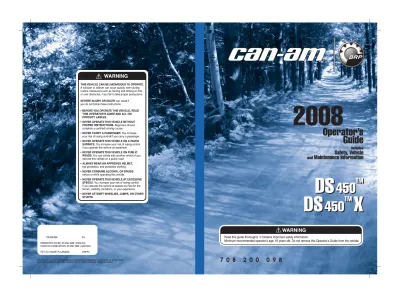
2008 Can-Am DS 450 Sport ATV Service Manual (P/N 708 200 098)
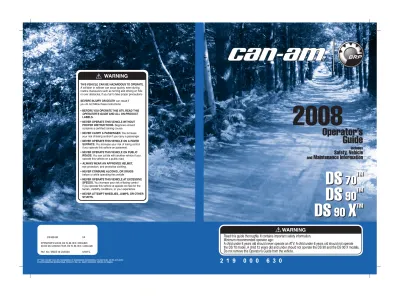
2008 Can-Am DS 70, DS 90, DS 90 X Youth ATV Operator's Guide (P/N vmo2008-027 AG)
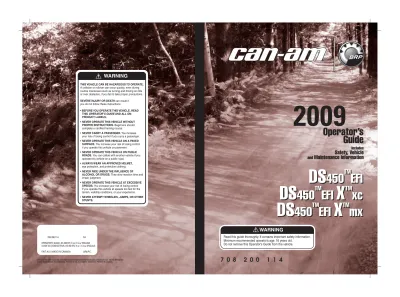
2009 Can-Am DS 450 EFI / DS 450 X xC / DS 450 X mX ATV Operator's Guide (P/N 708 200 114)
2009 Can-Am DS 450 EFI Owner's Manual (P/N 708 200 117)
2009 Can-Am DS 70 / DS 90 / DS 90X Service Manual (P/N 219 000 629)
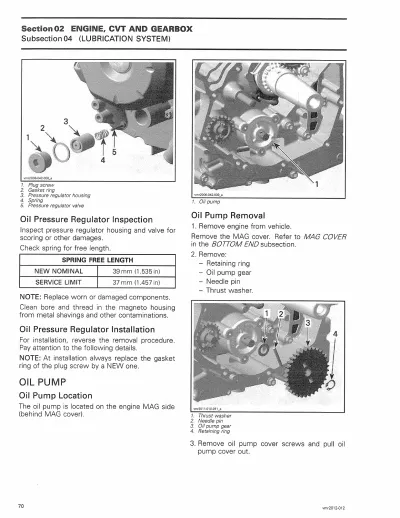
2012 Can-Am Outlander/Renegade 800/1000 Series Shop Manual (P/N 219 100 542)
2013 Can-Am Maverick 1000R Shop Manual (P/N 219 001 115, 219 001 116)
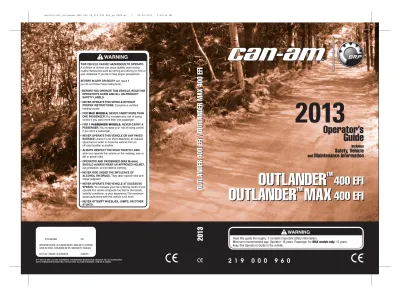
2013 Can-Am Outlander 400 EFI & Outlander Max 400 EFI ATV Operator's Guide (P/N 219000960)
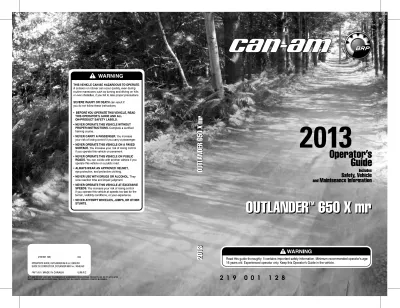
2013 Can-Am Outlander 650 X mr Operator's Guide (P/N 704901764)
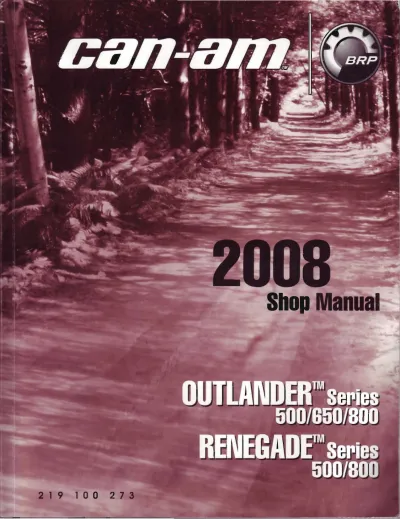
Can-Am ATV Outlander / Renegade ATV 2008 Factory Service Manual (P/N 219 100 273)