Triumph Workshop & Service Manuals: Genuine Factory Repair Data
Get the right technical documentation for your Triumph motorcycle. We provide high-quality PDF manuals with the exact manufacturer specifications you need for everything from routine valve adjustments and engine rebuilds to complex electrical diagnostics.
Accurate Specs & Component Data
Our Triumph documentation library covers the specific engineering requirements of Triumph engines and chassis. These manuals serve as the ultimate reference for:
- Engine & Transmission Overhauls: Critical data for triple and twin-cylinder setups, including valve clearances, camshaft timing, and clutch tolerances.
- Electrical Schematics: Clear wiring diagrams for electronic fuel injection (EFI) systems, ignition timing, and lighting circuits.
- Chassis & Suspension Tuning: Precise torque specs for frame assemblies, brake calipers, and front fork maintenance.
- Maintenance & Diagnostic Data: Complete Diagnostic Trouble Code (DTC) tables and factory-recommended service intervals to keep your bike running at peak performance.
Authentic Factory Manuals You Can Trust
When you are working on complex motorcycles, accurate information is everything. Our collection features direct, unmodified digital copies of the official factory literature used by authorized Triumph service centers.
Unlike generic aftermarket guides, these genuine factory releases include the original technical illustrations and wiring schematics exactly as the manufacturer intended. By using official source material from Triumph, you avoid transcription errors and get the precise specs straight from the people who built the bike.
Workshop-Ready Digital Format
Designed for easy use in the garage, all our manuals come in a fully searchable PDF format.
- Instant Access: Download your manual immediately to minimize downtime and get straight to work.
- Any-Device Compatibility: Easy to read on your smartphone, tablet, or laptop right at the workbench.
- Quick Search: Rapidly locate specific technical specs, fault codes, or maintenance charts.
- Print-Ready: High-resolution diagrams and tables that print out clearly for offline use in the shop.
Important Safety Warning
The official Triumph technical data provided here is intended for trained motorcycle mechanics and highly experienced DIY builders. Working on Triumph motorcycles—especially high-output engines, electrical systems, and critical chassis components—involves serious safety risks.
By downloading these materials, you acknowledge that RepairLoader supplies genuine manufacturer documentation strictly for informational reference. Always follow standard shop safety protocols, use correctly calibrated motorcycle-specific tools, wear proper personal protective equipment (PPE), and immediately consult a certified Triumph dealer if you are unsure how to safely complete a specific repair or diagnostic procedure.
Select your Triumph model and year below to download the official factory manual and keep your motorcycle maintained to exact factory standards.
Triumph Manuals (28 total results)
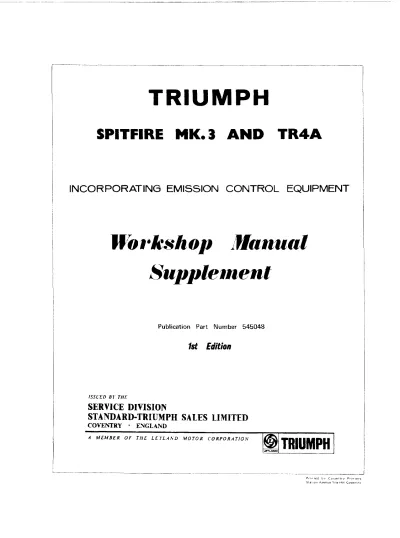
1966–1973 Triumph GT6 Workshop Manual Supplement (P/N 545048)
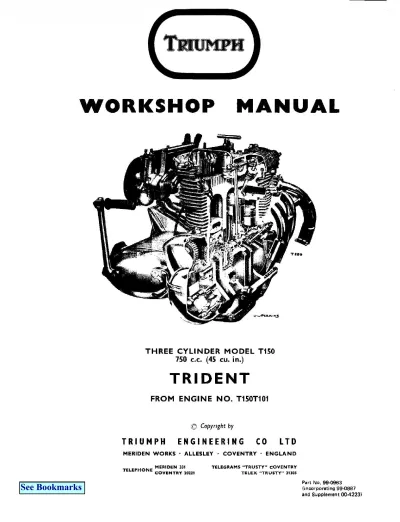
1969–1973 Triumph Trident T150/T150V Service Manual (P/N 99–0963)
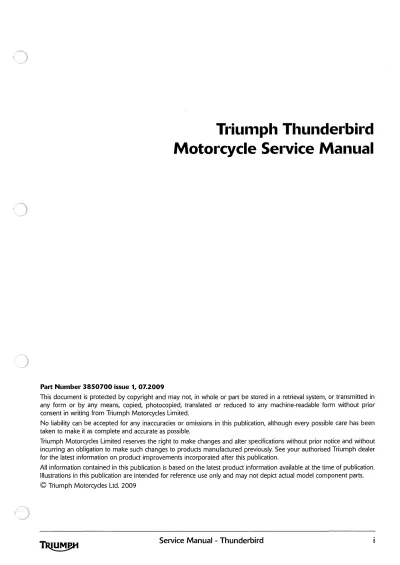
2009 Triumph Thunderbird Factory Service & Repair Manual (P/N 3850700)
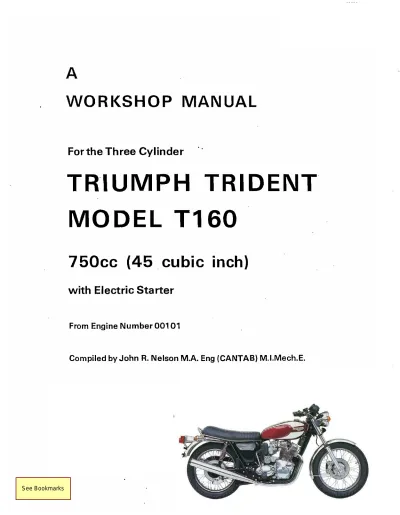
1975–1976 Triumph Trident T160 Electric Start Workshop Manual
1976–1977 Triumph Bonneville 750 T140V and Tiger 750 TR7RV Parts Catalog (P/N 99–2257)
1991–2004 Triumph Trophy, Daytona, Trident, Sprint, Sport, Executive, Tiger, Speed Triple, Thunderbird, and Adventurer Service & Repair Manual
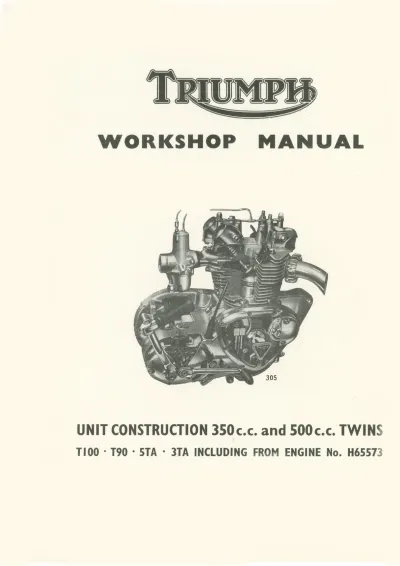
1957–1974 Triumph Tiger 100 (T100/T100S/T100SS), Daytona (T100T/T100R), Trophy 500 (T100C), Tiger 90 (T90), Speed Twin (5TA) & Twenty-One (3TA) Workshop Manual (P/N 305)
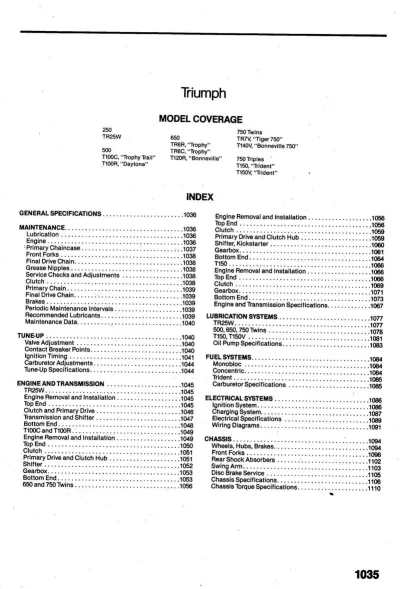
1969–1975 Triumph TR25W, T100, 650/750 Twins & T150/T150V Trident Service & Repair Manual
1970–1973 Triumph 650cc Twin T120R/TR6R/TR6C Workshop Manual (P/N 99-0947)
1999–2000 Triumph Sprint ST & Sprint RS Service Manual (P/N 3850760)
1999–2000 Triumph Tiger 900 (885cc) Factory Service & Repair Manual (P/N 3850775)
2002 Triumph Bonneville, T100, America & Speedmaster Service Manual (P/N T3850902)
2002–2004 Triumph Sprint ST / Sprint RS Service Manual (P/N 3851620)
2006–2013 Triumph Tiger 1050 & Tiger 1050 ABS Service Manual (P/N 3857365)
2010–2013 Triumph Tiger 800, 800 (ABS), 800XC & 800XC (ABS) Service Manual (PN 3856760)
1945–1955 Triumph Speed Twin (5T), Thunderbird (6T), Trophy (TR5), Tiger 100 (T100), Tiger 110 (T110) and 3T De-Luxe Workshop Manual (PN 99-0836)
1956–1962 Triumph Speed Twin (5T), Thunderbird (6T), Tiger 100, Tiger 110, Trophy TR5, Trophy TR6 & Bonneville T120 Workshop Manual (PN 99–0837)
2001 Triumph Tiger 955cc Factory Service Manual (P/N 3857017)
2001 Triumph Tiger 955i Factory Service Manual (P/N 3857017)
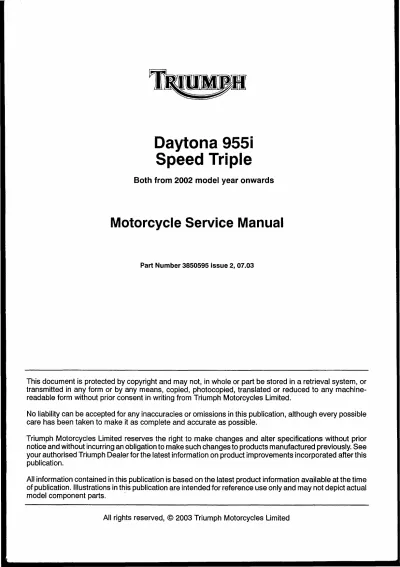
2002–2004 Triumph Daytona 955i / Speed Triple Service & Repair Manual (P/N 3850595)
2002–2006 Triumph TT600 Speed Four Service & Repair Manual (P/N T3851600)
2003 Triumph Daytona 600 Factory Service & Repair Manual (P/N 3850970)
2003 Triumph Rocket III Factory Service & Repair Manual
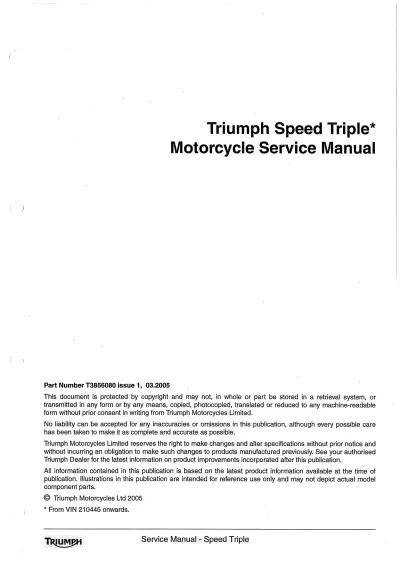
2005–2006 Triumph Speed Triple 1050 Service Manual (P/N T3856080)
2006–2011 Triumph Daytona 675 Service Manual (P/N T3880105-T0301)
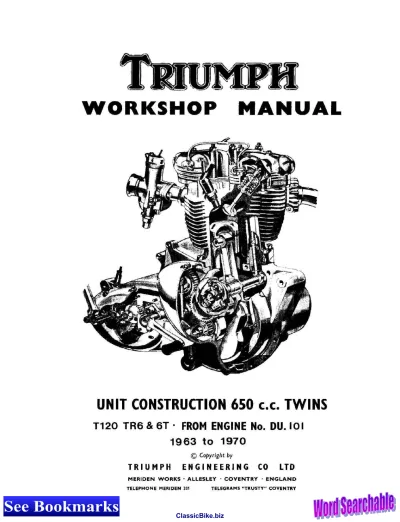
Triumph 650cc Twin Unit Construction Repair Manual 1963–1970 (P/N 99-0883)
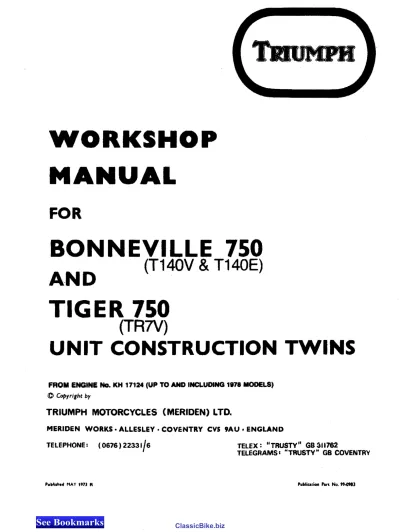
Triumph Bonneville T140E/T140V & Tiger TR7V 1973–1978 Workshop Manual Set (P/N 99–0983)