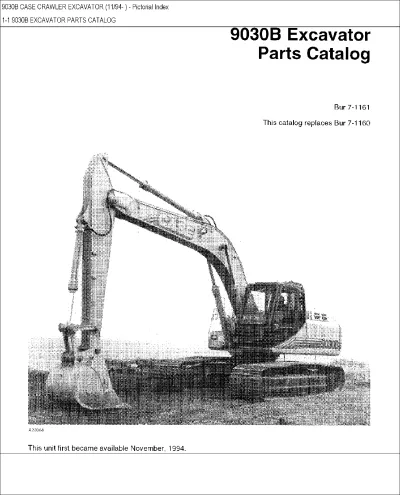
Excavator Service Manuals and Parts Catalogs
Search by your excavator’s make and full model designation, or select View Details on a listing below to check which models it covers. Once payment is confirmed, you can download the PDF immediately from the checkout page or use the download link in your email.
If the model matches, why check my excavator’s serial number?
Hydraulic components can change during a model’s production run. In the listing’s model coverage section, match the full model designation on your machine’s ID plate, including any suffix, then check where your serial number falls within any ranges shown. For example, a parts catalog may list different boom cylinder assemblies for earlier and later machines of the same model.
Which manual do I need to test a hydraulic pump, rebuild it, or order parts?
For troubleshooting, look for an operation and tests manual that lists hydraulic schematics and pressure tests. For a rebuild, check the repair manual’s content preview for pump disassembly and reassembly. Some manufacturers publish testing and repair procedures in separate volumes. If you need a replacement part number, choose an illustrated parts catalog with an exploded view of the pump and a matching parts list.
Excavator Manuals (116 total results)
John Deere 200CLC, 230CLC & 270CLC Excavator Repair Manual, 2000–2012 (P/N TM1931)
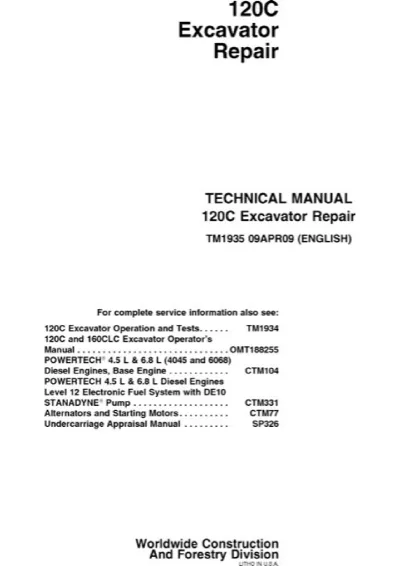
John Deere 120C Excavator Repair Manual, 2002–2005 (P/N TM1935)
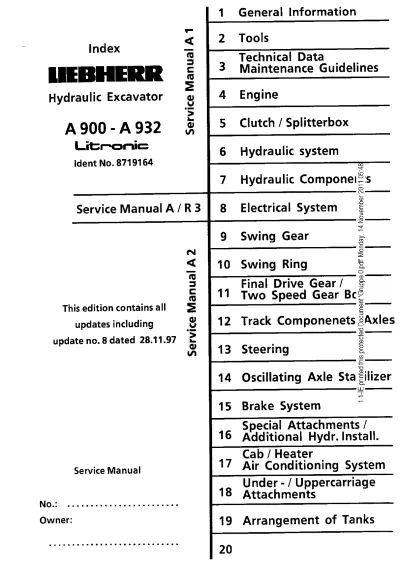
Liebherr A 900 / A 902 / A 912 / A 922 / A 932 Litronic Hydraulic Excavator 1997 Service Manual (P/N 8719164)
John Deere 690E LC Excavator 2011 – Operation & Tests Manual (P/N TM1508)
IHI 35N Mini Excavator Parts Catalog (P/N Pub. No. 2)
Hitachi EX270 Hydraulic Excavator Service Manual (1988–1993)
John Deere 490 Excavator (1990) — Repair, Operation & Tests Manual (P/N TM1302)
Hyundai Robex R130LC-3 Excavator Service Manual (1995–1998)
Kubota KX-2 Excavator Manual Set – Operator’s Manual & KX41-2 Parts Book
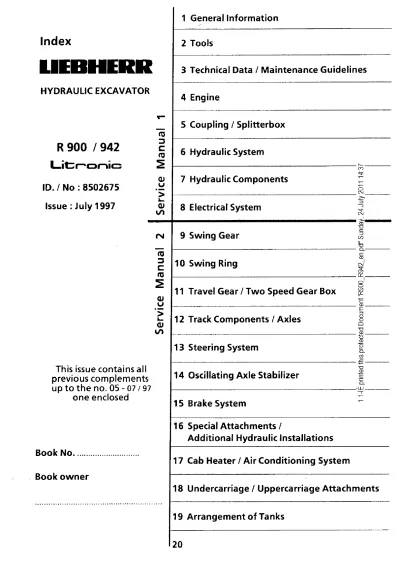
Liebherr R 900–942 Litronic Excavator Service Manual, 1990–1997 (P/N 8502675)
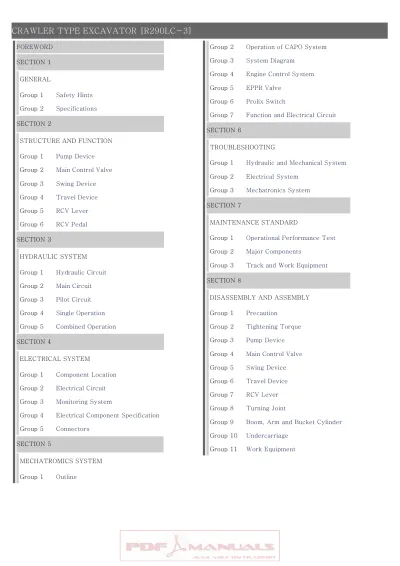
Hyundai R290LC-3 Excavator Service Manual (2004–2007)
Hitachi EX200-5 Series Excavator Technical & Workshop Manual Set
Sumitomo SH200-3 & SH220-3 Excavator Service Manual (2001)
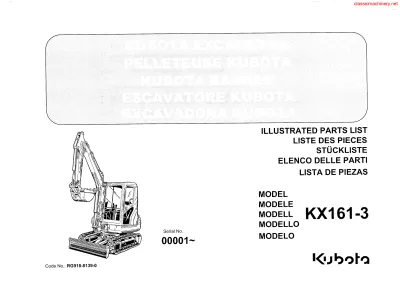
2004 Kubota KX161-3 Excavator Illustrated Parts List (P/N RG918-8139-0)
Komatsu PC150-5 Hydraulic Excavator Shop Manual, 1991 (P/N SEBM021K0502)
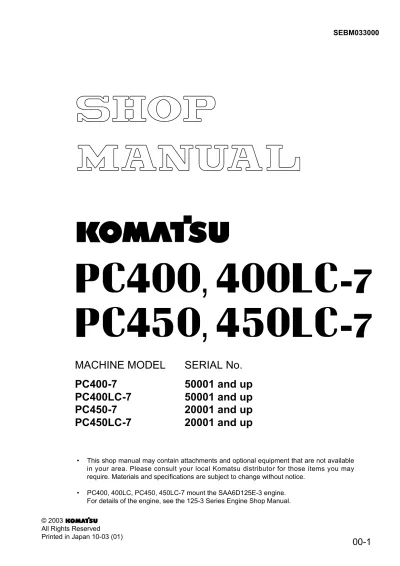
Komatsu PC400-7, PC400LC-7, PC450-7 & PC450LC-7 Excavator Shop Manual Extract — 2003 (P/N SEBM033000)
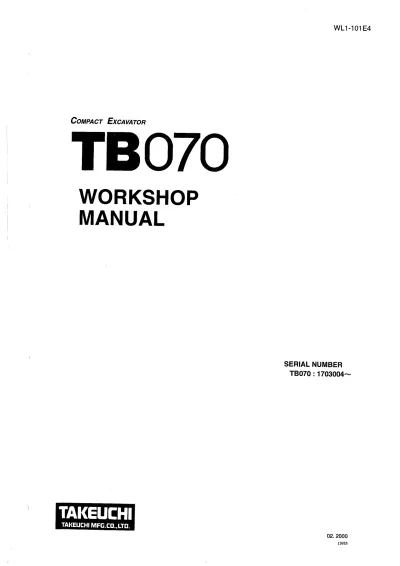
Takeuchi TB070 Compact Excavator Workshop Manual Set, 1995–2001 (P/N WL1-101E4)
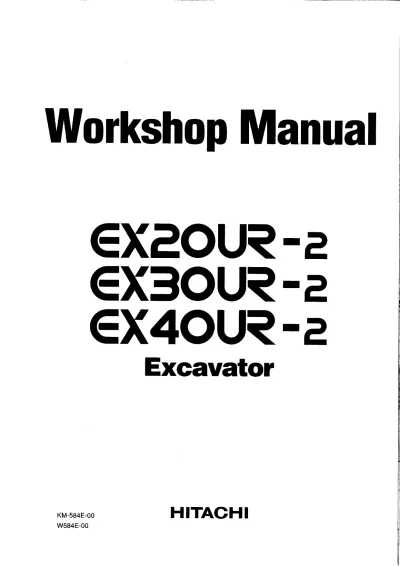
Hitachi EX20UR-2 / EX30UR-2 / EX40UR-2 Excavator Workshop Manual (1994) (P/N KM-584E-00 / W584E-00)
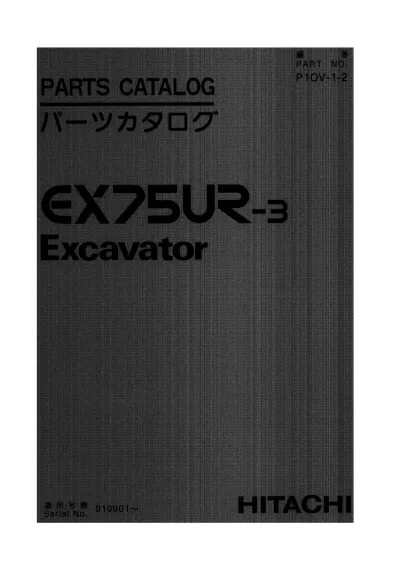
Hitachi EX75UR-3 Excavator Parts Catalog, 2004–2006 (P/N P10V-1-2)
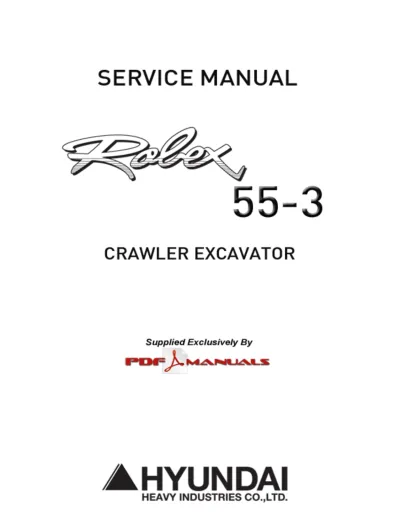
Hyundai Robex 55-3 (R55-3) Crawler Excavator Service Manual, 1997–2002
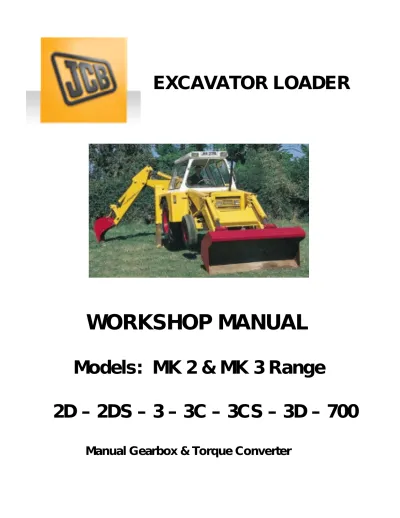
JCB 2D, 2DS, 3, 3C, 3CS, 3D & 700 Excavator Loader Workshop Manual (1970–1982)
Komatsu PC95-1 Excavator Shop Manual (P/N WEBMPC9500)
1992 Hitachi EX25, EX35, EX40 Excavator Technical Manual (KM581E-01, T581-01)
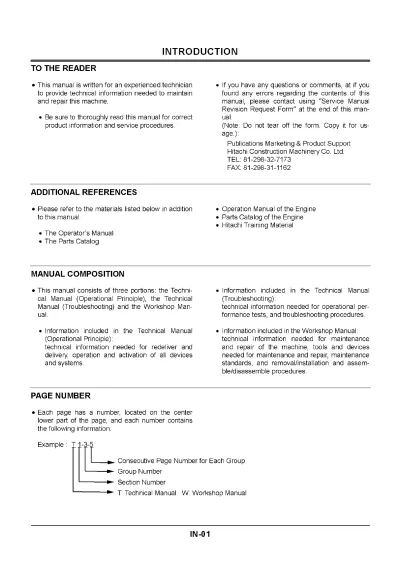
1995–1998 Hitachi EX200-5, EX200LC-5, EX220-5, EX220LC-5, EX230LC-5, EX270-5 and EX270LC-5 Excavator Manual Set
2002-era Hitachi ZAXIS 110, 110M, 120, 125US, 130, 130LCN, 135US & 135UR Excavator Manual Set (2002-era) (P/N W187E-03)
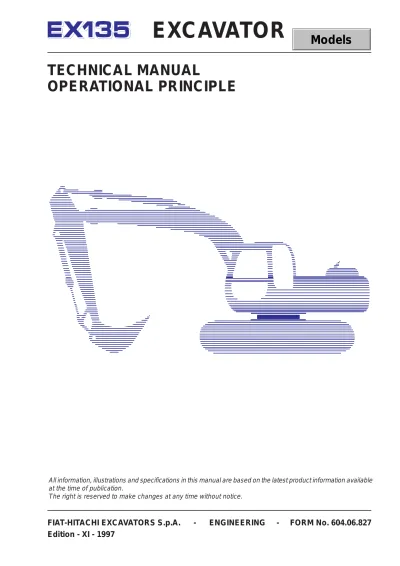
Fiat-Hitachi EX135 Excavator Service Manual Set, 1997–2002 (P/N 604.06.837)
Hitachi 2001 EX8, EX12, EX15, EX22 & EX30 Excavator Technical & Workshop Manual Set (P/N KM580E-01 T580-01)
Hitachi EX135UR Excavator Parts Catalog (P/N P1ED-1-3)
Hitachi EX135UR Excavator Service Manual Set – 1997 (P/N KM-191E)
Hitachi ZAXIS-3 Excavator Operator's Manual, 2008 (P/N EM1U1-EN3-1)
Kobelco SK300LC Mark IV Excavator Parts Catalog
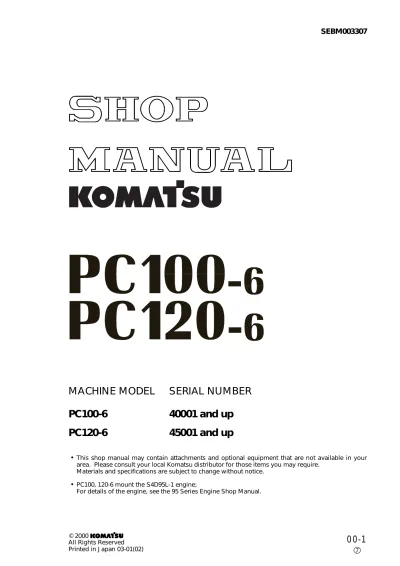
Komatsu PC100-6 & PC120-6 Excavator Shop Manual – 2000 (P/N SEBM003307)
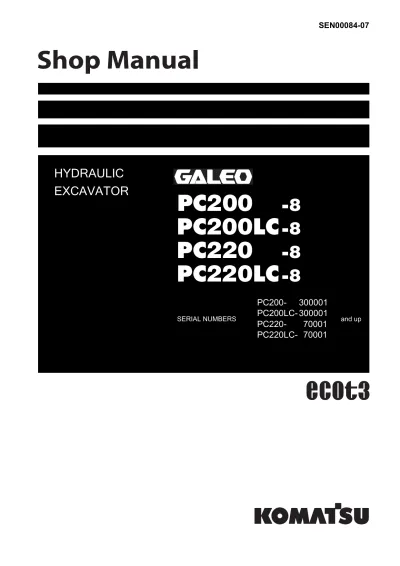
Komatsu PC200-8, PC200LC-8, PC220-8 & PC220LC-8 Excavator Shop Manual, 2007 and Up (P/N SEN00084-07)
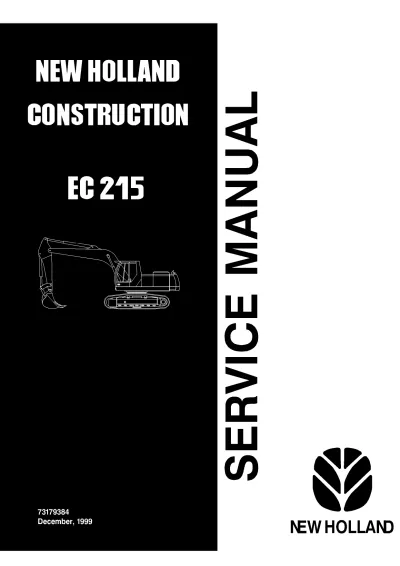
New Holland EC 215 Excavator (1999) Service Manual (P/N 73179384.00 us)
1997 Hitachi EX200-2 / EX200LC-2 Excavator Parts Manual Set (P/N P147-1-7 / P147-E1-4)
1998–2003 Hitachi EX75UR-5 / EX75US-5 Hydraulic Excavator Technical & Workshop Manual Set (P/N TO197E-00)
2000 Komatsu PC128UU-1, PC128US-1 Excavator Shop Manual (P/N SEBM009805)
Hitachi EX300-3 / EX300LC-3 Excavator Technical & Workshop Manual (1995–1997)
John Deere 70 Excavator Technical Manual, 1986–1990 (P/N TM1376)
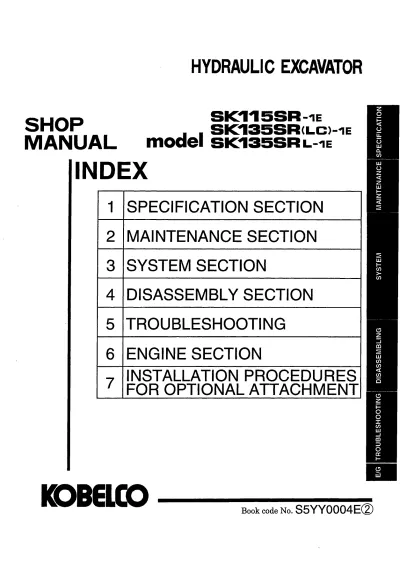
Kobelco SK115SR-1E & SK135SR-1E Excavator Shop Manual Set, 2002–2003 (P/N S5YY0004E2)
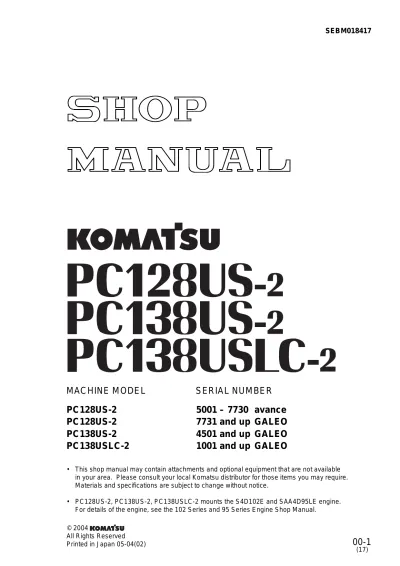
Komatsu PC128US-2, PC138US-2 & PC138USLC-2 Excavator Service Manual – 2004 (P/N SEBM018417)
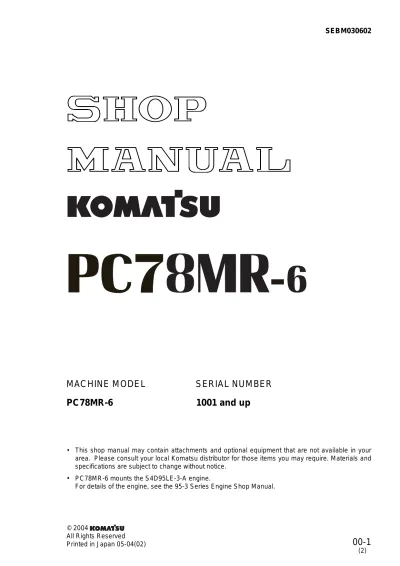
Komatsu PC78MR-6 Excavator Shop Manual, 2004 (P/N SEBM030602)
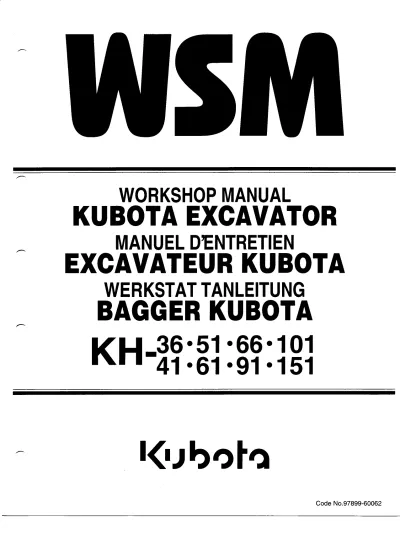
Kubota KH Excavator Workshop Manual, 1989–1991 (P/N 97899-60062)
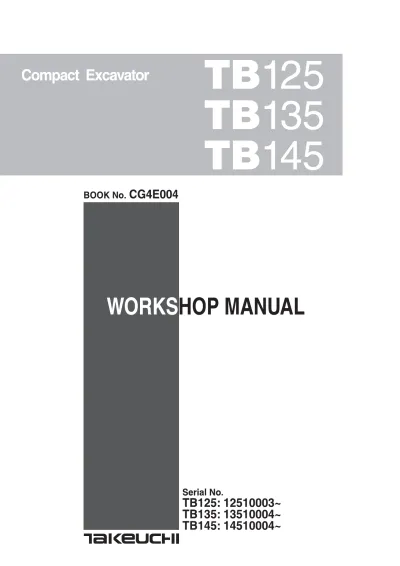
Takeuchi TB125, TB135 & TB145 Compact Excavator Workshop Manual Set – 2001 (P/N CG4E004)
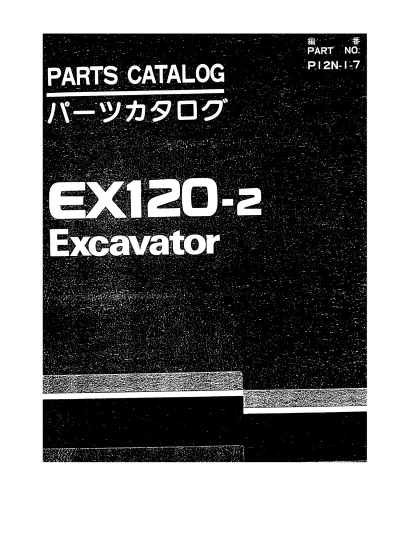
1990– Hitachi EX120-2 Hydraulic Excavator Parts Catalog (P/N P12N-1-7)
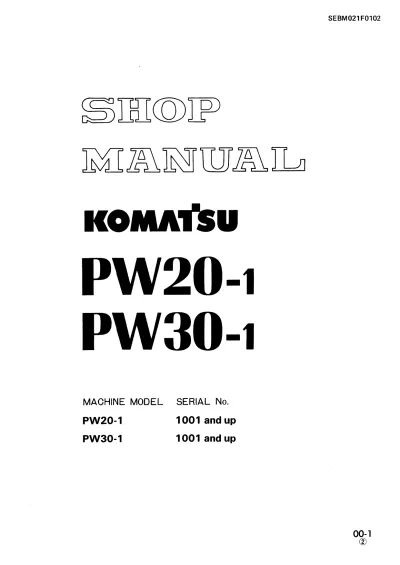
1990s Komatsu PW20-1 / PW30-1 Wheeled Excavator Shop Manual (P/N SEBM021F0102)
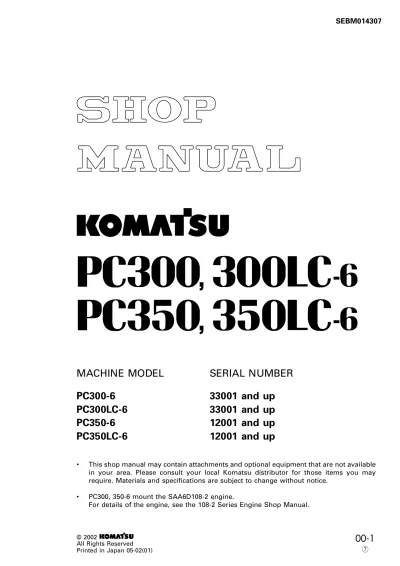
1995–2002 Komatsu PC300-6, PC300LC-6, PC350-6 and PC350LC-6 Excavator Service & Repair Manual (P/N SEBM014307)
1999 Hitachi EX135UR Excavator Operator's Manual (P/N EM1ED-EN2-2)
2002–2007 Hyundai R290LC-7 Crawler Excavator Service Manual