Canon Service Manuals: Professional Repair & Maintenance Guides
Canon printers and imaging systems—from standard PIXMA inkjets to high-volume imageRUNNER copiers and precision imagePROGRAF large-format models—require precise maintenance. Because these devices integrate complex optical units, delicate print heads, and proprietary firmware, generic repair guides often fall short. Accessing exact, model-specific factory documentation is the most reliable way to troubleshoot error codes, calibrate sensors, and maintain long-term print quality.
Authentic Canon Factory Manuals
Maintaining a precision imaging device requires data that matches the original engineering standards. Trying to clear a "B200" error on a PIXMA or align a laser unit on an imageCLASS machine using unverified instructions can lead to permanent hardware damage.
To ensure your repairs are accurate, our repository provides the exact same technical literature used by authorized Canon dealers. These are high-resolution, unedited digital copies of the original master documents, offering reliable data over generic third-party guides:
- Official OEM Documentation: High-resolution digital archives of the original Canon factory service manuals, Technical Service Bulletins (TSBs), and authorized repair guides.
- Precise Specifications: Every critical data point—including timing for paper feeds, fuser voltage values, and exact ink-pump pressures—remains exactly as Canon's engineers recorded it.
- Clear Schematics: Documents are checked to ensure intricate circuit board (PCB) layouts, sensor routing maps, and exploded views are perfectly readable for diagnostics and teardowns.
Finding the Right Manual for Your Canon Device
Canon’s numbering system can be complex, often featuring specific regional variants. To ensure you download the correct documentation, check your device's identification label:
- Verify the Product Family: Canon documentation is organized by series. The internal architecture of a PIXMA multifunction printer is entirely different from a professional iPF-series or an imageRUNNER office copier.
- Check the Suffix: Pay close attention to letters like "Mark II," "n," "i," or "DW." These indicate significant hardware differences, such as added networking capabilities, duplexing units, or updated sensor arrays.
- Confirm the Production Year: For high-volume equipment like the imageRUNNER ADVANCE series, internal components are often updated during production. Make sure the manual covers your machine's specific generation.
Safety & Compliance Warning: These service manuals are intended for IT service departments and experienced technicians. Working with high-voltage fuser units and complex mechanical systems involves inherent safety risks. RepairLoader provides these original manufacturer documents for informational and diagnostic purposes only. Always follow standard safety protocols, use ESD-safe tools, and consult a factory-authorized specialist if a repair procedure is beyond your technical expertise.
Choosing the Correct Document Type
Make sure to select the resource that matches your repair needs:
- Service Manuals: The core resource for deep repairs, featuring step-by-step disassembly, error code troubleshooting, and electrical diagnostics.
- Parts Catalogs: Essential for finding exact OEM part numbers when sourcing replacement rollers, print heads, or mechanical gears.
- Operation Guides: Best for routine maintenance, user settings, and initial network configuration.
Canon Manuals (65 total results)
Canon Pro9000 Mark II Service Manual (P/N QY8-13CH-000)
Canon Pixma Pro9000 Factory Service Manual (P/N QY6-0055-000)
2005 Canon LaserBase MF5730 / MF5750 / MF5770 Service & Repair Manual (OEM)
2007 Canon imagePROGRAF iPF8100 Service Manual PDF (DU7-1247-000)
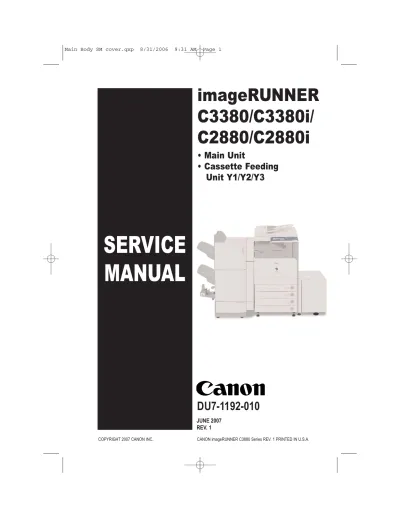
2007 Canon imageRUNNER C3380 / C3380i / C2880 / C2880i Service Manual (P/N DU7-1192-010)
Canon Pixma MP620 / MP620B Service & Repair Manual
2006 Canon PIXMA MP810 / MP960 Factory Service Manual
2007 Canon PIXMA MP970, MP610, and MP600 OEM Service Manual (P/N Y6-0062-010, QM3-2237-000)
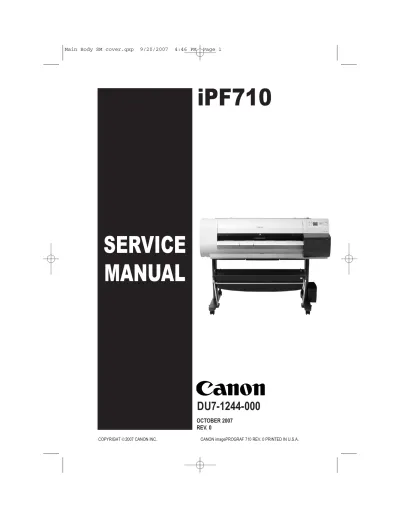
2007 Canon iPF710 Service Manual (P/N DU7-1244-000)
Canon imageCLASS MF6500 Series Service Manual (P/N FA7-8174 (020))
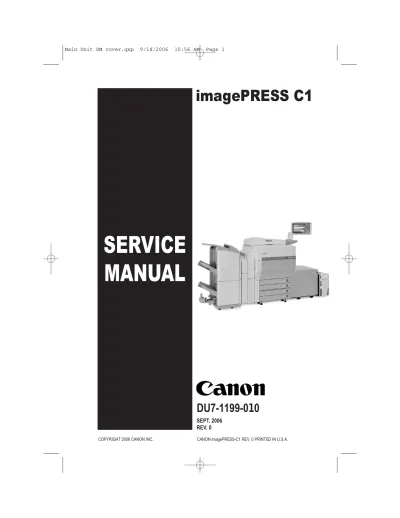
Canon imagePRESS C1 Factory Service 2006 (P/N DU7-1199-010)
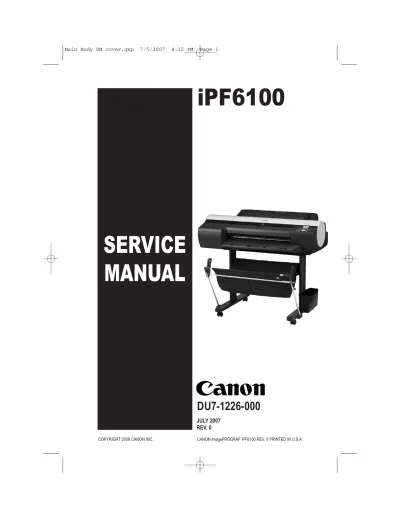
Canon imagePROGRAF iPF6100 Service Manual (P/N DU7-1226-000)
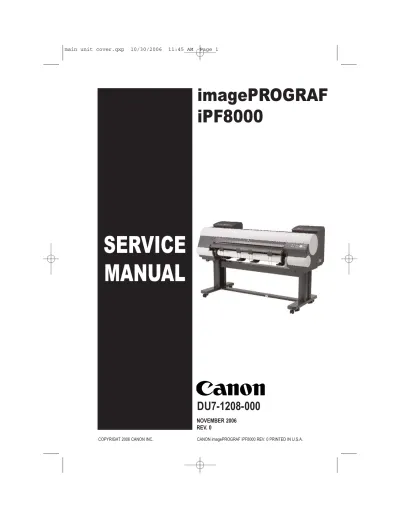
Canon imagePROGRAF iPF8000 Inkjet Printer 2006 Service Manual (P/N DU7-1208-000)
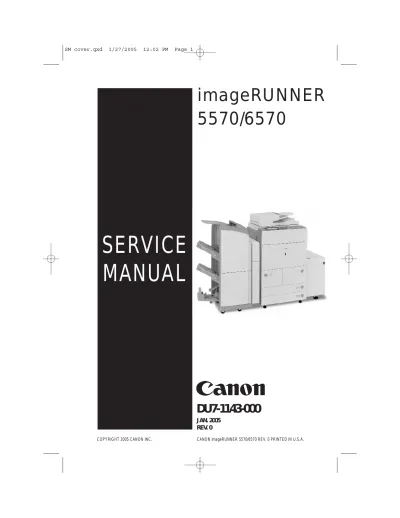
Canon imageRUNNER 5570/6570 Service Manual 2005 (P/N DU7-1143-000)
Canon iR8500, iR8500N, iR8500N Color, iR105, iR9070, iR85+, and iR8070 Color 2001 Service Manual
2000 Canon iR5000 / iR6000 Copier Service Manual (P/N FY8-13GS-000)
2004 Canon iR2270/iR2870/iR3570/iR4570 Factory Service Manual
2006 Canon PIXMA MP830 Service Manual
2007 Canon LBP5000 / LBP5100 Color Laser Printer Service Manual (P/N 0015–8328)
2010 Canon IPF 750 / IPF755 Service Manual (P/N 0023–1254)
Canon imageRUNNER 5075/5065/5055 Service Manual (P/N DU7-1213-000)
Canon imageRUNNER ADVANCE C5051, C5045, C5035, C5030 series 2008 Service Manual (P/N C8049A)
Canon IPF8000, IPF8100, IPF8200, IPF8300 Service Manual
Canon MultiPASS MP730 / MP700 Service Manual (P/N HY8-19B3-000)
Canon PIXMA MX7600 Service Manual (P/N PTP123)
1991–1993 Canon NP-4050 Service Manual (P/N FY8-13BF-010)
1996 Canon CLC700 / CLC800 Color Laser Copier Service Manual (P/N FY8-13D5-020)
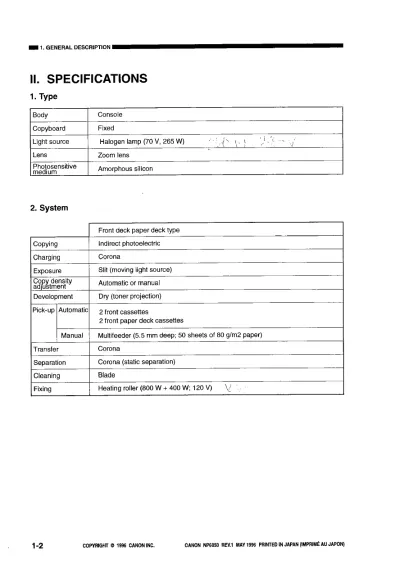
1996 Canon NP6050 Digital Copier Service Manual (P/N FY8-13DH-01Y)
1998 Canon BJ-W7000 Bubble Jet Printer OEM Service Manual (P/N QY8-1357-000)
1999 Canon GP405/335 Service Manual (P/N FY8-13FV-000)
1999 Canon NP6512/6612/7120/7130/7130F Service Manual (P/N FY8-13GB-000)
2000 Canon imageRUNNER 600 Service Manual Revision 1 (P/N DU7-1100-010)
2001 Canon BJ-W9000 Large Format Printer Service Manual (P/N QY8-1373-000)
2001 Canon iR1600/iR2000 Service Manual (P/N FY8-13HJ-000)
2001 Canon iR2200/iR2800/iR3300 Service Manual (P/N FY8-13H8-000)
2001 Canon iR8500 / iR7200 Factory Service Manual (P/N FY8-13H3-010)
2002 Canon W7200/W7250 Service Manual (P/N AY3-4302-S02)
2002–2009 Canon iR1600/iR2000 Copier Service Manual (P/N FY8-13HJ-000)
2003 Canon CLC5100 Series / CLC4000 Service Manual
2003 Canon CLC5100 Series Service Manual
2005 Canon iR2020/iR2016 Series Service Manual OEM (P/N 0011–0899)
2005 Canon iR5570 / iR6570 Series Service Manual
2005 Canon W8400 Factory Service Manual
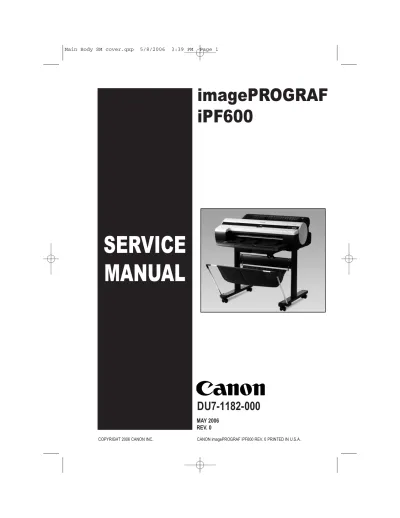
2006 Canon imagePROGRAF iPF600 Large-Format Printer Service Manual (P/N DU7-1182-000)
2006 Canon PIXMA MP150 Ink Jet Printer Factory Service Manual (P/N QY5-0149)
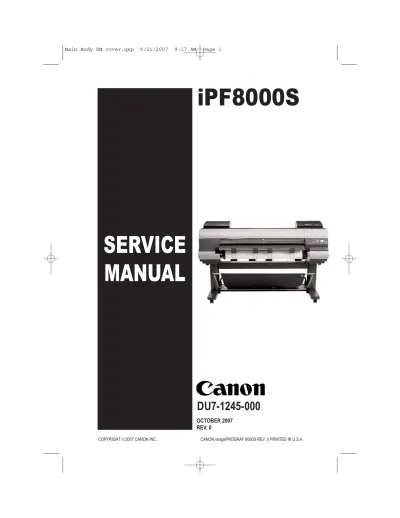
2007 Canon imagePROGRAF IPF8000S Service Manual (P/N DU7-1245-000)
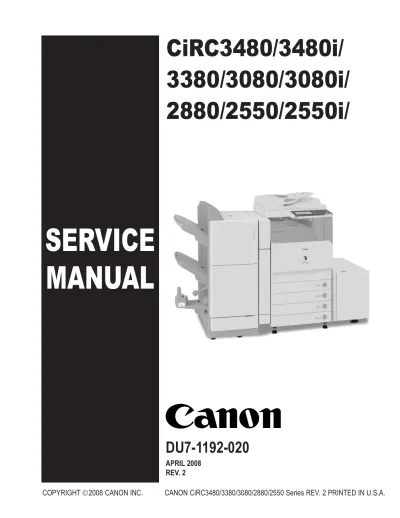
2008 Canon CiR C3380G, CiR C2880G, CiR C3380i, CiR C3380, CiR C2880i, CiR C2880 Service Manual (DU7-1192-020)
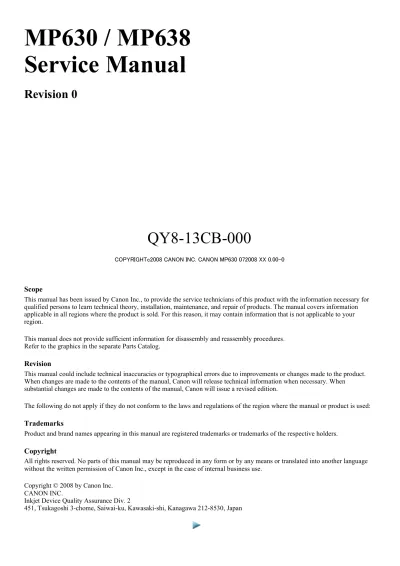
2008 Canon MP630 / MP638 Service Manual (P/N QY8-13CB-000)
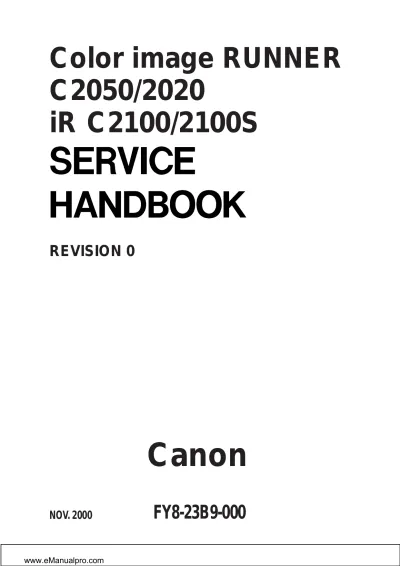
Canon C2050/C2020/iR C2100/C2100S Service Manual (P/N FY8-23B9-000)