HP Printer Service Manuals for LaserJet and DesignJet Models
Search for the full model name on your printer’s label, or browse the LaserJet, Color LaserJet, and DesignJet listings below. Once payment is confirmed, you can download the manual immediately from the confirmation page. You’ll also receive the download link by email.
Is the printer series enough to choose the right manual?
Match the full model number on your printer’s label, including any letters at the end, to the model list under View Details. Within a LaserJet series, a suffix can identify a version with different paper-handling hardware, such as an automatic duplexer. If a DesignJet listing shows more than one printer width, match yours as well. Parts such as carriage belts can differ by width.
Will a LaserJet service supplement cover the whole repair?
A supplement can cover parts and procedures specific to your model while referring you to a separate service manual for procedures shared across the series. Check the listing’s content preview to see which publications are included and whether you’ll need the base manual. If you’re tracing a paper jam, for example, look for coverage of the paper path and its sensors.
Hewlett Packard Manuals (52 total results)
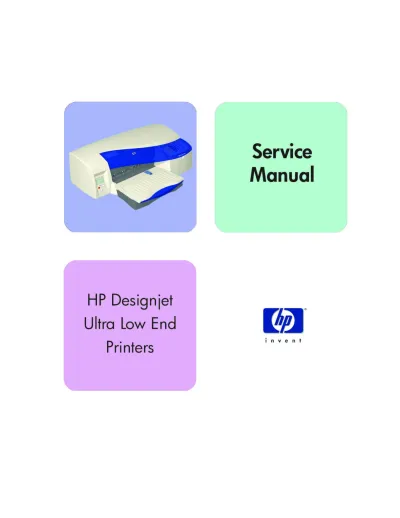
HP Designjet 10 ps, 20 ps, 30, 30 n, 50 ps, 70, 90, 100, 110, 120, 130 Series Printer Service Manual
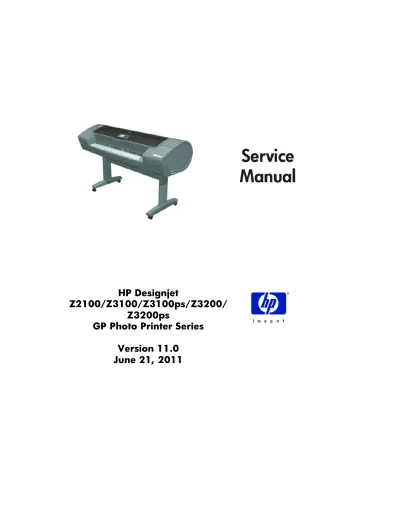
HP Designjet Z2100, Z3100, Z3100ps, Z3200 & Z3200ps Service Manual (2006–2011)
HP LaserJet 5P/5MP & 6P/6MP Service Supplement Collection, 1995–1996 (P/N C3980-99001)
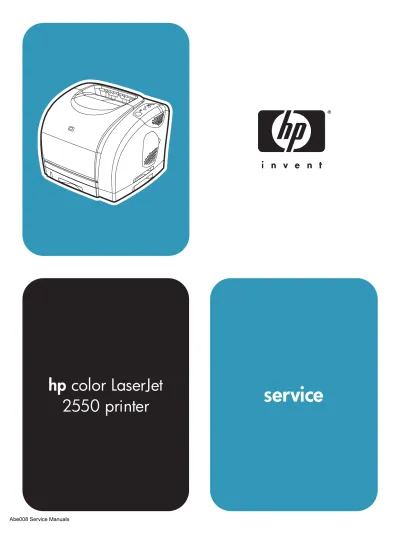
HP Color LaserJet 2550 Series Printer Service Manual – 2004 (P/N Q3702-90923)
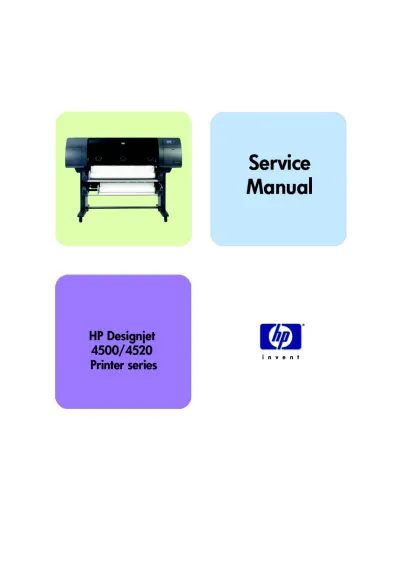
HP Designjet 4500/4520 Printer Series Service Manual (2009)
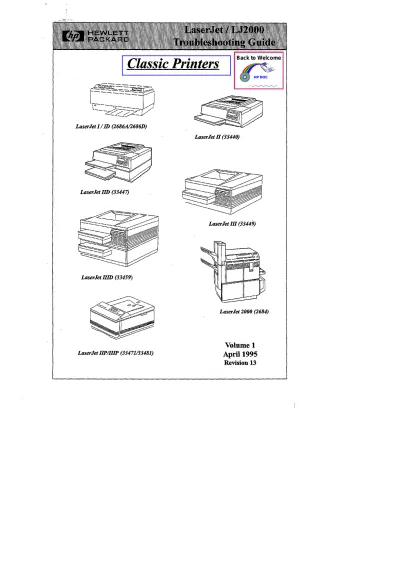
1984–1995 HP LaserJet I/I+/ID, II/IID, III/IIID, IIP/IIP+/IIIP & 2000 Printer Troubleshooting Manual, Volume 1
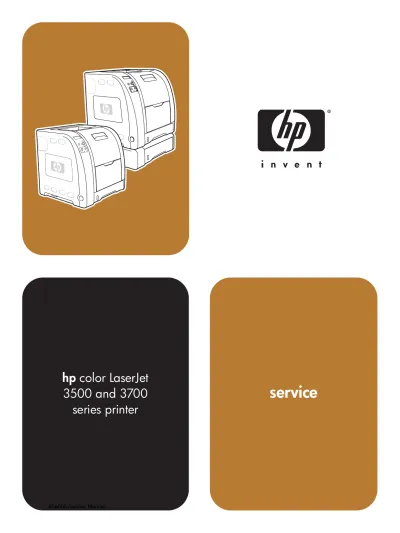
HP Color LaserJet 3500/3700 Service Manual – 2003 (P/N Q1321-90930)
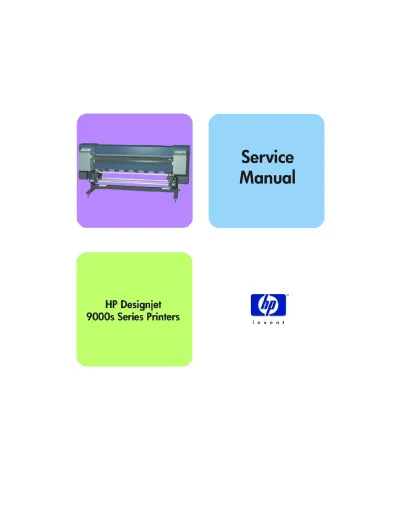
HP Designjet 9000s Series Printer Service Manual (2006, First Edition)
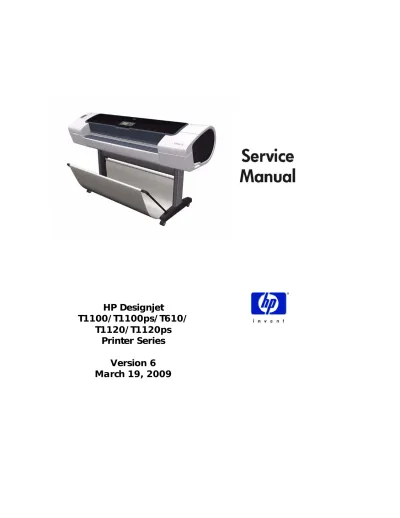
HP Designjet T1100, T1100ps, T610, T1120 & T1120ps Service Manual (2009 Edition)
HP Designjet Z6100 42″/60″ Printer Service Manual (2007–2008)
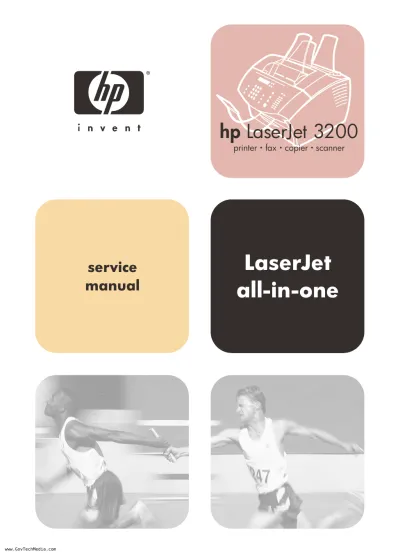
HP LaserJet 3200 All-in-One Service Manual – 2000 (P/N C7052-90923)
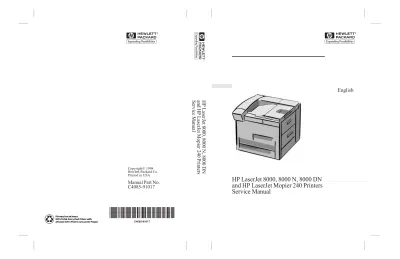
HP LaserJet 8000 / 8000 N / 8000 DN & Mopier 240 — 1998 Printer Service Manual (P/N C4085-91017)
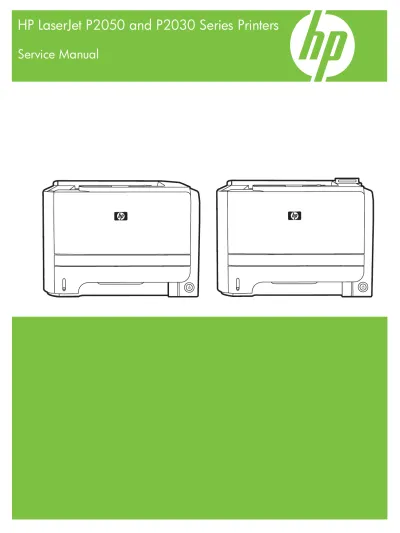
HP LaserJet P2030/P2050 Series Service Manual, 2008 (P/N CE457-90980)
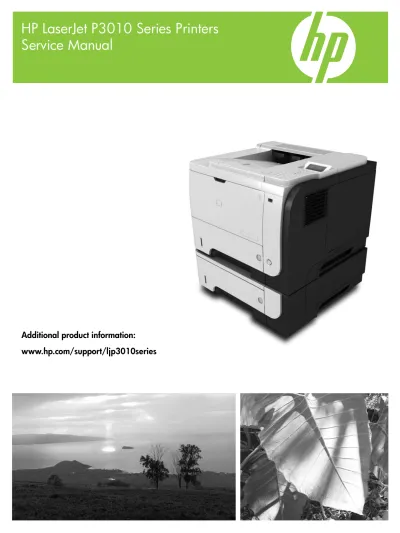
HP LaserJet P3010 Series Printer Service Manual, 2009 (P/N CE524-90909)
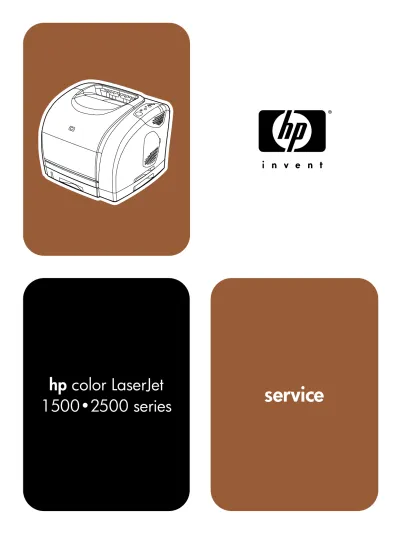
HP Color LaserJet 1500/2500 Series Service Manual – 2003 (P/N Q2488-90901)
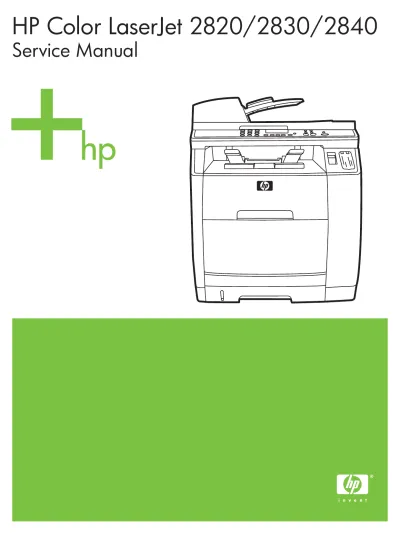
HP Color LaserJet 2820, 2830 & 2840 Service Manual – 2005 (P/N Q3948-90943)
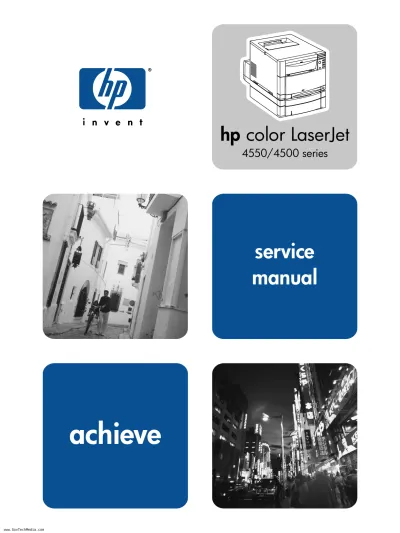
HP Color LaserJet 4500/4550 Printer Service Manual, 1997–1998 (P/N C7085-90921)
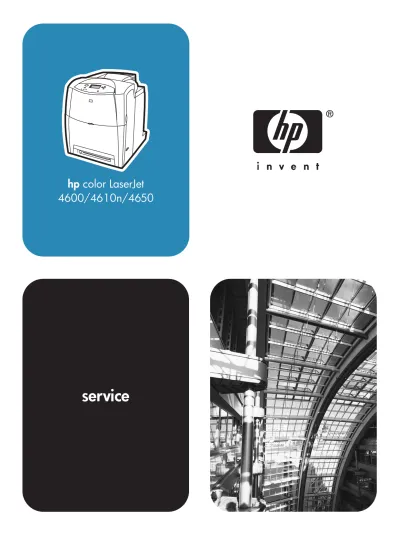
HP Color LaserJet 4600/4610n/4650 Service Manual, 2000–2006 (P/N Q3668-90970)
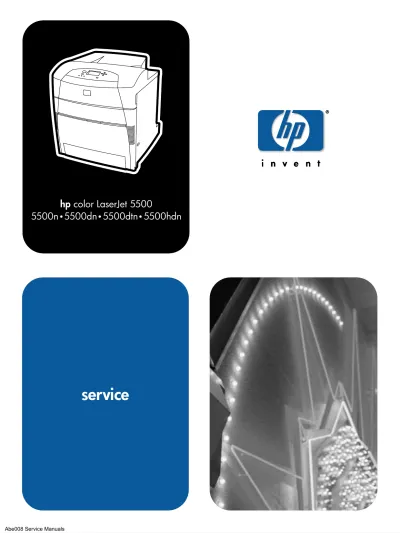
HP Color LaserJet 5500 Series Printer Service Manual – 2005 (P/N C9656-90930)
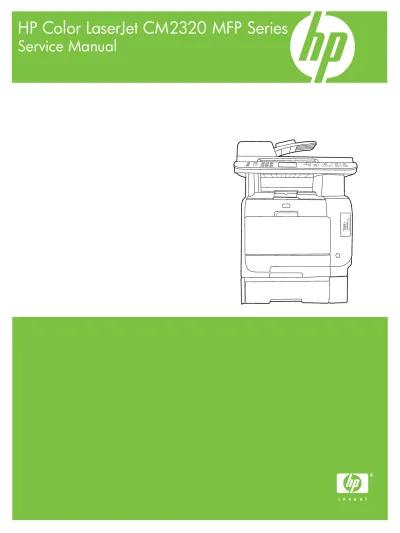
HP Color LaserJet CM2320 MFP Service Manual – 2008 (P/N CC434-90969)
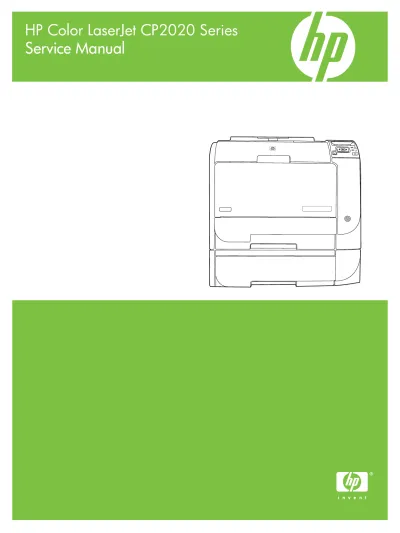
HP Color LaserJet CP2020 Series Service Manual – 2008 (P/N CB493-90948)
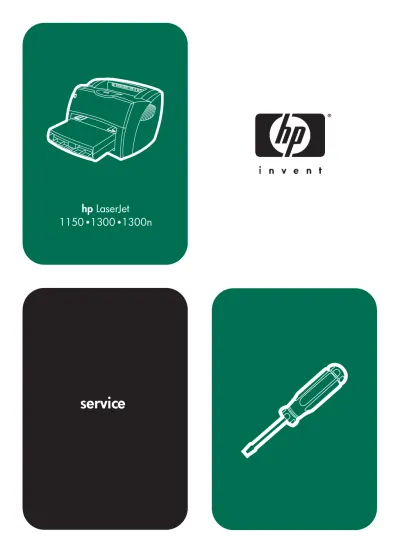
HP LaserJet 1150/1300/1300n Printer Service Manual, 2003 (P/N Q1334-90928)
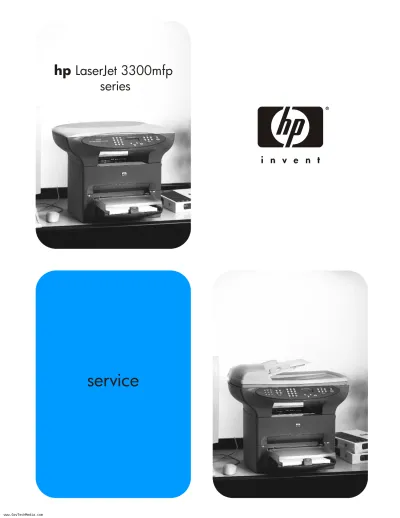
HP LaserJet 3300MFP Series Factory Service Manual, 2003 (P/N C9124-90948)
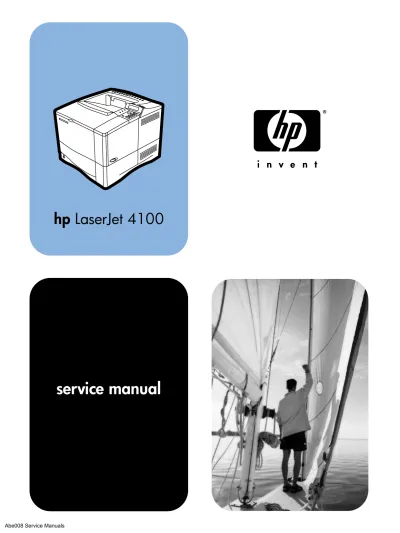
HP LaserJet 4100 Series Printer Service Manual – 1999 (P/N C8049-90920)
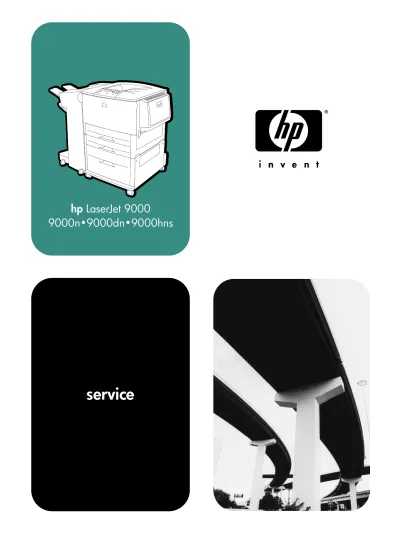
HP LaserJet 9000, 9000n, 9000dn & 9000hns Printer Service Manual, 2001 (P/N C8519-90912)
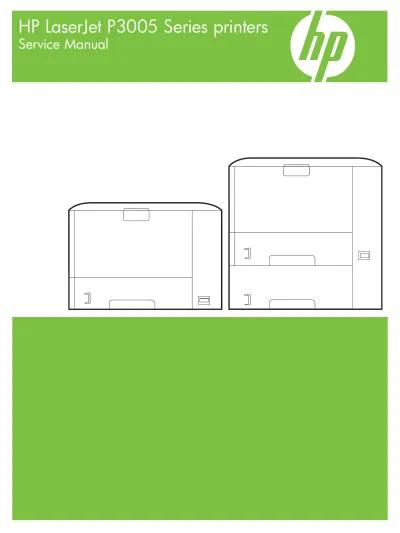
HP LaserJet P3005 Series Service Manual, 2006 (P/N Q7812-90910)
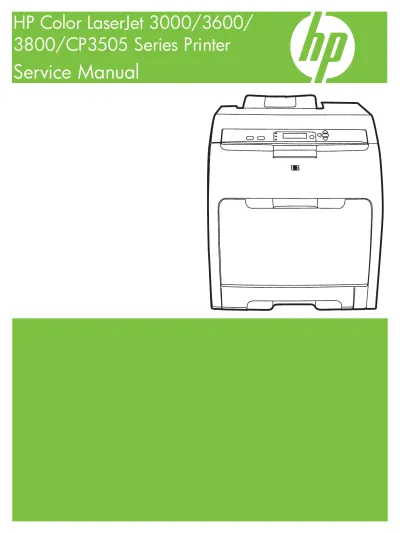
HP Color LaserJet 3000/3600/3800/CP3505 – 2007 Service Manual (P/N Q5982-91034)
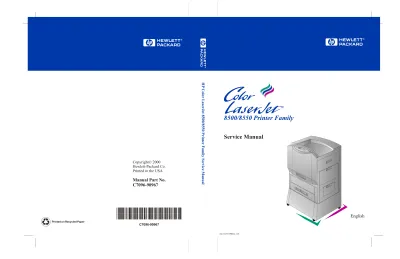
HP Color LaserJet 8500/8550 Printer Service Manual, 1999–2003 (P/N C7096-90967)
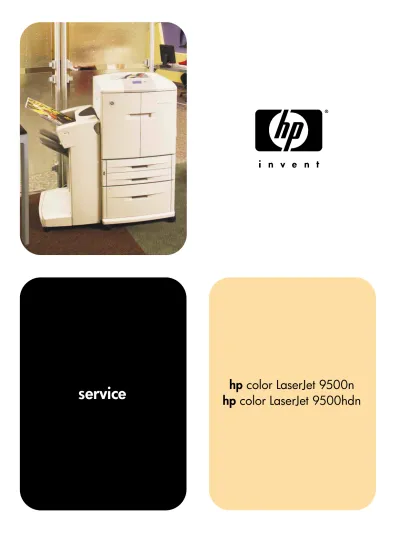
HP Color LaserJet 9500n/9500hdn Service Manual, 2000–2005 (P/N C8546-90956)
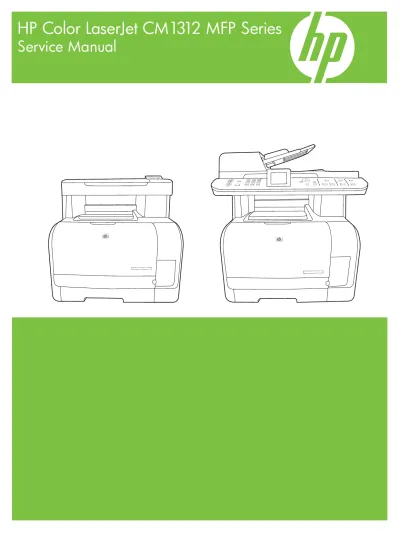
HP Color LaserJet CM1312 / CM1312nfi MFP Service Manual — 2008 (P/N CC430-90964)
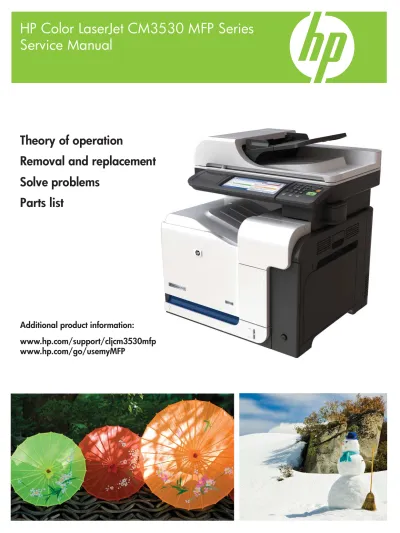
HP Color LaserJet CM3530 / CM3530fs MFP Service Manual – 2008 (P/N CC519-91013)
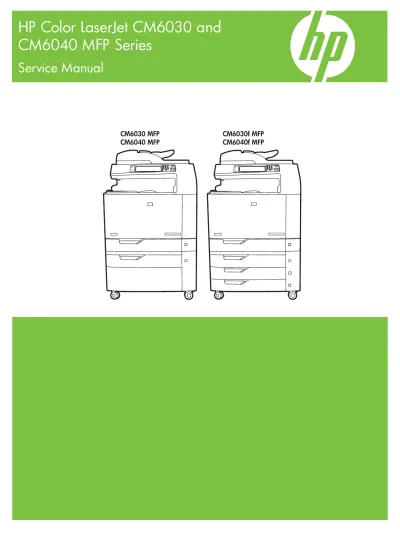
HP Color LaserJet CM6030/CM6040 MFP Service Manual – 2008 (P/N Q3938-90953)
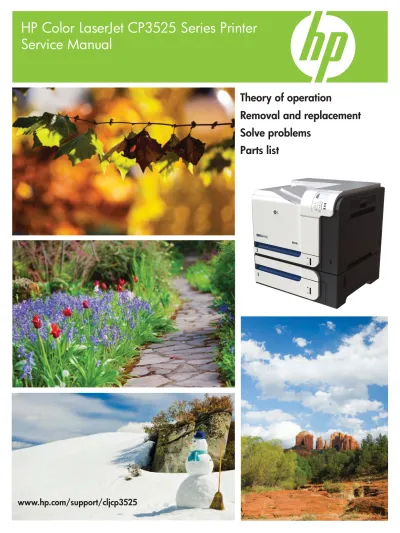
HP Color LaserJet CP3525 Series Service Manual – 2008 (P/N CC468-90963)
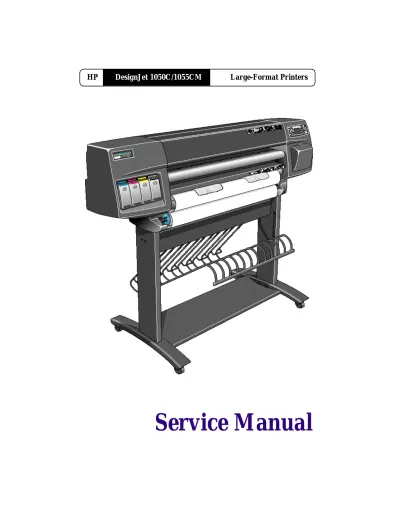
HP DesignJet 1050C/1055CM Printer Service Manual, 1998–2001 (P/N C6071-90000)
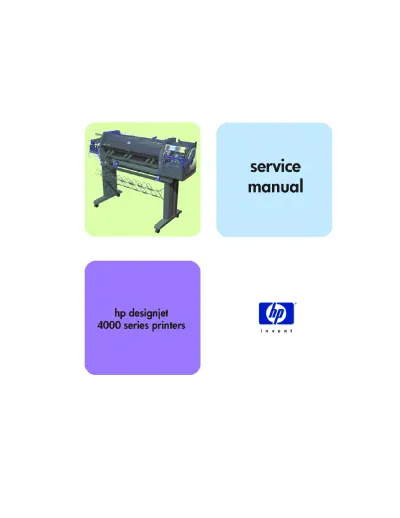
HP DesignJet 4000 & 4000ps Service Manual (2005–2011)
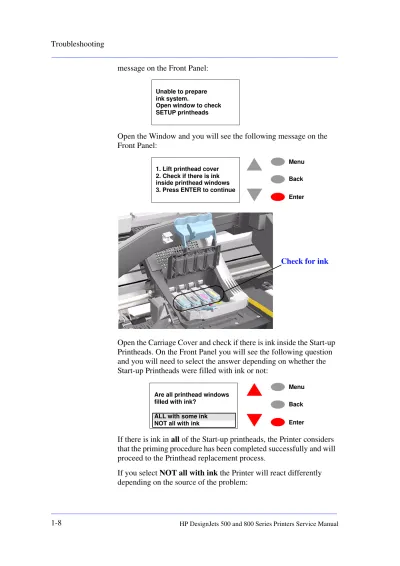
HP DesignJet 500, 500PS, 800 & 800PS Service Manual (2000)
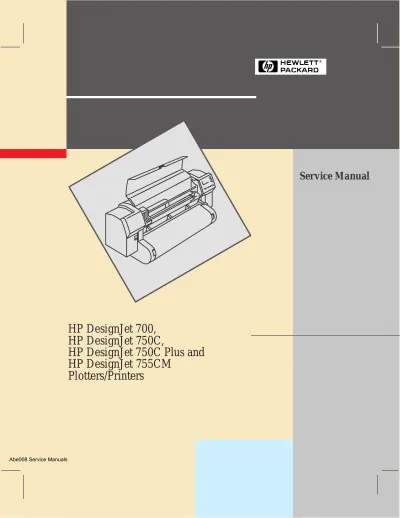
HP DesignJet 700/750C/750C Plus/755CM – 1996 Service Manual (P/N C4705-90000)
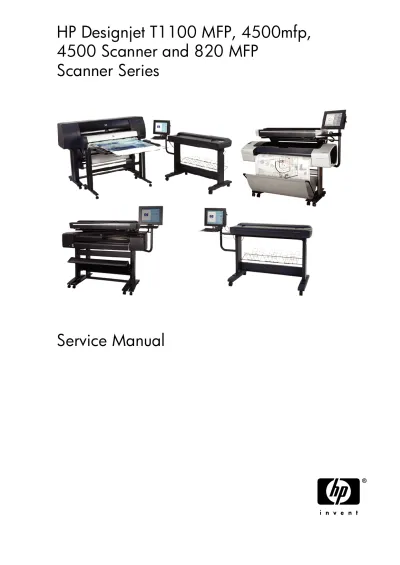
HP Designjet T1100 MFP, 4500 Scanner, 820 MFP & 4500mfp — Scanner Service Manual (2007)
HP Designjet T770 & T1200 Large-Format Printer Service Manual (2009)
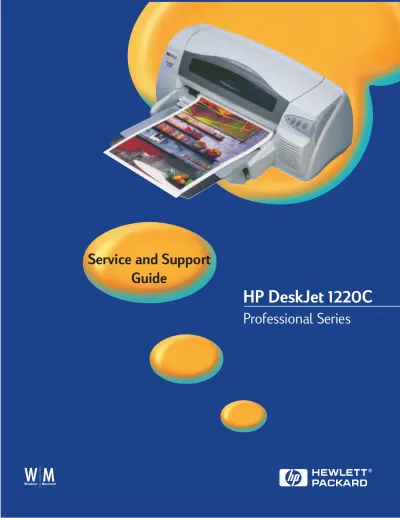
HP DeskJet 1220C Professional Series Service Manual (1999)
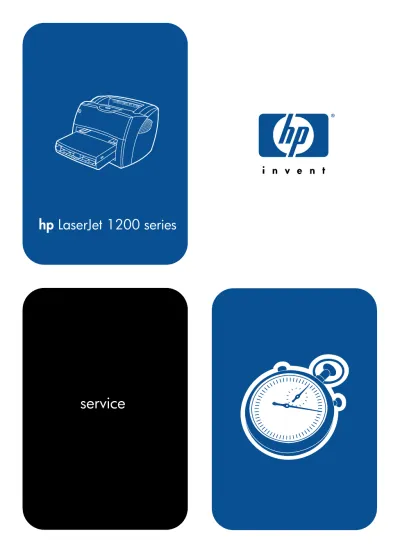
HP LaserJet 1200 Series OEM Service Manual, 2000–2002 (P/N C7044-90906)
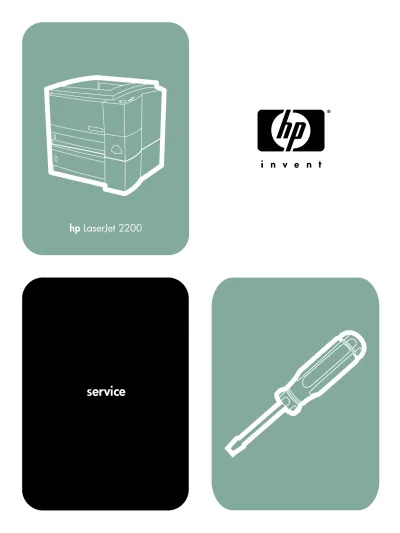
HP LaserJet 2200 Series Printer Service Manual, 2001 (P/N C7058-90936)
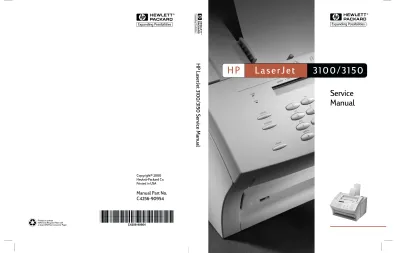
HP LaserJet 3100/3150 Service Manual – 2000 (P/N C4256-90954)
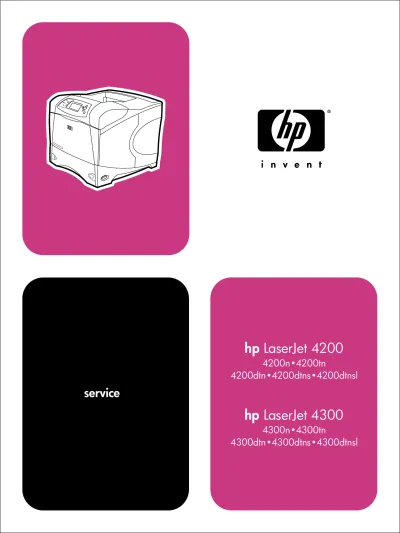
HP LaserJet 4200/4300 Printer Service Manual – 2000s (P/N Q2431-90912)
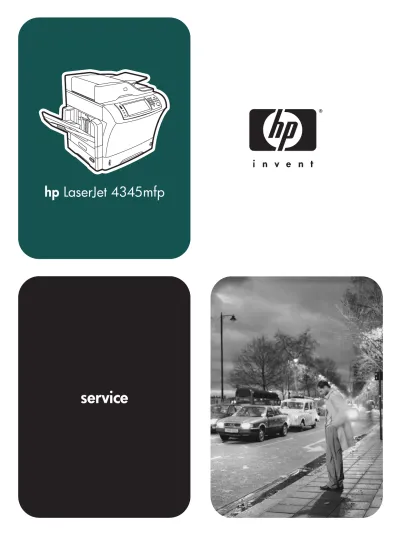
HP LaserJet 4345mfp Series Service Manual, 2004 (P/N Q3942-90950)
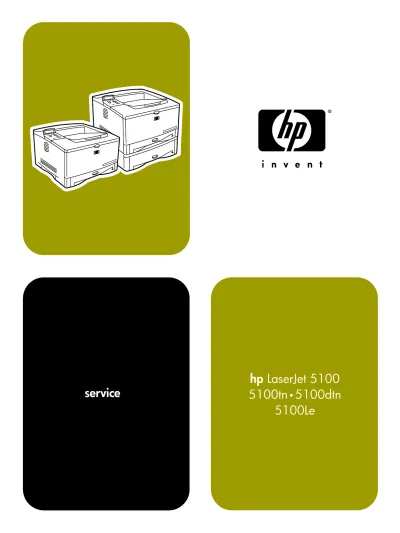
HP LaserJet 5100 Series Service Manual – 2002 (P/N Q1860-90918)
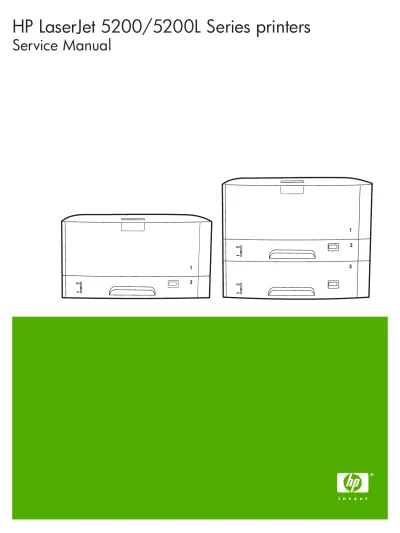
HP LaserJet 5200 / 5200L Service Manual, 2006 (P/N Q7543-90934)
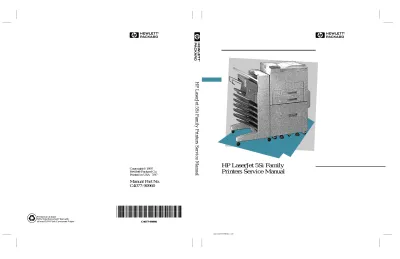
HP LaserJet 5Si / 5Si MX / 5Si Mopier Printer Service Manual – 1997 (P/N C4077-90960)
HP LaserJet 8100/8150 Service Manual, 2000 (P/N C4265-90907)